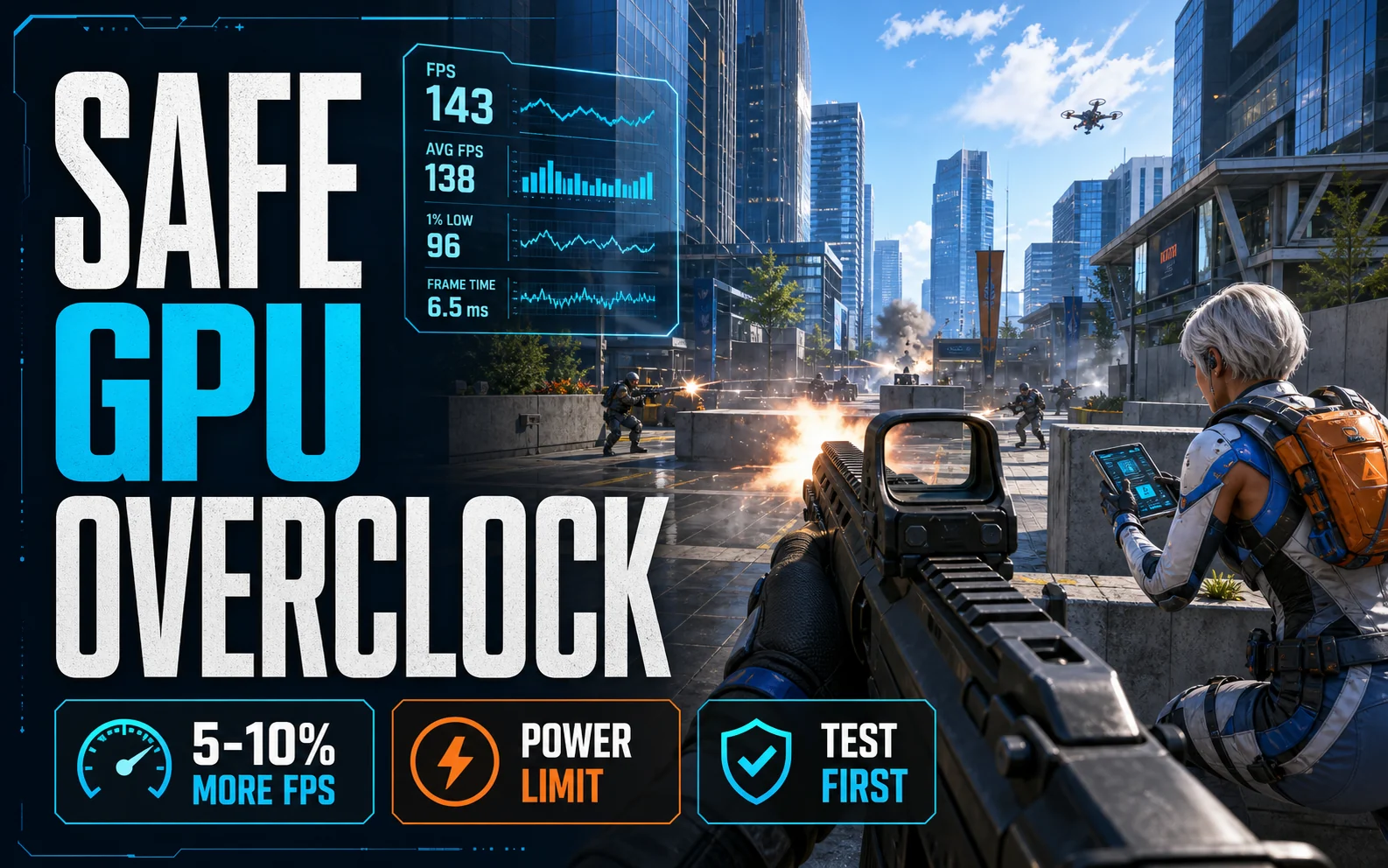
Overclocking is the only genuinely free FPS left — and on budget cards, the gains are real: typically 5–10% from ten minutes of tuning. Modern GPUs make it nearly impossible to cause damage (they throttle or crash long before harm), so the actual risk is a game crash while you find the limit. Here’s the safe, boring, effective method.
What you need
MSI Afterburner (free, works on any brand’s card — Nvidia, AMD, or Intel), a stress test (the built-in benchmark of any heavy game works; 3DMark or Unigine Heaven if you want a dedicated tool), and 30 minutes. Update your drivers first — our driver update guide covers the clean-install method.
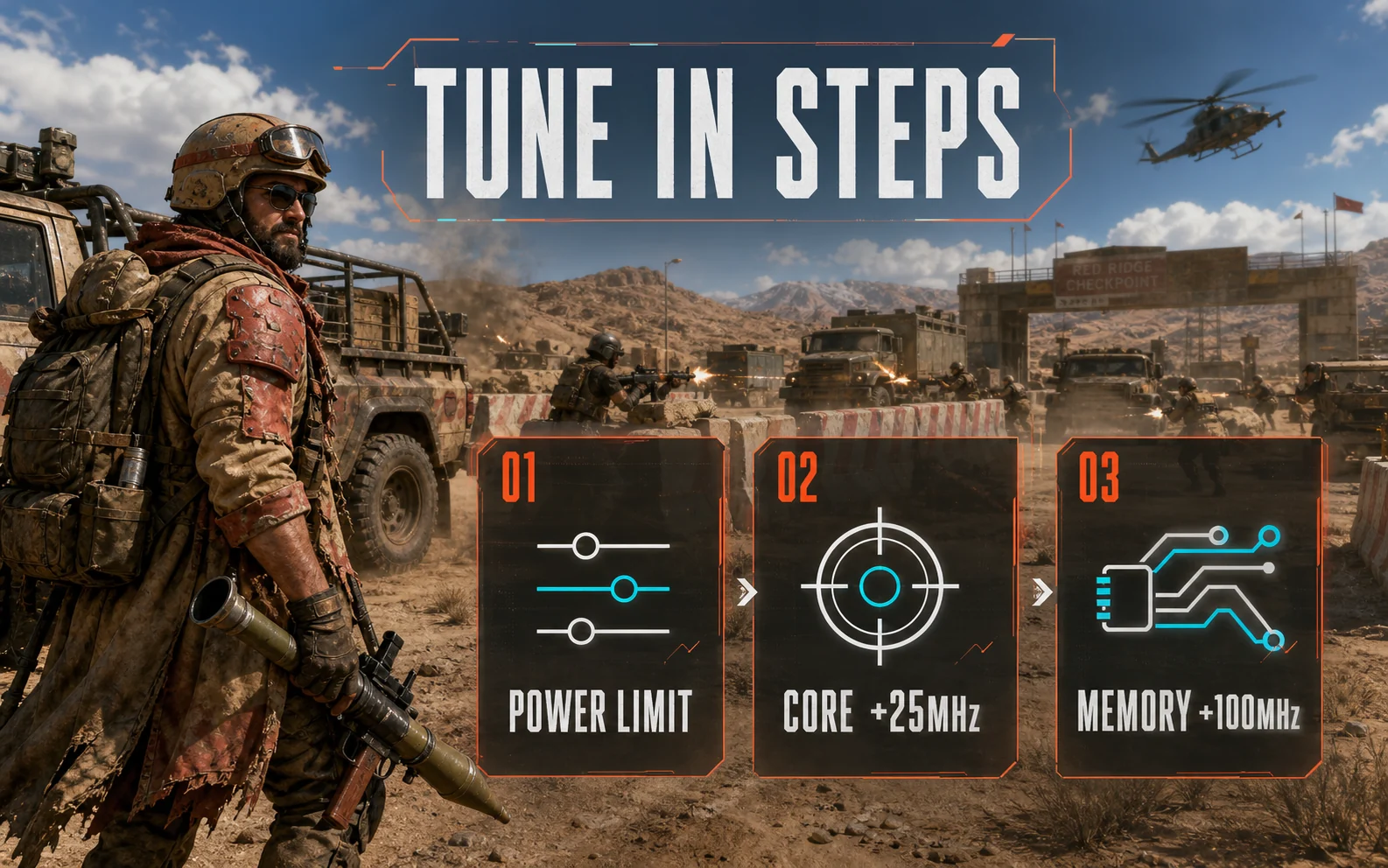
Step 1: Raise the power limit
In Afterburner, drag the Power Limit slider to its maximum (and Temp Limit if unlinked). This isn’t overclocking yet — it just lets the card boost as high as its stock algorithm allows. On power-starved budget cards this step alone is worth a few percent.
Step 2: Overclock the core, in small steps
Add +50MHz to Core Clock, apply, and run your stress test for 10 minutes. No crashes or artifacts (flickering textures, black squares, driver resets)? Add another +25MHz and repeat. When it crashes — and it will, harmlessly — back off 25–50MHz from the failure point. Most budget cards land between +100 and +200MHz.
Step 3: Overclock the memory
Same process, bigger steps: +100MHz at a time on Memory Clock. VRAM overclocks help most at the settings budget builders actually use — high textures at 1080p/1440p. Watch for a subtle failure mode: FPS going down as you push higher means error correction is kicking in; back off to the point where performance peaked. Typical range: +500 to +1000MHz.
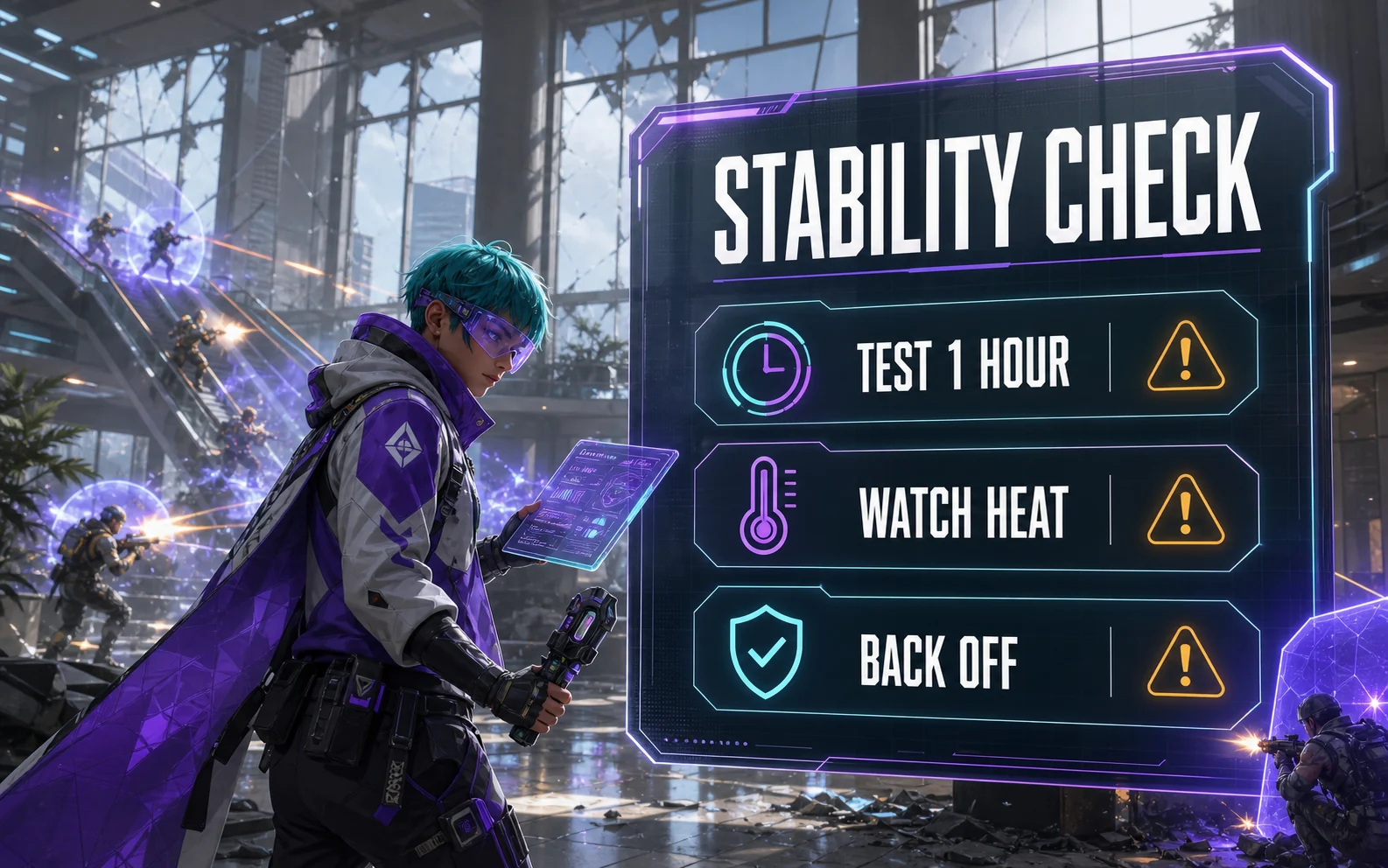
Step 4: Test like you mean it
A 10-minute benchmark loop isn’t proof. Play your heaviest game for an hour — Cyberpunk with our budget settings is a great torture test. If it survives an evening, save the profile in Afterburner and set it to apply at startup.
What to expect, honestly
5–10% more FPS on most budget cards — roughly the gap between the RTX 4060 and a stock RTX 5060’s little brother, for free. It won’t turn a 1080p card into a 1440p card. Pair it with our free FPS boosters and Windows 11 optimization guide and the stack of free gains gets meaningful.
When NOT to overclock
Skip it on: prebuilts with marginal no-name PSUs (the power limit bump raises draw — see the PSU corner prebuilts cut), cards already running hot (85°C+ under load — fix airflow first), and used cards you haven’t verified yet (test at stock first, so you know what you bought).
FAQ
Is overclocking a GPU safe?
Yes, with modern cards: built-in limits throttle or crash the driver long before hardware damage. The realistic worst case is a game crash during testing. Warranty terms technically vary, but software overclocking via Afterburner leaves no trace after a driver reset.
How much FPS does GPU overclocking add?
Typically 5–10% on budget cards: a +100–200MHz core and +500–1000MHz memory overclock is the common landing zone. Cards that are power-limited gain the most from the power slider alone.
Does overclocking void the warranty?
Software overclocking is generally undetectable and most manufacturers tolerate it; flashing a modified BIOS is a different story and does void coverage. When in doubt, stay in Afterburner.