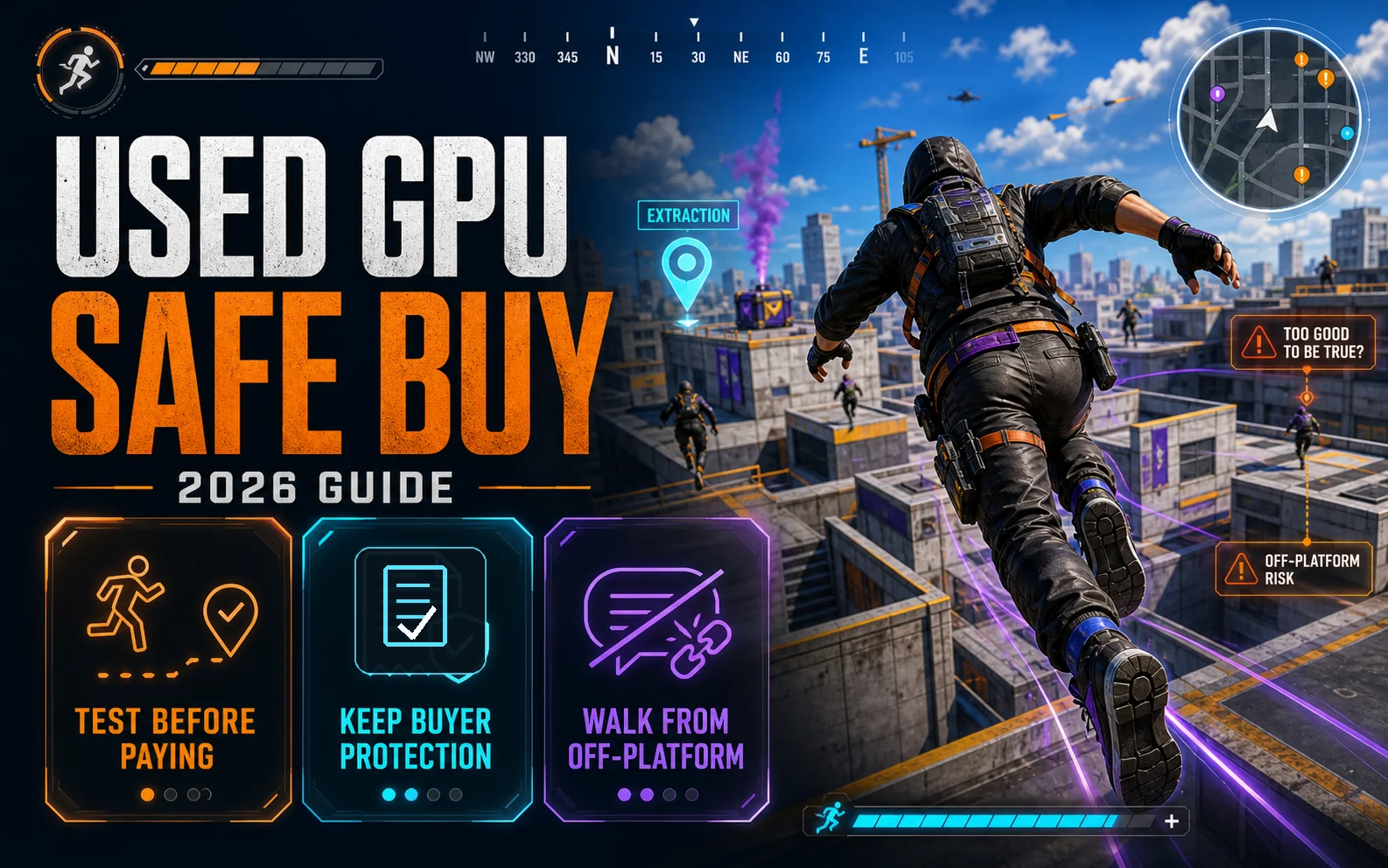
Knowing how to buy a used GPU has gone from optional to essential for budget builders in 2026. The used market isn’t a side option anymore — it’s the playground. New GPUs at the $200-$300 tier are stuck in awkward territory — too little VRAM, too little uplift over what launched three years ago — while last-gen and ex-mining cards are sitting on shelves and Marketplace listings at prices that actually make sense. The catch: scammers have caught up. The “send me PayPal F&F for a 3080” tricks of 2021 evolved into convincing listings, doctored photos, and cards that pass a five-minute test but die in week three. This is how to buy used GPU safely without burning your build money.
How to Buy a Used GPU: The Platforms Ranked by Safety
Not every platform deserves your money. The amount of protection you get varies wildly, and that protection is what stands between you and a $200 paperweight.
Microcenter Open-Box and r/hardwareswap
Microcenter’s open-box GPUs come with a real return window and were tested by an actual human before being put back on the shelf. Prices are usually only $20-40 below new, but for a card with warranty? That’s the cleanest deal in this whole guide. On r/hardwareswap, sort sellers by confirmed trade count and account age. Anyone under 20 confirmed trades isn’t worth the gamble at GPU prices. Mods enforce rules tightly, and PayPal Goods & Services is standard.
eBay With Buyer Protection
eBay catches a lot of hate, but its dispute process actually works if you document everything. Pay with PayPal or eBay’s own checkout — never accept “I’ll send you my email, just pay direct” requests. Filter to sellers with 99%+ feedback and over 100 reviews. If the card arrives DOA or doesn’t match the listing, open a case within the buyer protection window. You’ll usually get refunded.
Facebook Marketplace (Local Only)
The cheapest prices live here, and so do the most ambitious scammers. Rule one: meet local, never ship. Rule two: meet at a police station parking lot — most departments have designated “safe exchange” zones with cameras. Rule three: bring a laptop and test the card before money changes hands. Anyone who pushes back on testing is hiding something.
AliExpress, OfferUp, Craigslist
Buyer beware territory. AliExpress sells suspiciously cheap “RTX 3060s” that turn out to be rebranded GTX 1050s with reflashed VBIOS. OfferUp and Craigslist have almost zero recourse if a deal goes bad. You can find legit sellers here, but the risk premium is steep.
Hard Avoids
- Random Discord or Telegram ads — no platform, no recourse
- “Too good to be true” deals (an RTX 4070 for $200 is a scam, always)
- Sellers who push to move conversation off-platform to DMs or text
- Anyone asking for crypto, gift cards, or wire transfer
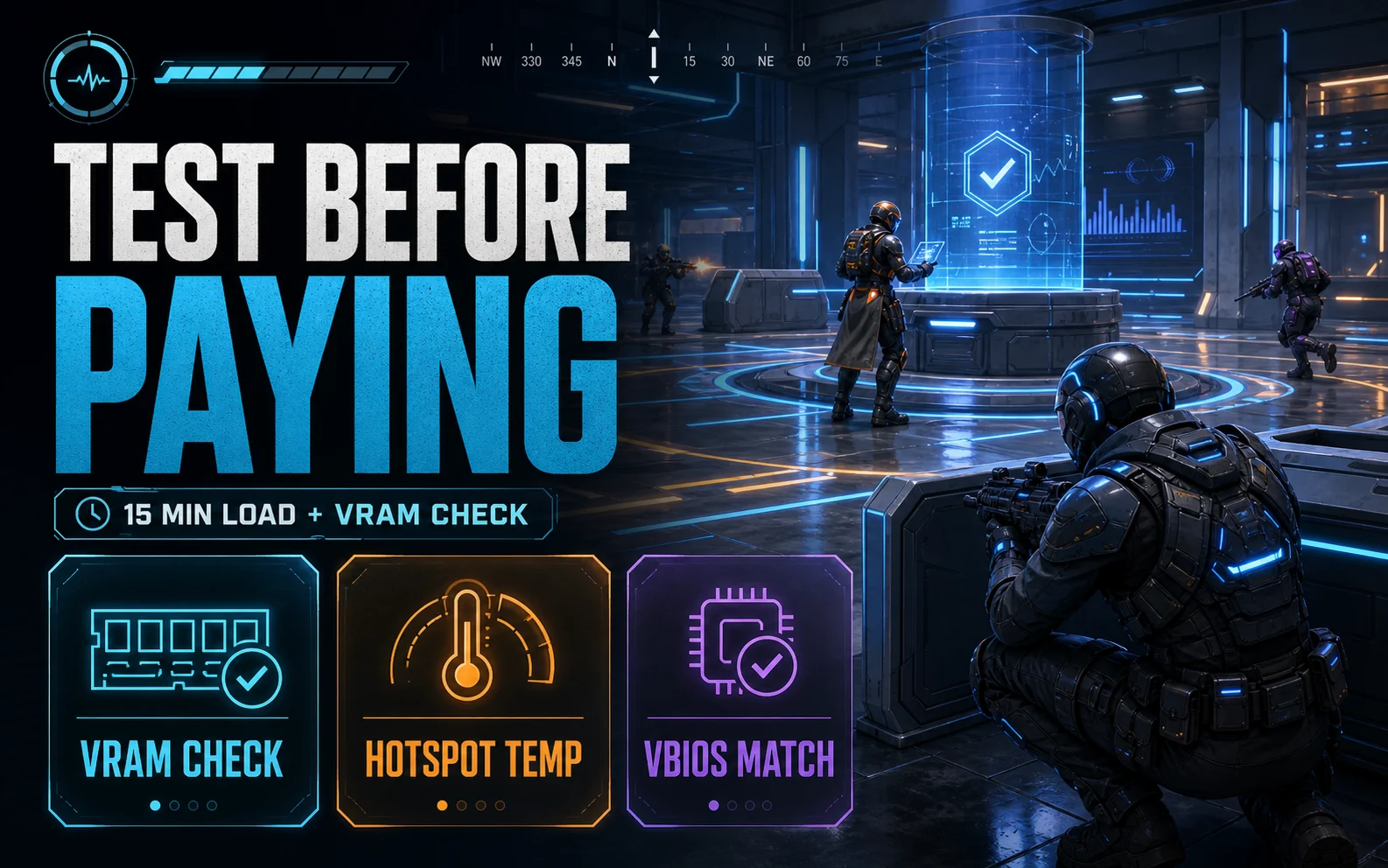
What to Inspect Before Money Changes Hands
Most used GPU problems aren’t visible in listing photos. That’s by design. Here’s the checklist that separates a working card from a future RMA nightmare.
Cosmetic Tells
- Backplate dents — usually fine cosmetically, but big impacts can mean PCB stress
- Missing screws or stripped heads — someone has been inside, probably for repaste or repair
- Bent heatsink fins — usually fixable, but indicates rough handling
- Tampered warranty stickers — voids any remaining coverage automatically
- Dust patterns — heavy dust in one direction often points to long mining duty in a horizontal rig
The “Proof of Possession” Photo
Before you commit, ask the seller to send a current photo of the card with your username (or today’s date) handwritten on paper sitting next to it. Real sellers do this in two minutes without complaint. Scammers using stock photos will go silent, change the subject, or send a blurry image with a suspicious crop.
Stress Testing In Person
If the deal is local, bring a laptop with these tools pre-installed and ask to plug the card into a test bench (or have the seller demo it on their system):
FurMarkorUnigine Heaven— 15 minutes of sustained load reveals throttling, artifacts, fan failuresOCCTwith the VRAM error check enabled — finds bad memory chips that pass normal gaming for hoursMemTestG80— a deeper VRAM test if you suspect issuesHWInfo64— watch fan RPM, hotspot temp, and memory junction temp under loadGPU-Z— verify VBIOS version and date; weird VBIOS dates suggest a reflash, often a mining flag
Bad VRAM is the single most common hidden issue on used cards, and it usually only shows up in specific games or at certain memory clocks. A proper VRAM test catches it before you do.
Reading the Ex-Mining Card Tea Leaves
Half the used GPU market between 2020 and 2023 ran ETH at some point. Sellers know this hurts resale, so listings have evolved to hide it. Watch for these signals.
Red Flags
- “Used for office work” claims paired with photos showing heavy wear or directional dust
- Reflashed VBIOS with dates that don’t match the card’s manufacture period
- An exterior that’s been wiped suspiciously clean (fresh cloth marks) but reported heavy hours
- Asking price significantly under market average — that’s bait to move volume before buyers ask questions
- Seller has a stack of identical cards listed (classic ex-farm liquidation)
The Honest Truth About Mining Cards
Here’s the unpopular take: most ex-mining GPUs actually perform fine. Mining is a steady, undervolted, low-temperature workload — far gentler than gaming spikes. The real damage is to thermal pads and paste, which degrade after thousands of hours at any temperature. Fans also wear out from constant duty cycles. Budget $15-20 for quality thermal paste (Kryonaut, MX-6) and pads (Gelid Extreme, Thermalright Odyssey) and plan to repaste any card with over a year of heavy use. After that work, an ex-mining 6700 XT often outperforms a “lightly gamed” one with crusty original paste.
Sanity-Checking the Price
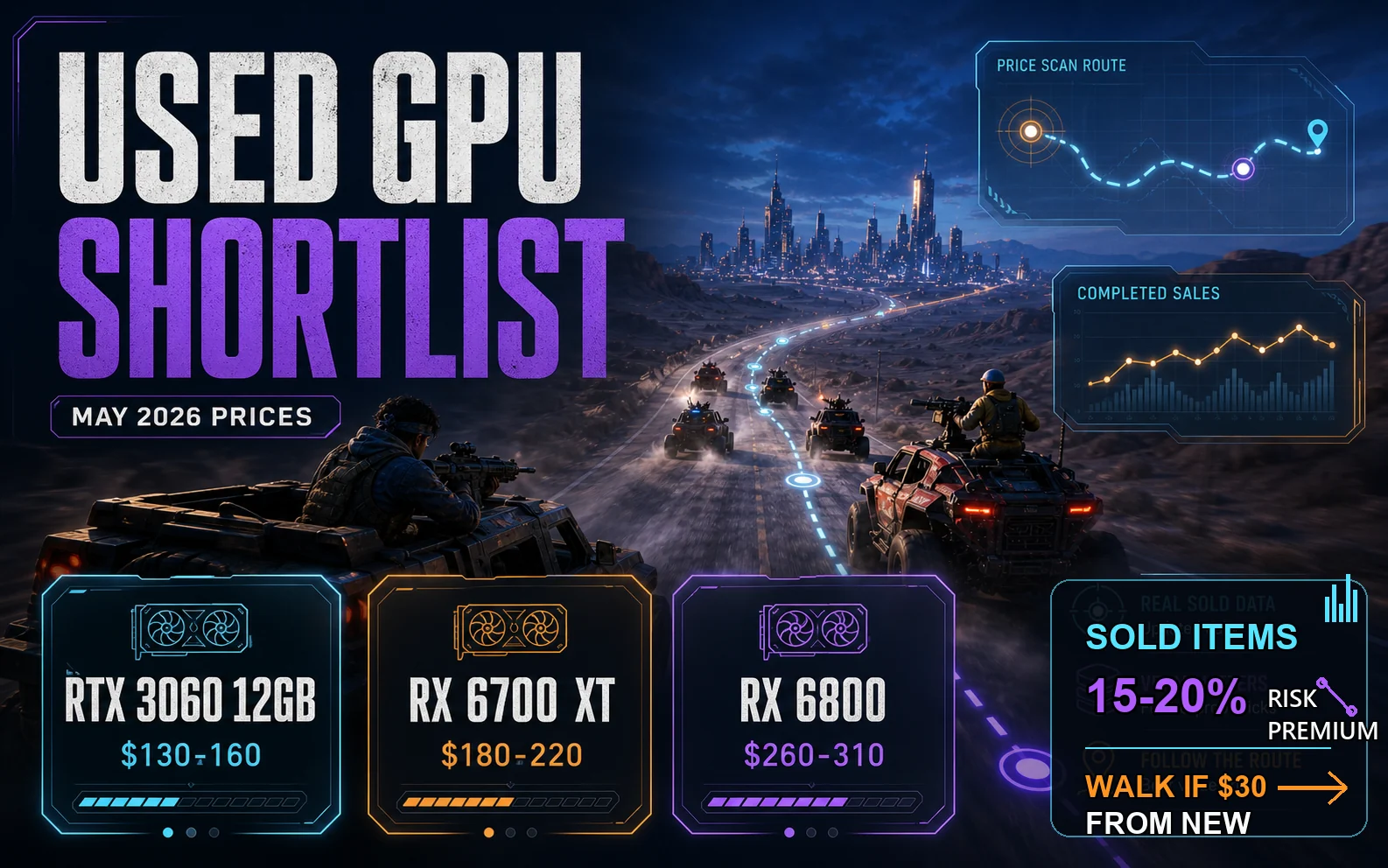
Listing prices are aspirational. Completed sale prices are reality. On eBay, filter to “Sold Items” — not active listings — to see what cards are actually trading for in the last 30 days. Then subtract a 15-20% risk premium from the new card price to find your fair used target. If a used card is asking within $30 of a brand-new equivalent with full warranty, walk. The math doesn’t work.
Warranty Reality Check
Don’t assume warranty transfers. Most don’t.
- EVGA — RIP, no new GPU warranties at all anymore, but their older cards were transferable with original receipt
- ASUS, MSI, Gigabyte — generally original-owner-only; verify with the manufacturer using the serial before buying
- Some PNY and Zotac SKUs — occasionally transferable
Always ask the seller for the original receipt or proof of purchase. No receipt means no warranty, full stop. Price the card accordingly.
Scam Patterns Worth Memorizing
The Off-Platform Pitch
“Hey, let’s finish this on Telegram, eBay takes a fee” — translation: “I want to scam you somewhere with zero recourse.” Stay on-platform until the card is in your hands and tested.
The Stock Photo Listing
Listing uses a manufacturer press photo. Always ask for real photos from multiple angles, ideally with the seller’s hand or paper-with-date in frame. Refusal is the answer.
The “For Parts” Bait-and-Switch
Card listed as “for parts or not working” but described in the text as “tested and working perfectly.” This is a setup for an eBay dispute defense — the seller will point at the “for parts” label if you complain. Skip these.
The Video Call Refusal
For higher-value cards ($300+), ask the seller to hop on a video call and show the card running. Anyone who refuses is hiding something — usually that they don’t actually have the card.
What’s Actually Worth Buying Used Right Now
Used market pricing as of May 2026, based on completed eBay sales and r/hardwareswap trends:
- RTX 3060 12GB — $130-160: Still excellent at 1080p, that 12GB buffer ages well, ideal for low-budget builds
- RX 6700 XT — $180-220: Best price-to-performance in the entire used tier; 12GB VRAM, strong 1440p capability
- RTX 3070 — $220-270: Solid 1440p performer if you can live with 8GB VRAM in modern titles
- RX 6800 — $260-310: 16GB of VRAM and near-3080 performance when you find a deal
Skip These
- RX 580 / GTX 1060: Too old now, driver support thinning, VRAM-starved for 2026 games
- Used RTX 4060: Gap to a new card with warranty is too small — not worth the risk premium
- RTX 2060 6GB: 6GB is below the modern floor; performance has aged poorly versus the 3060 12GB
One Last Thing
Even with every box checked — high-rep seller, full inspection, in-person test, fair price — used hardware carries risk. Capacitors fail. Memory modules degrade. A card that ran flawlessly for the seller might develop a fault on your bench under a different power supply or thermal profile. That’s the trade you’re making for the savings. The point of this used GPU buying guide isn’t to eliminate risk; it’s to compress it down to the level where the dollars you save actually outweigh what you stand to lose. Stack the protections, test before paying, and walk away from anything that feels off. The deals are real, but so are the traps.
Further Reading
- r/hardwareswap (verified-seller used hardware marketplace)
- eBay completed listings (real used-market prices)
- GPU-Z (free utility to verify GPU specs and BIOS)