Most budget gaming prebuilts have one problem hiding somewhere in the parts list. It’s almost never the CPU or GPU — those are listed prominently because they sell the machine. It’s usually the power supply, the storage capacity, or the RAM configuration. A $799 prebuilt with an RTX 4060 sounds like a deal until you find out it shipped with a 450W no-name PSU and a single 16GB stick running in single-channel mode. Here’s what to actually check before buying.
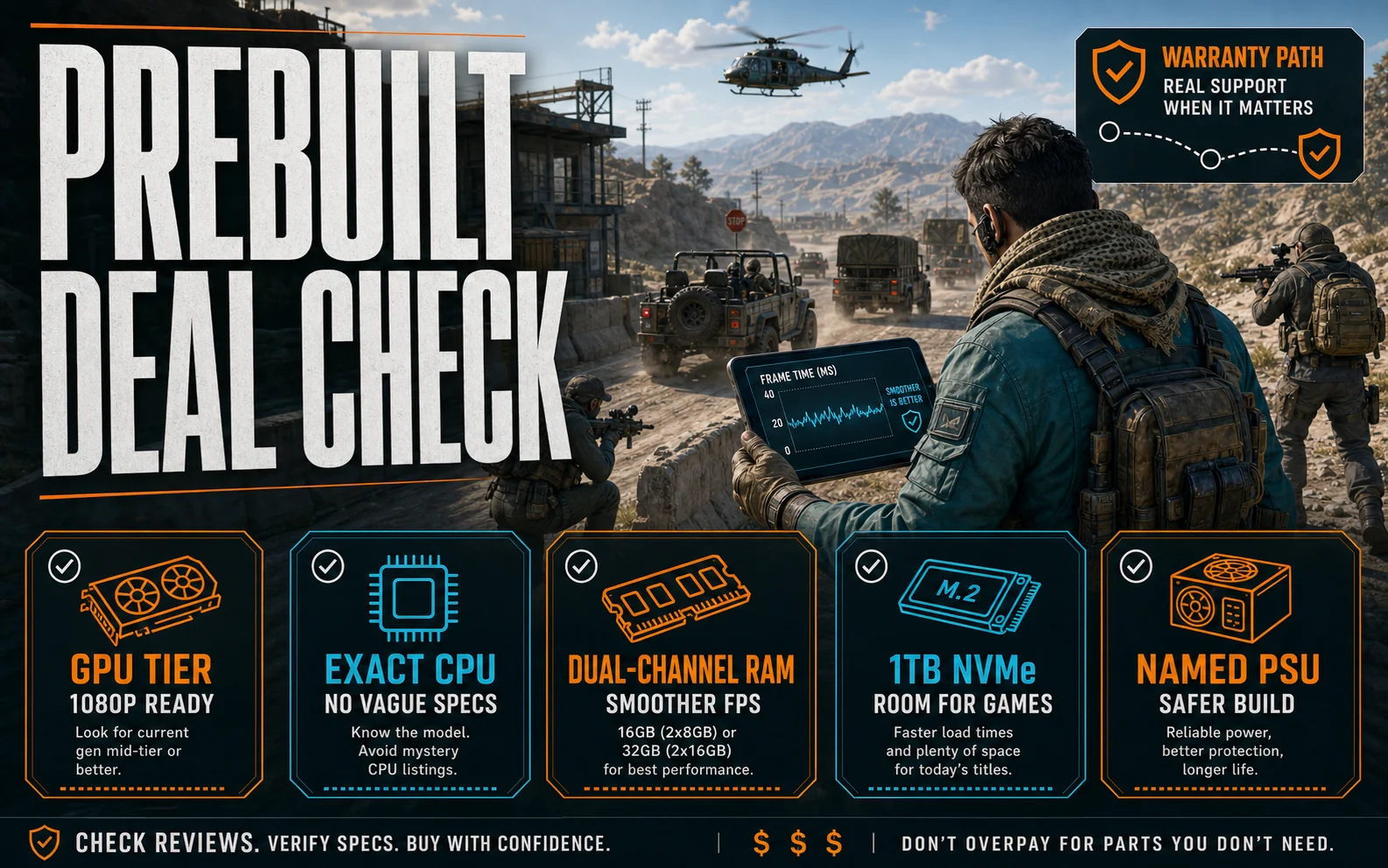
Five things to verify before checkout
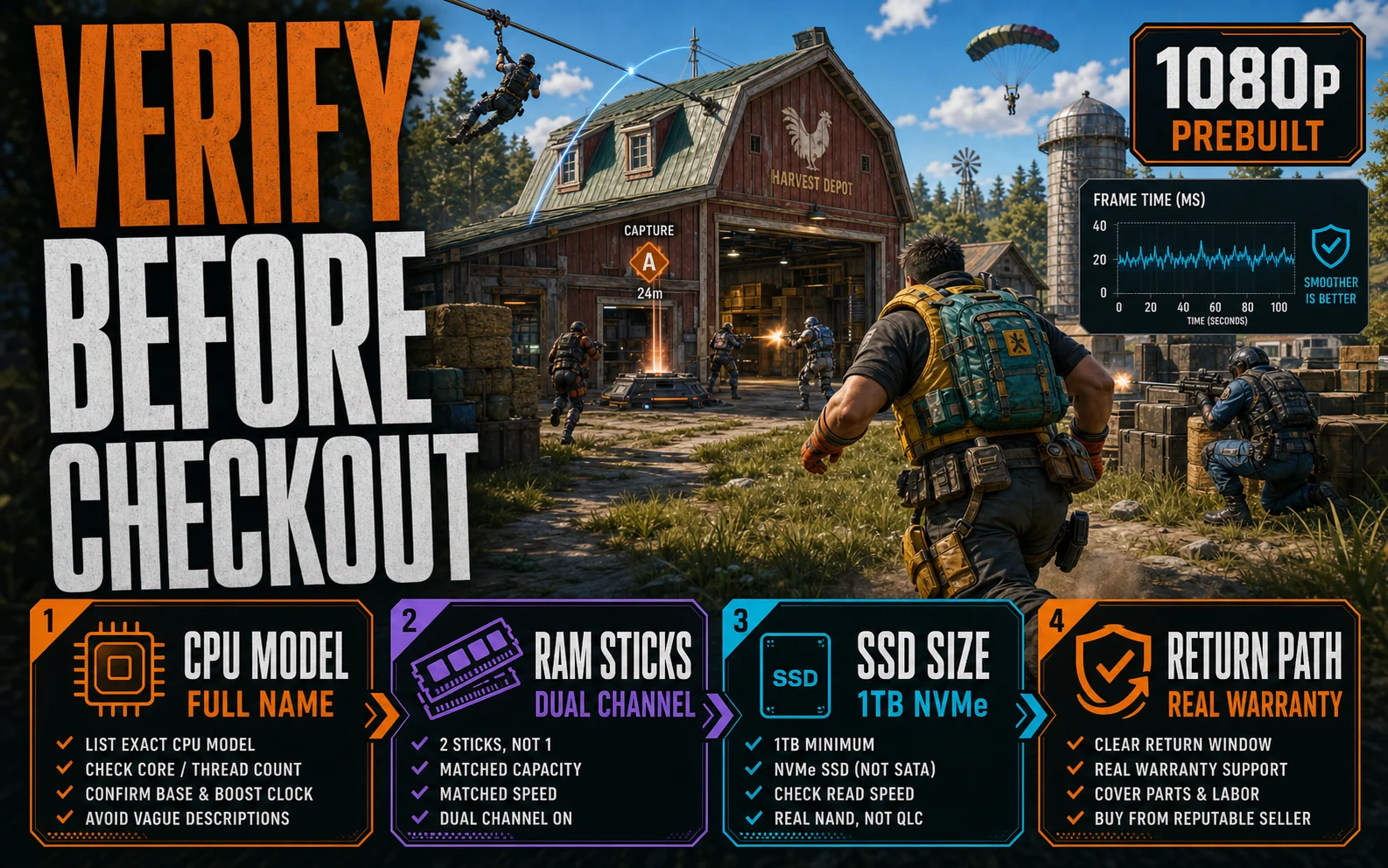
The CPU model, not just the brand. A listing that says “Ryzen 5 5600” or “i5-14400F” is giving you verifiable information. One that says “AMD Ryzen Processor” or “Intel Core i5” with no generation number is hiding something. If you can’t look up the exact chip, the listing isn’t good enough to buy from.
RAM amount and stick count. 16GB is the minimum for gaming in 2026. More importantly: is that 16GB in one stick or two? A single 16GB stick runs in single-channel mode and measurably hurts gaming performance in CPU-sensitive titles. Look for “2x8GB” or “dual channel” in the product description. If it’s not specified, assume the worst and factor in the cost of adding a second stick.
Storage size and type. The listing should name a specific SSD capacity. “1TB NVMe SSD” is acceptable. “Fast SSD storage” without a number is not. Under 500GB means an immediate upgrade is needed — Windows, a launcher, and two or three large games will fill it quickly. Also check whether there’s a second M.2 slot available if you want to add storage later without replacing the existing drive.
The power supply — specifically the brand. This is the one most listings omit. A PSU named with a brand (Corsair, EVGA, Seasonic, be quiet!, Thermaltake) and a wattage rating means the builder was confident enough to put their name on it. An unnamed “650W power supply” means they weren’t. For a build with an RTX 4060 or RX 7600, you need at minimum 550W from a unit with a recognizable brand. An undersized or low-quality PSU is the failure mode that takes other components down with it.
Who is actually selling it. iBUYPOWER, Skytech, and CyberPowerPC selling from their own Amazon storefront is a different product than a third-party marketplace seller with 30-day returns and no brand recognition. The former has a warranty department and an address. The latter has a return window.
Price reality in 2026
A legitimate budget gaming prebuilt — RTX 4060 or RX 7600, named CPU, 16GB DDR4, 1TB SSD, named PSU — costs $799–$899 from a reputable seller. Anything under $750 with those specs is either on sale, using last-generation components, or has something missing in the parts list.
The $600–$699 prebuilt range exists and it’s almost always a compromise. At that price something significant is usually missing — the GPU is a GTX 1650 or RTX 3050, the storage is 500GB, or the PSU is unnamed and undersized. Those machines handle light gaming, but they’re not the RTX 4060-tier experience the marketing implies.
Prebuilt brands worth looking at
iBUYPOWER and Skytech have the most consistent parts quality in the budget prebuilt tier. Both name their components, both have real return paths, and both have a long enough track record to check model-specific reviews. CyberPowerPC is competitive but has more PSU variation across models — always verify the PSU spec on any CyberPowerPC listing before committing.
Avoid generic brand names on Amazon marketplace, listings where the specs table contradicts the title (this happens more than it should), and any seller whose return policy is seller-only with no manufacturer warranty path.
Prebuilt vs self-build at this budget
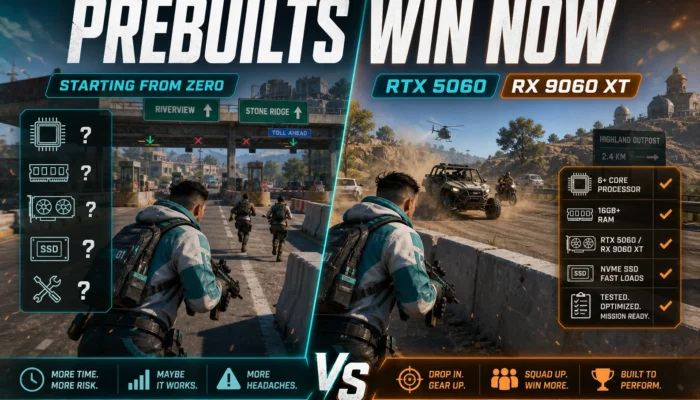
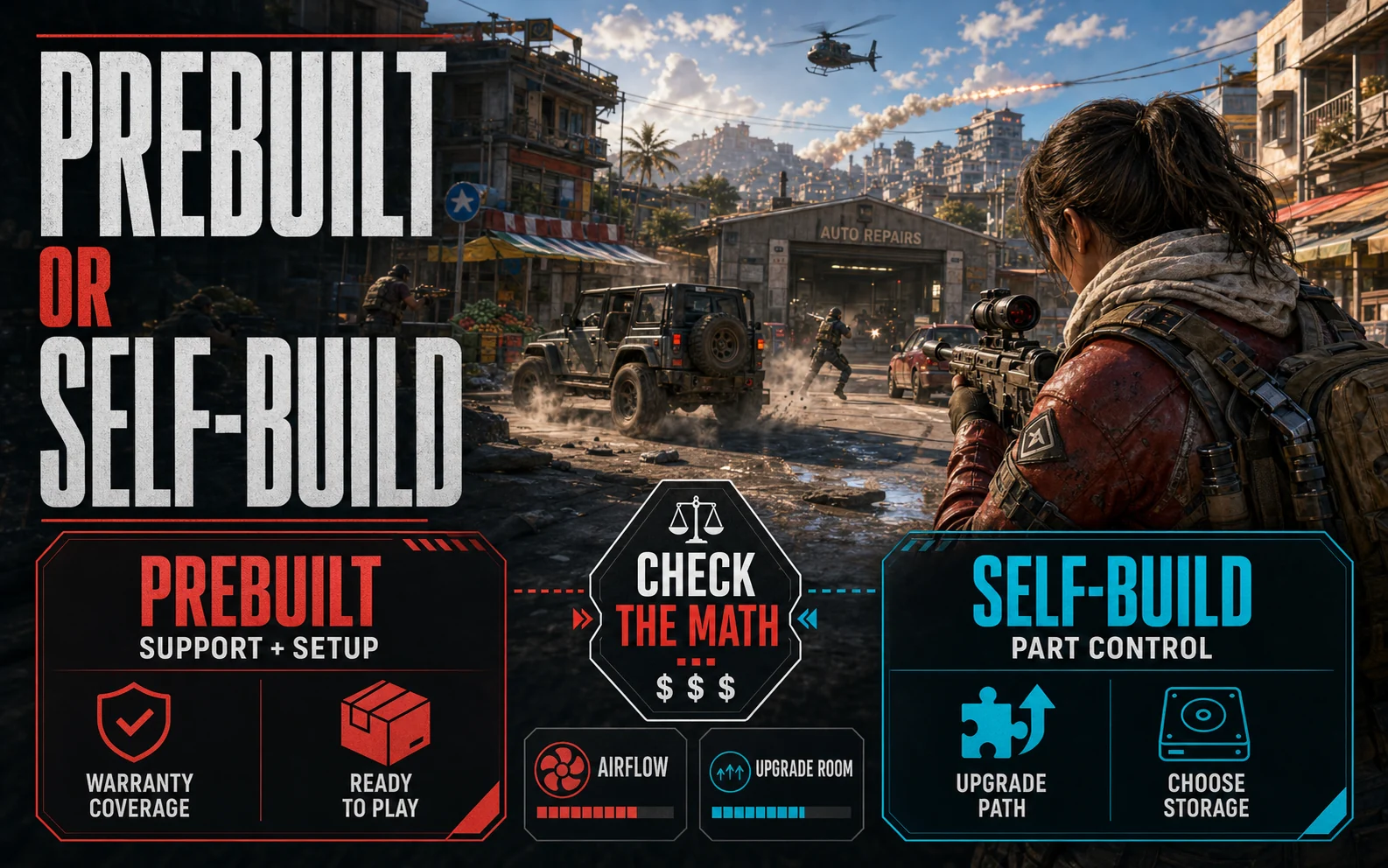
A self-build with equivalent components to an $849 prebuilt typically costs $680–$730 in parts. The $120–$170 premium on the prebuilt pays for assembly, OS installation, and a single point of contact if something goes wrong. That’s a fair trade if you’ve never built a PC. If you’re comfortable with a screwdriver and a parts list, that money goes back into a better GPU or extra storage. Run a quick comparison at PCPartPicker against whatever prebuilt you’re looking at before deciding — sometimes the prebuilt is on sale and the math flips.