Dialing in the right Cyberpunk 2077 settings is the difference between a slideshow and a smooth 60+ FPS on a budget GPU. Night City still humbles cheap cards — but most of the frames you’re losing go to two or three options you won’t even notice in motion. Below are the best Cyberpunk 2077 settings for budget hardware, mapped to the RTX 4060, RTX 3060, RX 7600 and Arc B580 at 1080p.
Why Cyberpunk 2077 Punishes Budget GPUs
Night City is dense: volumetric fog, screen-space reflections on every wet street, thick crowds, and a lighting system built to show off ray tracing. On a budget GPU the killers are almost always the same handful of options. Turn the right ones down and the image barely changes while your frame rate jumps 30–50%.
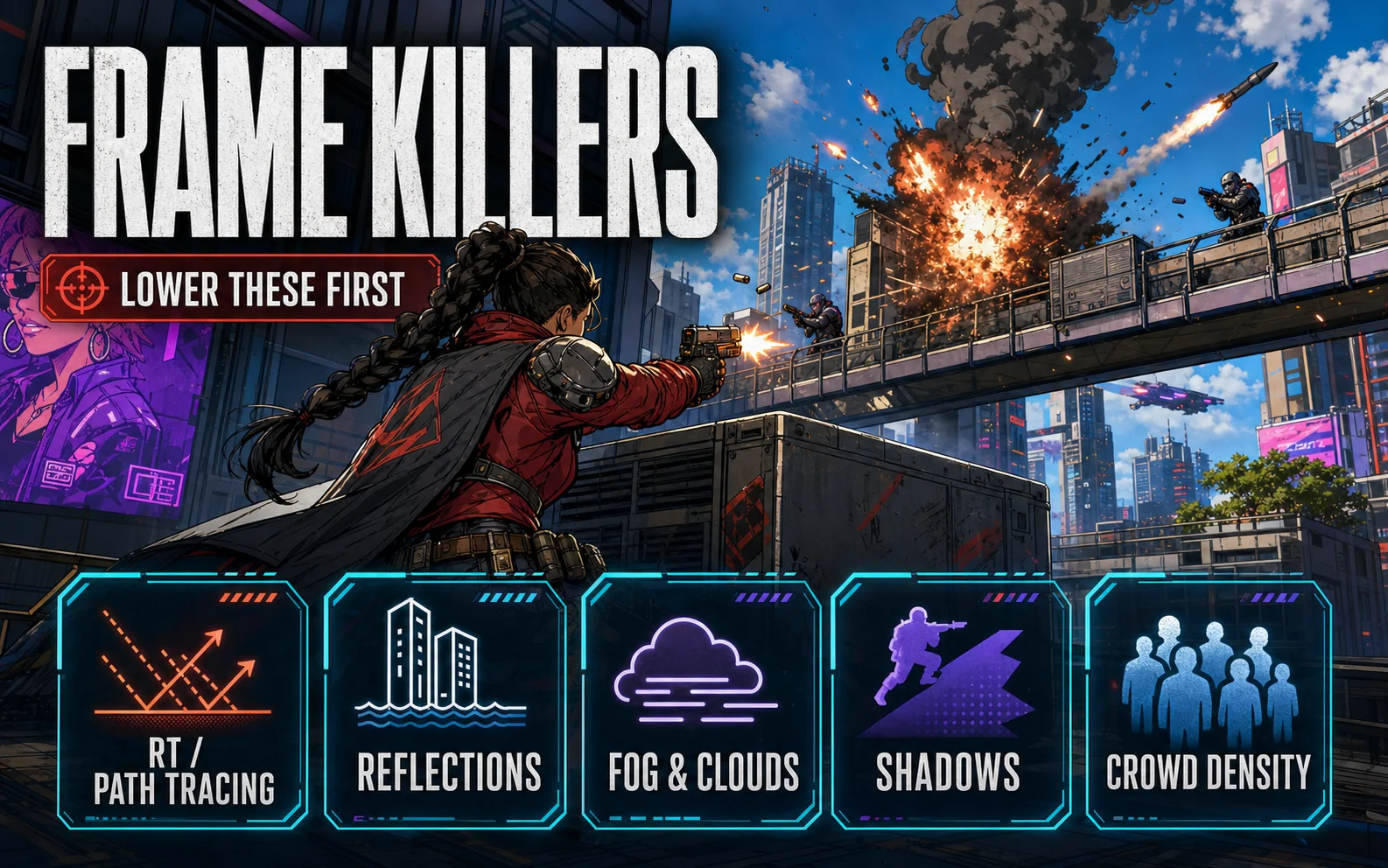
The Five Settings That Actually Cost You Frames
- Ray Tracing / Path Tracing — the single biggest hit. On budget cards, leave RT off (more on path tracing below).
- Screen Space Reflections Quality — drop from Ultra/Psycho to Medium. Huge cost, tiny visual difference at 1080p.
- Volumetric Fog & Cloud Quality — set both to Medium. Ultra volumetrics are a frame-rate tax you won’t see while driving.
- Cascaded Shadows Resolution / Distant Shadows — Medium is the sweet spot.
- Crowd Density — this one is CPU-bound. On a budget CPU, set it to Medium to smooth out the stutter in busy markets.
Leave textures as high as your VRAM allows. On 8GB cards (RTX 4060, RX 7600), High textures at 1080p are safe; Ultra can tip you over budget in dense areas.
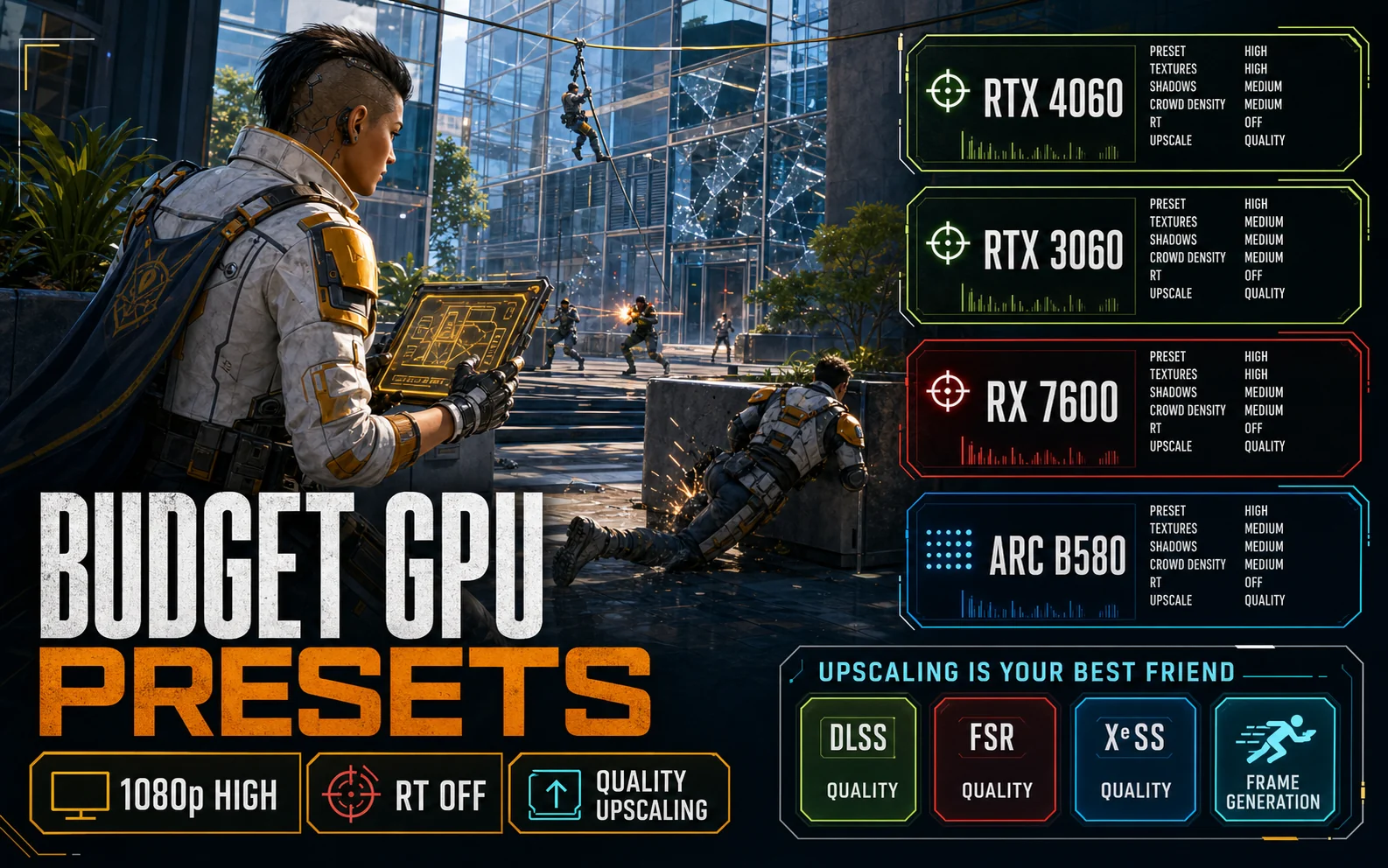
Recommended Cyberpunk 2077 Settings by Budget GPU
These Cyberpunk 2077 settings target 1080p on a balanced CPU. Treat the frame numbers as realistic ballparks, not promises — your exact result shifts with your CPU, RAM speed, and where you are in the city.
| GPU | Preset & Resolution | Upscaling | What to Expect |
|---|---|---|---|
| RTX 4060 (8GB) | 1080p High, RT Off | DLSS Quality + Frame Gen | ~70–100 FPS, very smooth |
| RTX 3060 (12GB) | 1080p High, RT Off | DLSS Quality | ~60–75 FPS |
| RX 7600 (8GB) | 1080p High, RT Off | FSR 3 Quality + Frame Gen | ~65–90 FPS |
| Arc B580 (12GB) | 1080p High, RT Off | XeSS Quality | ~60–80 FPS |
Picking a card for exactly this kind of game? Our budget 1080p GPU comparison breaks down the 4060, RX 7600 and B580 head-to-head, and we cover whether the RTX 3060 still holds up in 2026.
Upscaling Is Your Best Friend (and Frame Gen Is the Cheat Code)
At 1080p, set upscaling to Quality — it renders at roughly 1440p-internal sharpness while doing the work of a lower resolution. Match the tech to your card:
- Nvidia (4060/3060): DLSS Quality. It’s the cleanest of the three.
- AMD (RX 7600): FSR 3 Quality — and turn on FSR 3 Frame Generation for a big smoothness boost.
- Intel (Arc B580): XeSS Quality, which looks notably better on Arc than on other brands.
Frame Generation is the budget cheat code: the RTX 4060 (DLSS 3) and RX 7600 (FSR 3) can both roughly double their perceived frame rate. Use it once your base frame rate is already above ~45 FPS — below that it can feel laggy.
Skip Path Tracing — Here’s What to Run Instead
Path tracing looks incredible and will bring every card on this list to its knees. Don’t bother. You get 90% of the “next-gen” look for free by keeping screen-space reflections on Medium and leaving the in-game color/contrast on the default film settings. Save path tracing for your next upgrade.
Copy-Paste Settings for 1080p 60+ FPS
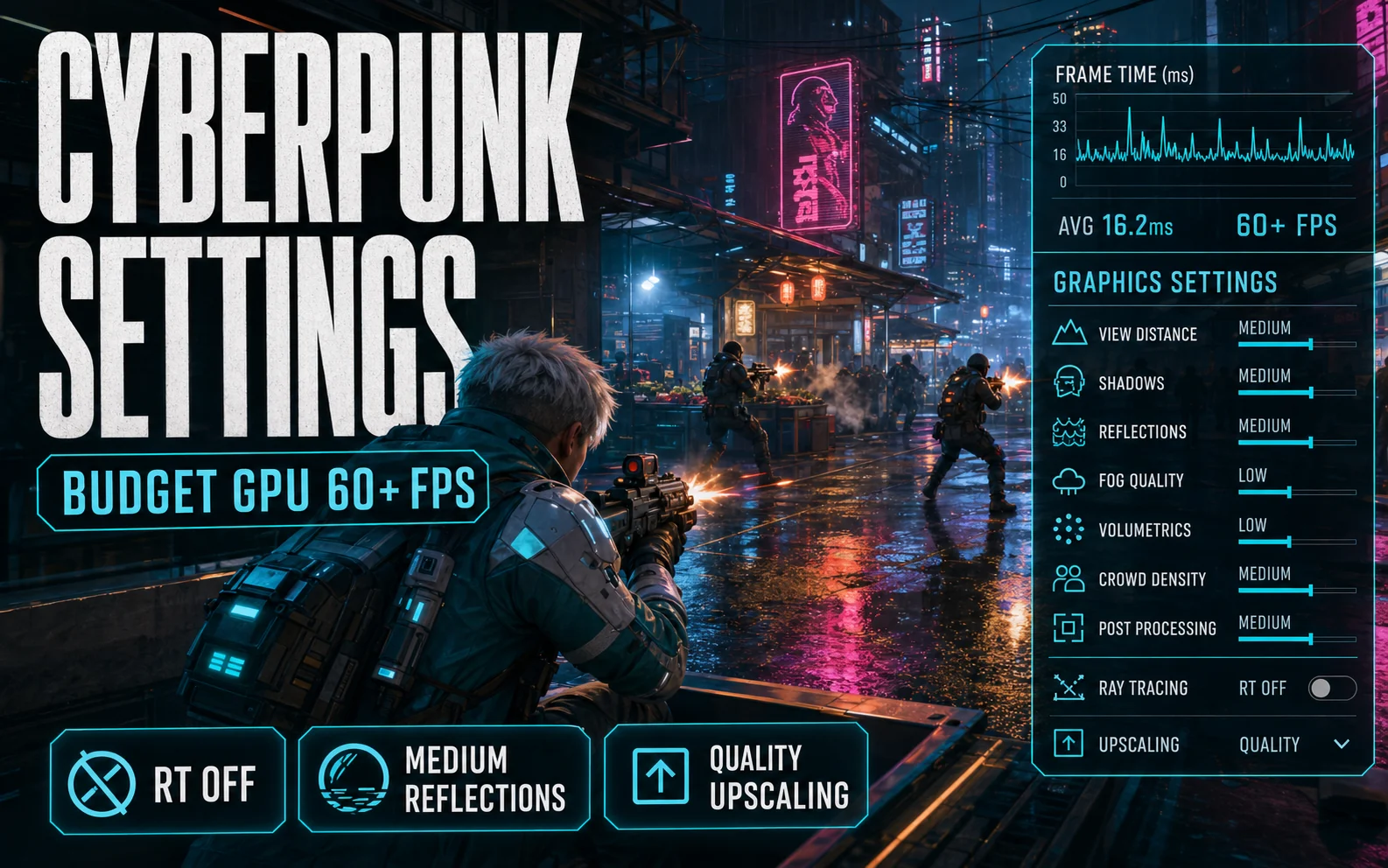
Here’s the full Cyberpunk 2077 settings checklist for a locked 60+ FPS at 1080p — copy it straight into the in-game menu:
- Resolution: 1920×1080 · Upscaling: Quality (DLSS/FSR 3/XeSS to match your GPU)
- Ray Tracing: Off · Path Tracing: Off
- Screen Space Reflections: Medium
- Volumetric Fog / Clouds: Medium
- Cascaded & Distant Shadows: Medium
- Crowd Density: Medium · Textures: High
- Frame Generation: On (RTX 4060 & RX 7600)
Before you even open the graphics menu, squeeze out the easy wins at the system level: our guides on optimizing Windows 11 for gaming and the best free FPS boosters for low-end PCs are worth ten minutes.
Our Take
Cyberpunk 2077 isn’t a card-killer anymore — it’s a settings test. The best Cyberpunk 2077 settings for budget hardware keep ray tracing off, drop reflections, volumetrics and shadows to Medium, run upscaling at Quality, and flip on Frame Generation if your card supports it. A current budget GPU like the RTX 4060 or an Arc B580 will run Night City at a locked, good-looking 60+ without you spending another cent.
FAQ
Can the RTX 4060 run Cyberpunk 2077 at 1080p?
Yes, comfortably. At 1080p High with ray tracing off, DLSS Quality, and Frame Generation on, the RTX 4060 holds well above 60 FPS — often 80–100.
Should I turn on ray tracing on a budget GPU?
Generally no. RT is the most expensive setting in the game. On 8GB budget cards you’ll lose far more frames than the visual gain is worth at 1080p.
Does DLSS or FSR hurt image quality?
On the Quality preset at 1080p the difference is minimal, and many players find DLSS Quality actually looks sharper than native thanks to better anti-aliasing.