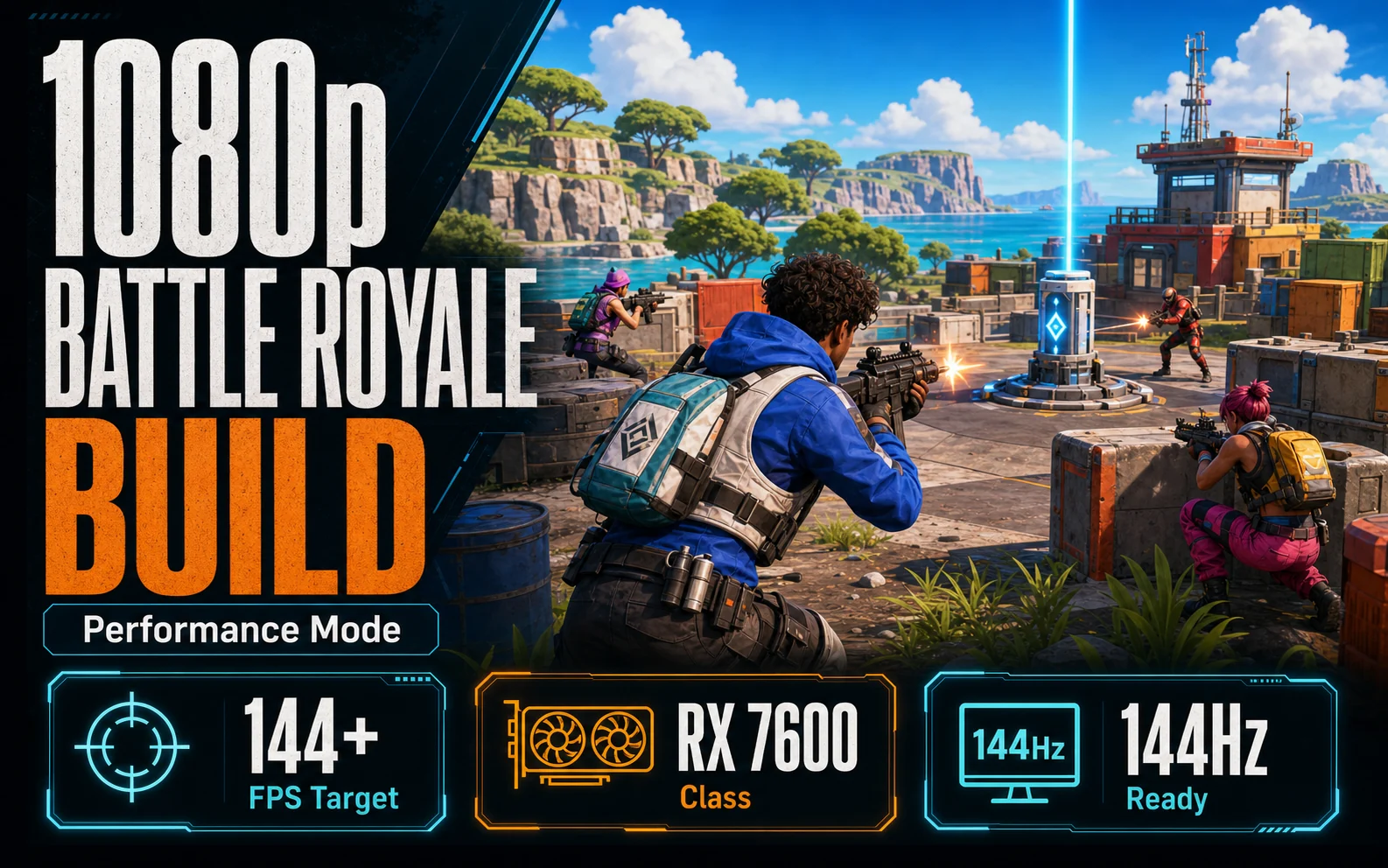
Fortnite is not a demanding game by GPU standards. A mid-range card from several years ago can run it at high settings without breaking a sweat. What it actually rewards is high framerates — the game plays meaningfully better at 144fps than at 60, and it has tools built in that help budget hardware get there without spending on a $400 GPU. Here’s how to build specifically for that experience.
Performance Mode is the competitive player’s secret weapon
Fortnite’s Performance Mode (DirectX 11) trades texture quality for a significant reduction in GPU load, unlocking framerates that aren’t achievable at equivalent visual settings in DX12. On an RX 7600 or RTX 4060 at 1080p, Performance Mode comfortably pushes above 144fps in most match scenarios. This is the mode competitive players use — it’s not a compromise, it’s the correct setting for high-refresh gaming on mid-range hardware.
What this means practically: you don’t need a $400 GPU for Fortnite to feel smooth on a 144Hz monitor. You need a card that sustains high frames at medium settings, a CPU that keeps up, and a monitor with a high enough refresh rate to actually show the difference. The build gets significantly cheaper once you understand which of those three things matters most.
GPU — the RX 7600 is the right call here
The RX 7600 at $199–$219 is the correct GPU for a budget Fortnite build. In Performance Mode at 1080p it runs Fortnite well above 144fps in most scenarios, handles the visual settings competitive players actually use, and has headroom to run Epic quality settings in casual modes without issue.
The RTX 4060 at $259–$289 is a step up, but for Fortnite specifically the premium doesn’t pay off the same way it does in other games. Competitive Fortnite players largely ignore ray tracing. It trades valuable FPS for visual effects that don’t help you spot enemies. DLSS 3 Frame Generation is available in Fortnite. However, it isn’t necessary when the RX 7600 already clears 144fps in Performance Mode. The extra $60–$70 is better spent on a higher-refresh monitor or put back in your pocket.
CPU — the Ryzen 5 5600 covers everything this build needs
Fortnite gets noticeably CPU-dependent at very high framerates — above 200fps on a fast GPU, the processor starts to matter more. At 144fps on an RX 7600, a Ryzen 5 5600 handles the game cleanly without being a bottleneck. Six well-clocked cores is enough for what this build is targeting.
The full AM4 platform: Ryzen 5 5600 ($119–$145) with the boxed cooler included, a B550 motherboard ($75–$95), and 16GB DDR4 in two sticks ($35–$45). Platform total: around $230–$285. That leaves the majority of the budget for the GPU, storage, and the monitor that makes the build worth building.
The monitor — equally important as the GPU for this use case
A 144Hz monitor is not optional for this build — it’s the reason the build exists. Running Fortnite above 144fps on a 60Hz display wastes everything the GPU is doing; you’ll see 60 frames regardless of what’s being rendered. A 1080p 144Hz IPS panel from a reputable brand costs $100–$150 and is what transforms this from a standard gaming PC into a setup that actually delivers competitive Fortnite performance.
A 240Hz monitor at this GPU tier is premature. The RX 7600 can exceed 144fps consistently in Performance Mode, but sustaining 240fps across all match scenarios requires more GPU headroom than this build provides. 144Hz is the correct target and the right spend.
⚙️ Fortnite 2026: The Ultimate Performance Settings Guide
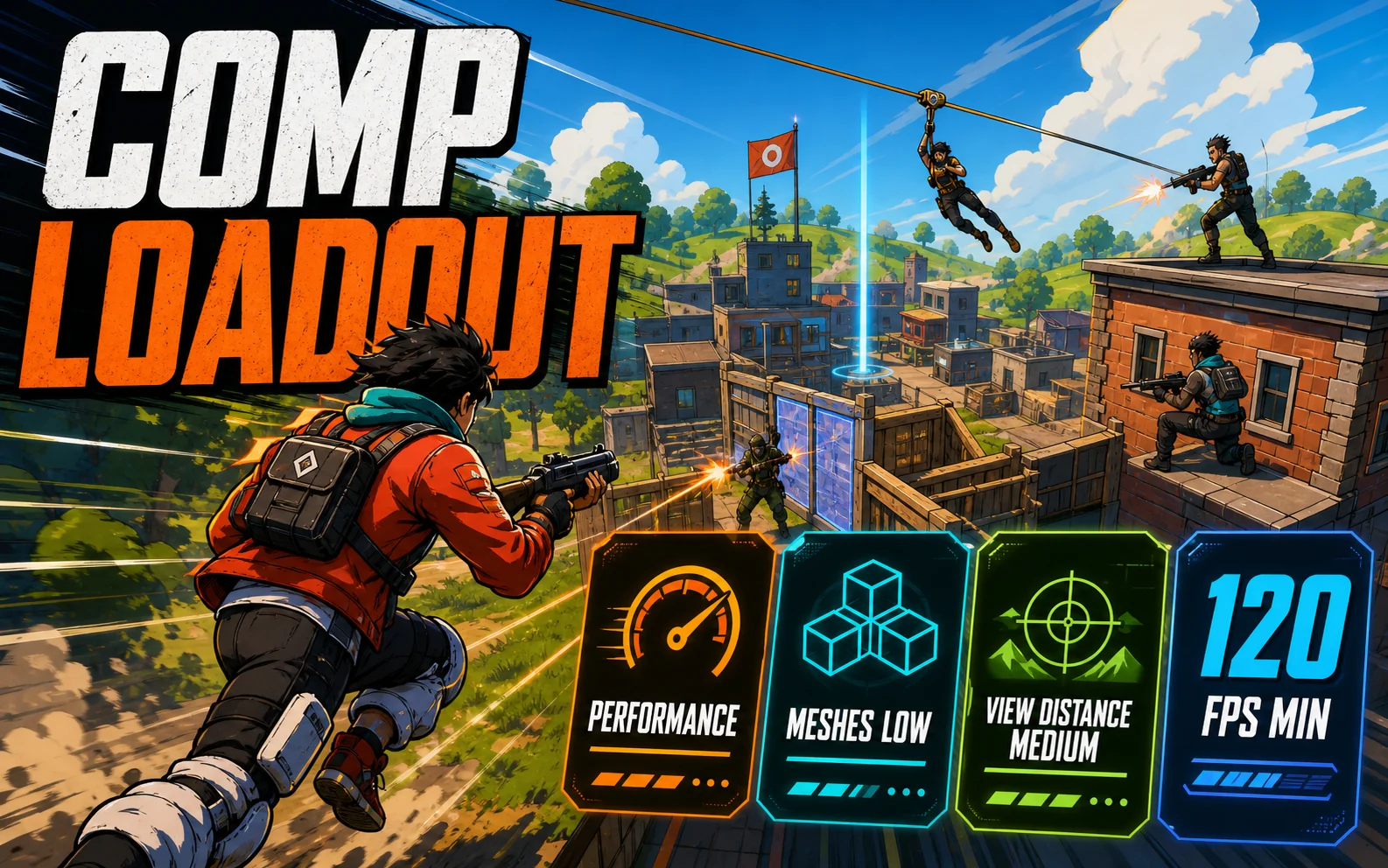
Building the PC is only half the battle. To lock in a stable, competitive 144Hz or 240Hz frame rate, you must configure your settings correctly inside Fortnite. The settings below are designed specifically to minimize input lag and maximize FPS in competitive arena matches:
| Setting Name | Recommended Configuration | Why It Matters |
|---|---|---|
| Rendering Mode | Performance (Lower Graphical Fidelity) | Unlocks direct CPU bottlenecks and maximizes raw FPS. |
| 3D Resolution | 100% (Native 1080p) | Ensures absolute pixel-perfect scaling to spot distant snipers. |
| View Distance | Medium or Far | Renders active player objects and structures without rendering unnecessary grass/foliage. |
| Textures | Low | Minimizes VRAM load to prevent frame drops in intense close-up box fights. |
| Meshes | Low (Bubble Builds) | Replaces heavy solid structures with clean, transparent outline builds for zero lag. |
By forcing these settings, your RX 7600 and Ryzen 5600 build will bypass heavy volumetric rendering. The system will dedicate 100% of its resources to rendering active movement, giving you the fastest possible visual response time.
The full parts list
Here is our curated, fully vetted Fortnite budget build. We have selected the absolute best-value, named components that avoid generic pitfalls while keeping your costs down:
| Component | Recommended Model | Direct Link |
|---|---|---|
| GPU | XFX Radeon RX 7600 (SWFT210) | View on Amazon › |
| CPU | AMD Ryzen 5 5600 (Cooler Included) | View on Amazon › |
| Motherboard | MSI B550-A PRO (Upgradable ATX) | View on Amazon › |
| RAM | Corsair Vengeance LPX 16GB (2x8GB) DDR4 3200 | View on Amazon › |
| Storage | Crucial P3 1TB NVMe PCIe M.2 SSD | View on Amazon › |
| PSU | Thermaltake Smart 600W (80+ Certified) | View on Amazon › |
| Monitor | KOORUI 24-Inch 1080p 165Hz IPS Monitor | View on Amazon › |
Total PC parts at current pricing: $620–$710. Add $100–$150 for the monitor and the full setup lands at $720–$860. That’s significantly below what most “gaming PC” retail bundles charge for comparable Fortnite performance, and it’s specifically built around what the game actually rewards rather than general-purpose benchmark numbers.
🚀 Upgradability: Where to go when you have more budget
One of the best features of this Ryzen 5600 and B550 motherboard configuration is its clean, budget-friendly upgradability. If you find yourself with an extra $100–$200 down the road, these are the highly-effective upgrade steps that will give you the largest performance yields:
- The CPU Step (Ryzen 7 5700X3D): For competitive battle royale games, the CPU’s L3 cache is king. Upgrading to the Ryzen 7 5700X3D completely eliminates 1% low frame dips in chaotic end-game circles, ensuring your FPS stays rock-solid above 240.
- The GPU Step (RTX 4060 Ti or RX 7700 XT): If you decide to transition from 1080p competitive settings to 1440p high-fidelity gaming in casual titles, upgrading your graphics card will give you the necessary pixel-fill rate.
- The Ram Step (32GB DDR4): While 16GB is currently the absolute sweet spot for Fortnite, running intensive background applications (like Discord streams, music, or recording software) will eventually benefit from upgrading to a dual-channel 32GB kit.
By investing in a B550 motherboard from a reputable brand like MSI or Gigabyte, you protect your system’s longevity. You will be able to apply all of these upgrades without needing to rebuild your PC from scratch or buy a new power supply.