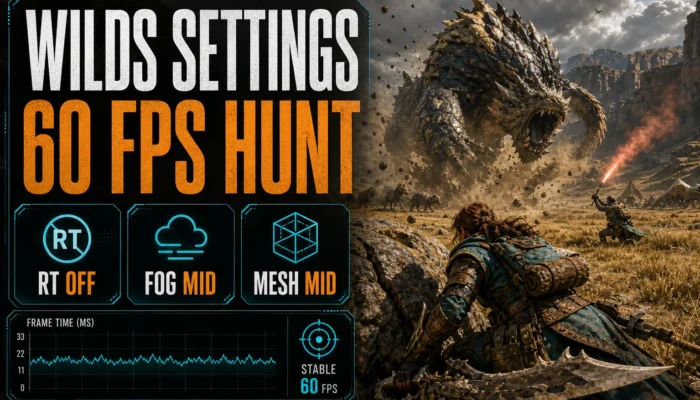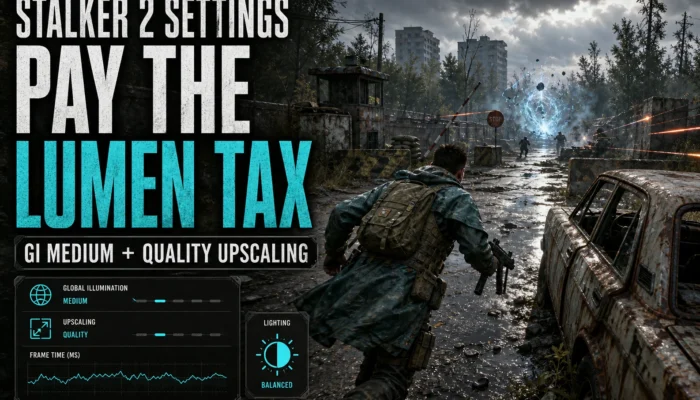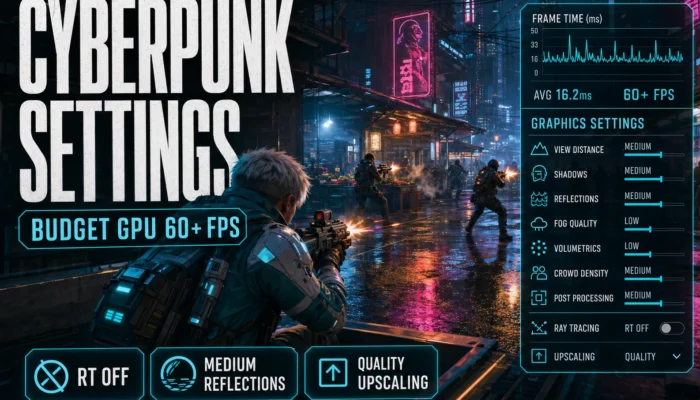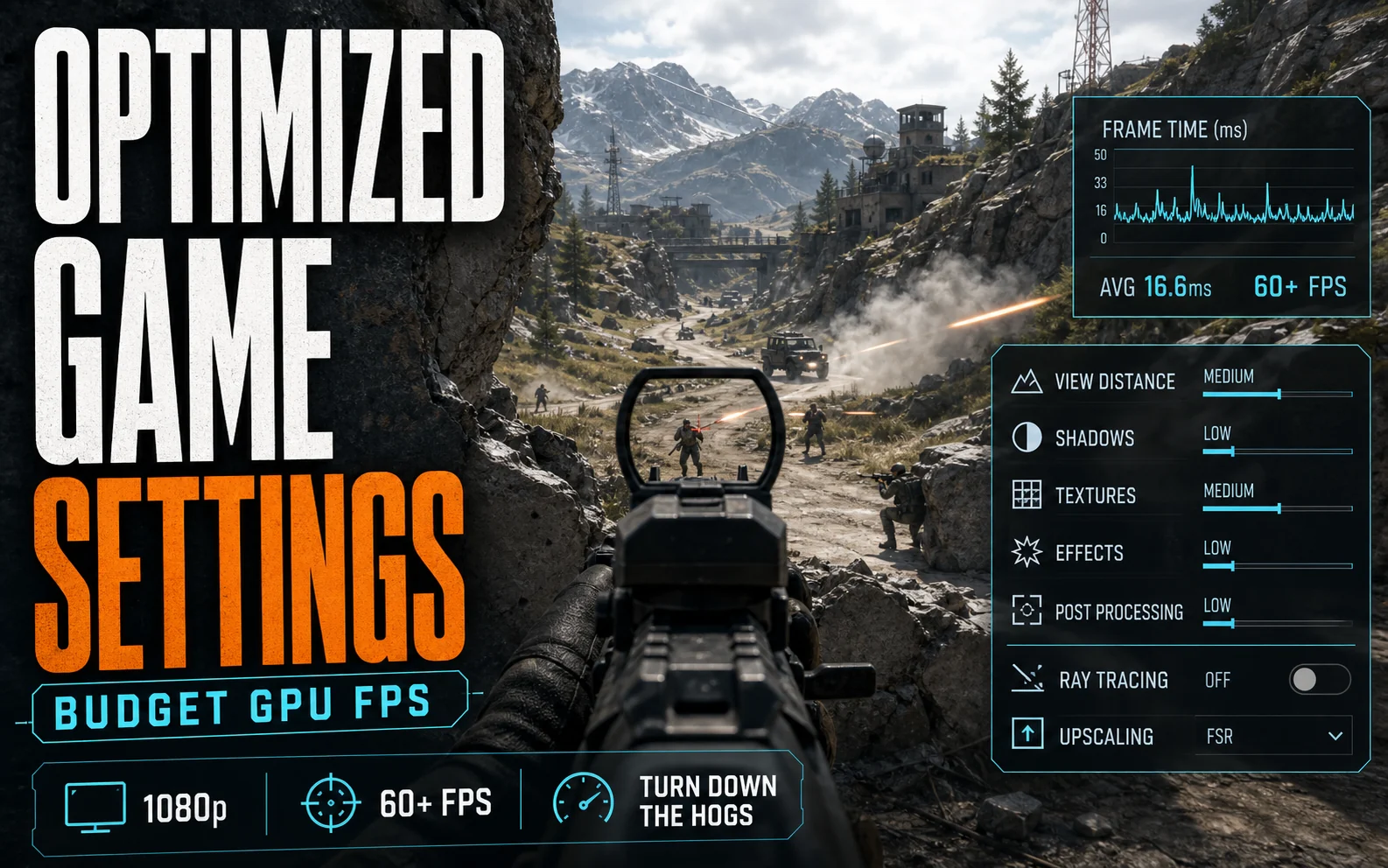
The fastest way to more FPS isn’t a new graphics card — it’s the right budget GPU settings. Most cheap cards leave huge performance on the table because of a few overkill options — ray tracing, ultra reflections, max shadows — that cost you 30–50% of your frame rate for gains you can’t see in motion. This section fixes that, one game at a time, with budget GPU settings tuned for a smooth 60+ FPS at 1080p — no upgrade required.
How We Choose the Best Budget GPU Settings
We don’t just hand you a “low preset.” For each game we find the specific options that wreck performance on cheap cards, turn those down, and leave everything that actually makes the game look good alone. Then we map real, attainable budget GPU settings to the cards people actually own — the RTX 4060, RTX 3060, RX 7600 and Intel Arc B580 — and lean on upscaling like DLSS, FSR 3 and XeSS (plus Frame Generation) to claw back even more.
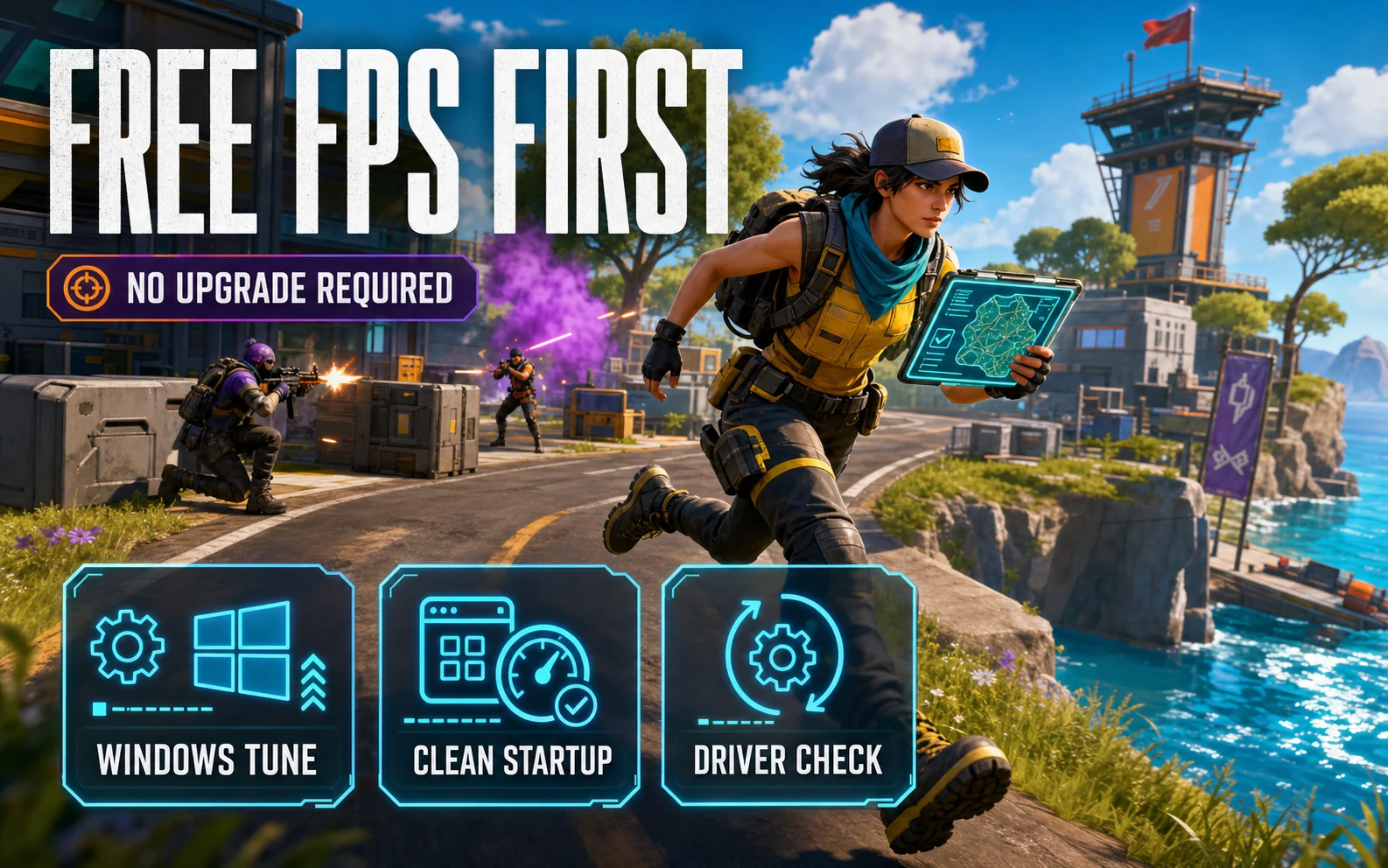
Start Here: Free FPS Before You Touch a Game
Some of the easiest wins happen outside the game entirely. Before you dive into any settings guide below, spend ten minutes on the basics:
- How to Optimize Windows 11 for Gaming on a Budget PC
- Best Free FPS Boosters for Low-End Gaming PCs in 2026
The Settings That Hurt Cheap Cards Most
Across nearly every modern release, the same handful of options do the bulk of the damage on a budget card. If we haven’t covered your game yet, start with these before touching anything else:
| Setting | Typical FPS cost | Our call |
|---|---|---|
| Ray tracing (all forms) | 30–50% | Off. On an 8GB card, RT is how 70 FPS becomes 40. |
| Volumetric fog / clouds | 10–20% | Medium. Past that, the difference is invisible in motion. |
| Shadow quality | 10–15% | Medium or High. Ultra shadows are the classic invisible FPS tax. |
| Screen-space reflections | 8–15% | Medium, or Off in fast shooters — you only study puddles standing still. |
| Crowd / population density | 5–15% | Medium on 6-core CPUs. This one taxes the processor, not the GPU. |
| Motion blur, depth of field, film grain | ≈0 | Taste call — but Off costs nothing and gameplay reads clearer. |
Texture quality is the odd one out. It costs almost no FPS — right up until it overflows your VRAM, and then it costs everything, in the form of hitching no settings menu can fix. On 8GB cards like the RTX 4060 and RX 7600, run High rather than Ultra in newer releases. On 12GB cards like the RTX 3060 and Arc B580, max it out — that buffer is exactly what you paid for.
Upscaling Rules of Thumb at 1080p
Every guide in this section leans on upscaling, and 1080p is where it’s easiest to get wrong — there are fewer pixels to work with than the marketing assumes. Three rules hold across games:
- Quality mode only. At 1080p, Performance mode upscales from 540p and it shows. Quality mode renders at 720p internally and typically buys 20–30% more frames while still looking like 1080p.
- Use the best upscaler your card supports. DLSS on the RTX 4060 and 3060, XeSS on the Arc B580, FSR 3 on the RX 7600. At 1080p the image-stability gap between them is at its widest.
- Frame Generation is a finisher, not a rescue. It needs roughly 50–60 real FPS underneath or it adds latency you can feel. Use it to turn smooth into very smooth — never to make an unplayable game playable.
Settings Guides by Game
New guides drop here regularly. Live now:
Coming next: Monster Hunter Wilds, Black Myth: Wukong, Counter-Strike 2, Fortnite, and STALKER 2. Want a specific game tuned? It’s probably already on our list.
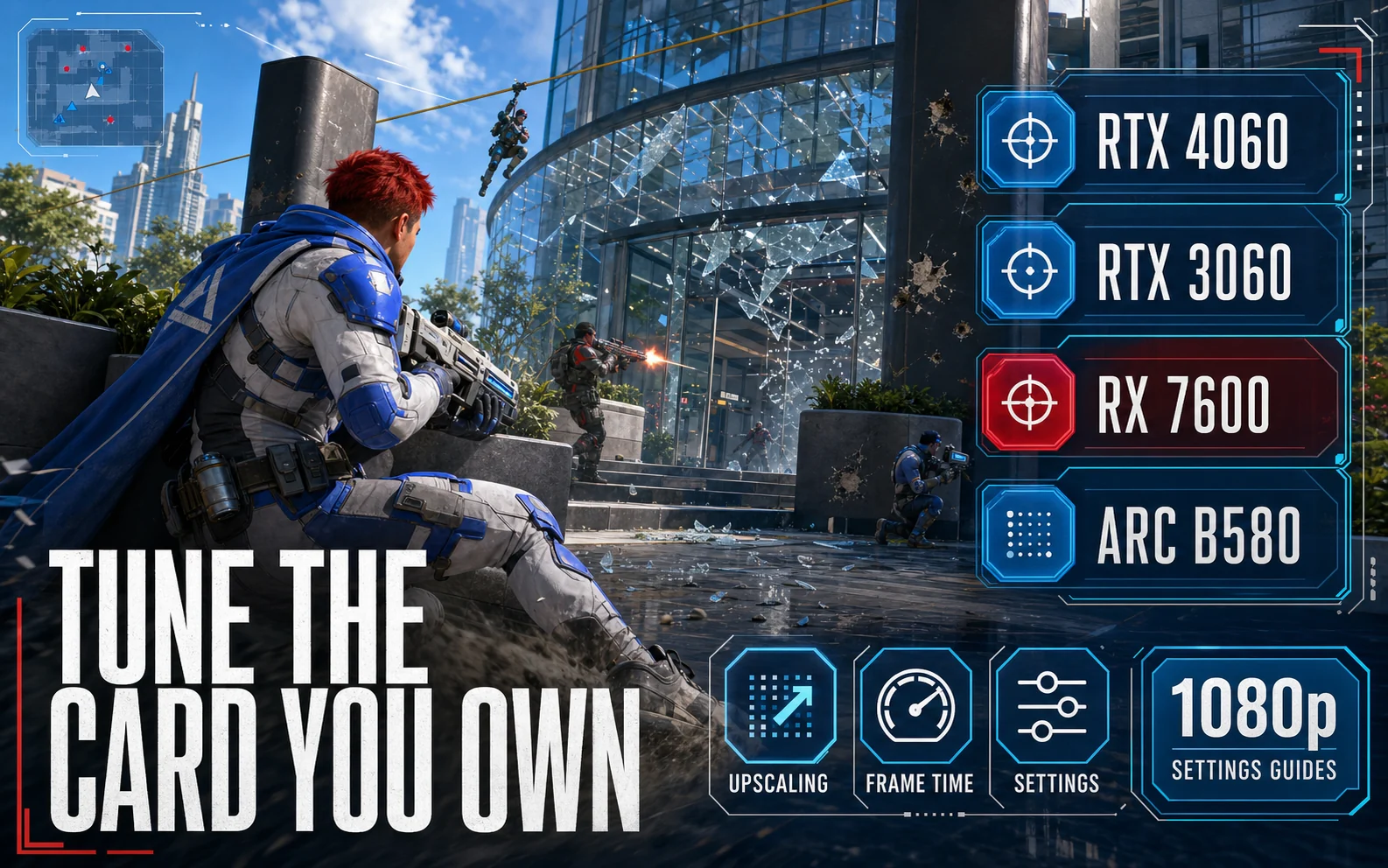
The Budget GPUs We Tune For
Not sure your card belongs here — or shopping for one that punches above its price? These are the budget GPUs our settings guides are built around:
- Best Budget 1080p GPU in 2026: Arc B580 vs RTX 4060 vs RX 7600
- RTX 5060 vs RTX 4060: Is the Upgrade Worth It?
- Is the RTX 3060 Still Good in 2026?
- Intel Arc B580 Review
Measure It or You’re Guessing
Every change should survive a before-and-after. Turn on Steam’s built-in FPS counter (Settings → In Game) or RivaTuner, run the game’s benchmark if it has one, and watch the 1% lows, not the average — a 90 FPS average with 1% lows in the 40s feels worse than a locked 65. Change one setting at a time, and if an option buys less than 3–4 FPS while visibly costing image quality, put it back.
The Bottom Line
You paid for those frames — this section helps you actually get them. Bookmark this page, grab the guide for whatever you’re playing, and dial in the budget GPU settings that squeeze every last FPS out of the card you already own.