The Zone does not care about your frame rate — which is why the right STALKER 2 settings matter so much on a budget card. GSC built Heart of Chornobyl on Unreal Engine 5 with software Lumen lighting that cannot be turned off, so the usual “disable ray tracing” trick doesn’t exist here. The headroom hides elsewhere, and this guide digs it out.
The Lighting Tax Is Mandatory — Manage It
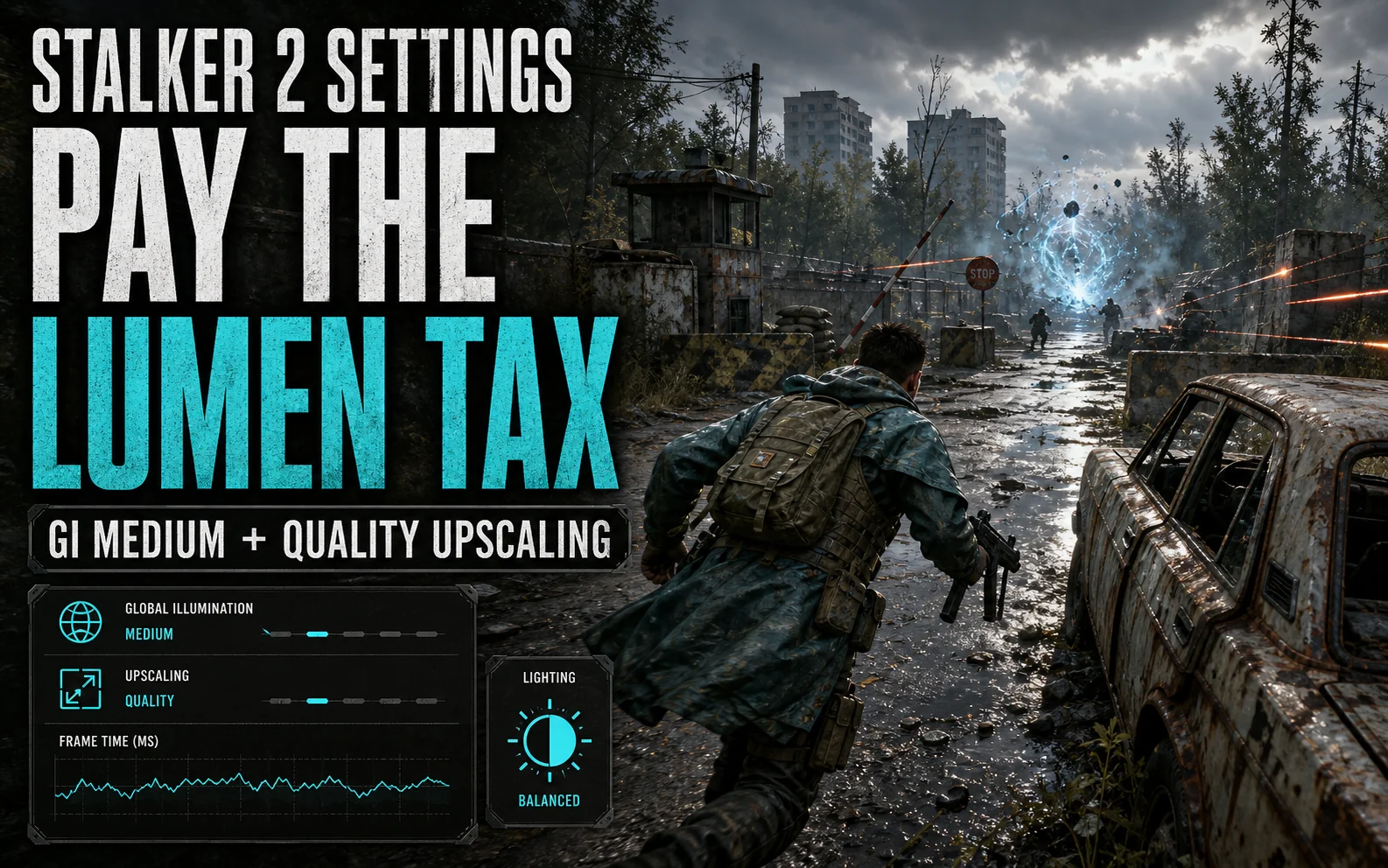
Because Lumen global illumination is always on, your one real lever is its quality, set through the GI/lighting options rather than an off switch. Medium keeps the moody, bounced-light look the series is famous for while returning a chunk of frames; Low starts to flatten interiors and isn’t worth it unless you’re desperate. Budget for this tax first, then trim everything else around it.
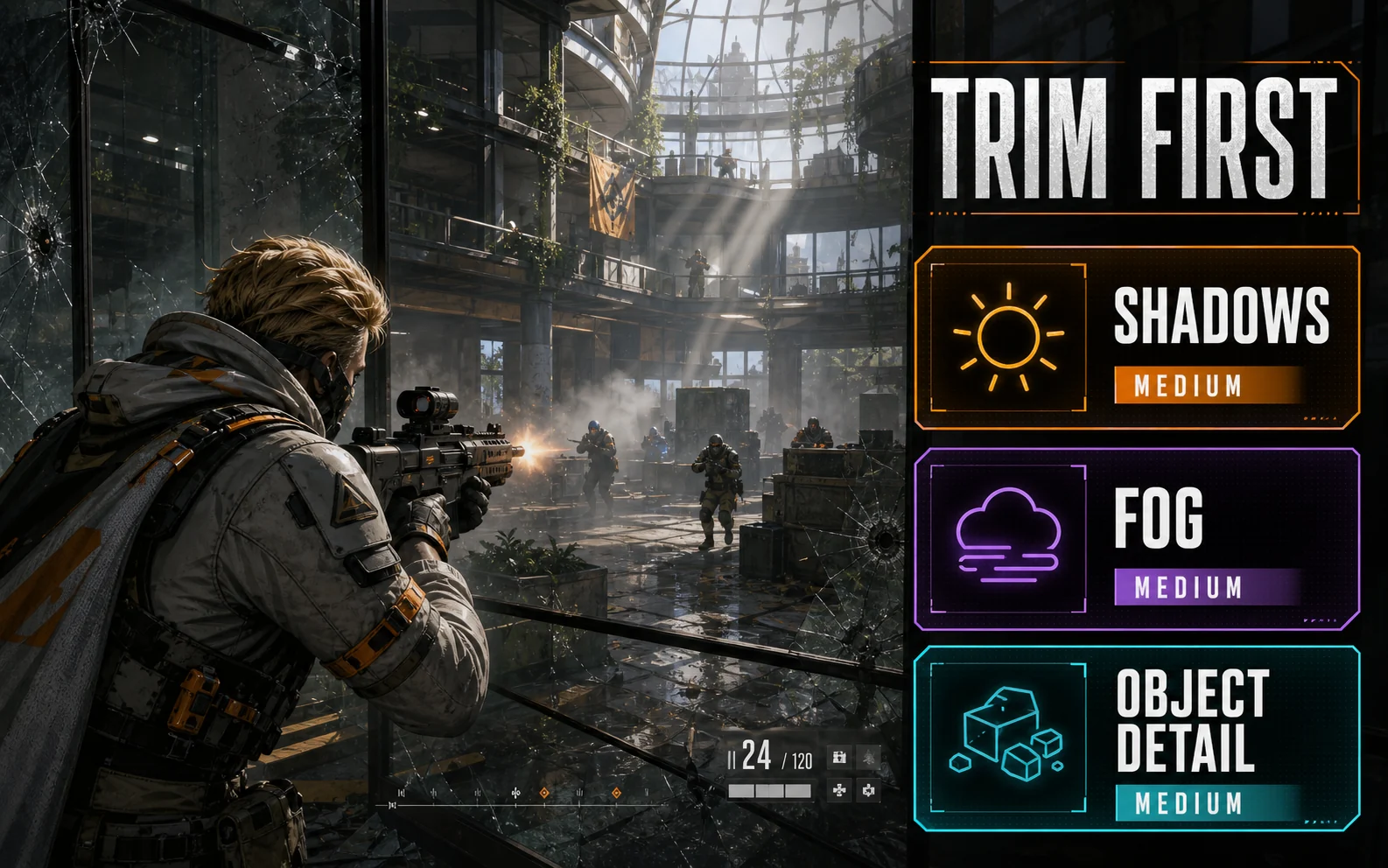
What to Trim First in the Zone
- Shadows & sun shadows: Medium — big cost, minor look change under Lumen’s soft lighting.
- Fog & volumetrics: Medium — the Zone’s haze stays atmospheric one notch down; the top tier is a frame furnace.
- Object detail / crowd density: Medium — also eases the CPU, which matters in settlements (more below).
- Effects: Medium — anomalies and firefights stay readable, minus the overdraw spikes.
Card-by-Card in Chornobyl
| GPU | Settings & Resolution | Upscaling | What to Expect |
|---|---|---|---|
| RTX 4060 (8GB) | 1080p Medium-High mix, GI Medium | DLSS Quality + Frame Gen | ~60–75 FPS roaming; dips in bases |
| RTX 3060 (12GB) | 1080p Medium, GI Medium | DLSS Quality | ~50–60 FPS roaming |
| RX 7600 (8GB) | 1080p Medium-High mix, GI Medium | FSR 3 Quality + Frame Gen | ~55–70 FPS roaming |
| Arc B580 (12GB) | 1080p Medium, GI Medium | XeSS Quality | ~50–65 FPS roaming |
“Roaming” is the honest qualifier: settlements like Rostok drop every card below its open-world numbers because of NPC simulation — that’s CPU, not GPU, and settings can only soften it.
About the Stutter (It’s Not Your Card)
STALKER 2 launched with shader-compilation and traversal stutter, and GSC’s patches have steadily improved both. What helps on your end: let the shader pre-compile finish on first launch after every driver or game update, keep the game on an SSD (non-negotiable), and expect the first hour after a patch to run rougher than the tenth. On 8GB cards, keep textures at High rather than the top setting — VRAM spillover reads exactly like “more stutter,” and the 12GB RTX 3060 and B580 sidestep it entirely.
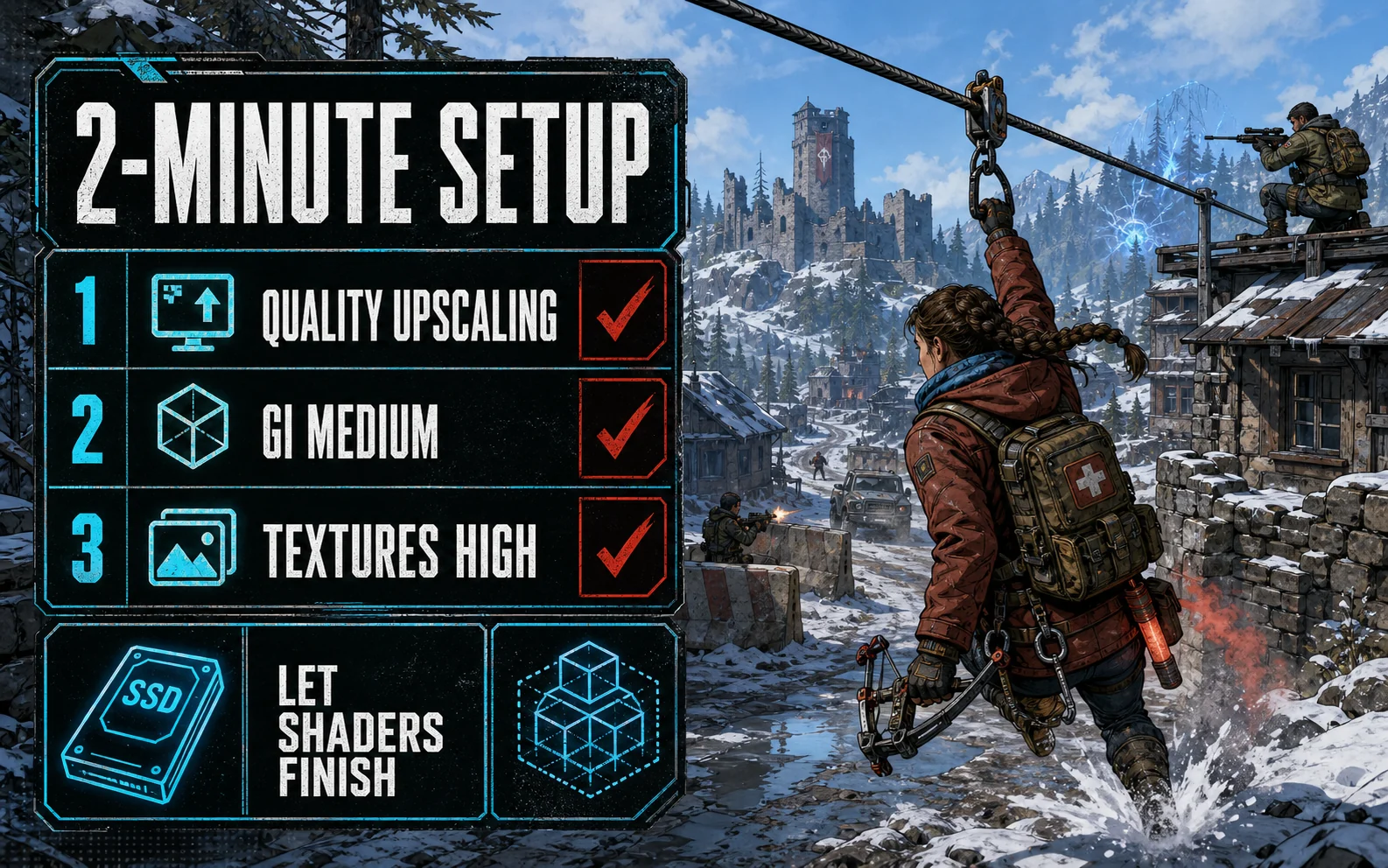
Your Two-Minute Setup
The whole loadout before you head back into the Zone:
- Upscaling: DLSS / FSR / XeSS on Quality
- Frame Generation: On (4060 / 7600) once base FPS is stable in the open world
- Global Illumination / Lighting: Medium — the mandatory Lumen tax, paid smartly
- Shadow Quality: Medium
- Sun Shadows: Medium
- Fog & Volumetrics: Medium
- Clouds: Medium
- Effects: Medium
- Object Detail: Medium
- Crowd Density: Medium — helps the CPU in settlements
- Texture Quality: High on 8GB cards, higher only on 12GB
- Motion Blur: Off
First launch after any patch: give the shader compilation its minute before judging performance — the Zone always runs rough on a cold start.
Field Notes Q&A
Can budget GPUs actually hold 60 FPS in STALKER 2? Roaming the open Zone at our settings, yes or close to it — the 4060 and 7600 with Frame Gen sit comfortably above. Settlement dips are the exception on every card, budget or not.
Why is there no ray tracing toggle? The game’s software Lumen is its ray-traced-style lighting, always on. There’s no cheaper legacy mode to fall back to — which is exactly why GI quality is the setting that matters.
Does 8GB of VRAM cut it? At 1080p with High (not maximum) textures, yes. The step up in texture pool is where 8GB cards start hitching.
Good Hunting, Stalker
The Zone on a budget card is a settings discipline test: pay the Lumen tax at Medium, cut fog and shadows, upscale on Quality, and let the atmosphere — not the slideshow — do the intimidating. The rest of our per-game tuning lives on the budget GPU settings hub.