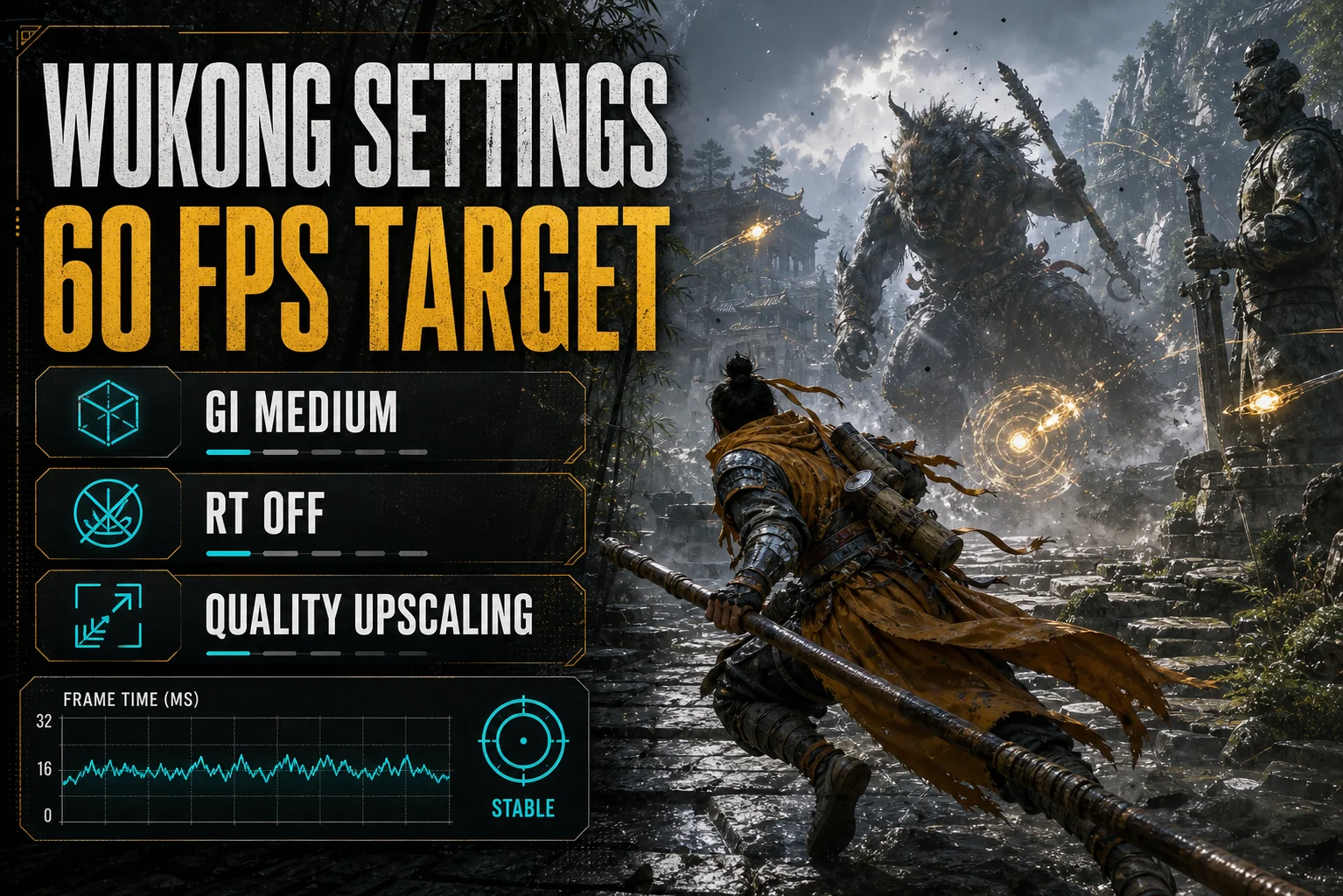
The right Black Myth Wukong settings turn one of the heaviest Unreal Engine 5 games ever shipped into a boss-fight-ready 60 FPS on a budget card. Game Science’s showpiece leans on Lumen lighting and dense geometry that punish cheap GPUs by default — but the menu hides more headroom than you’d guess, starting with a slider most players never touch.
Check the Resolution Slider Before Anything Else
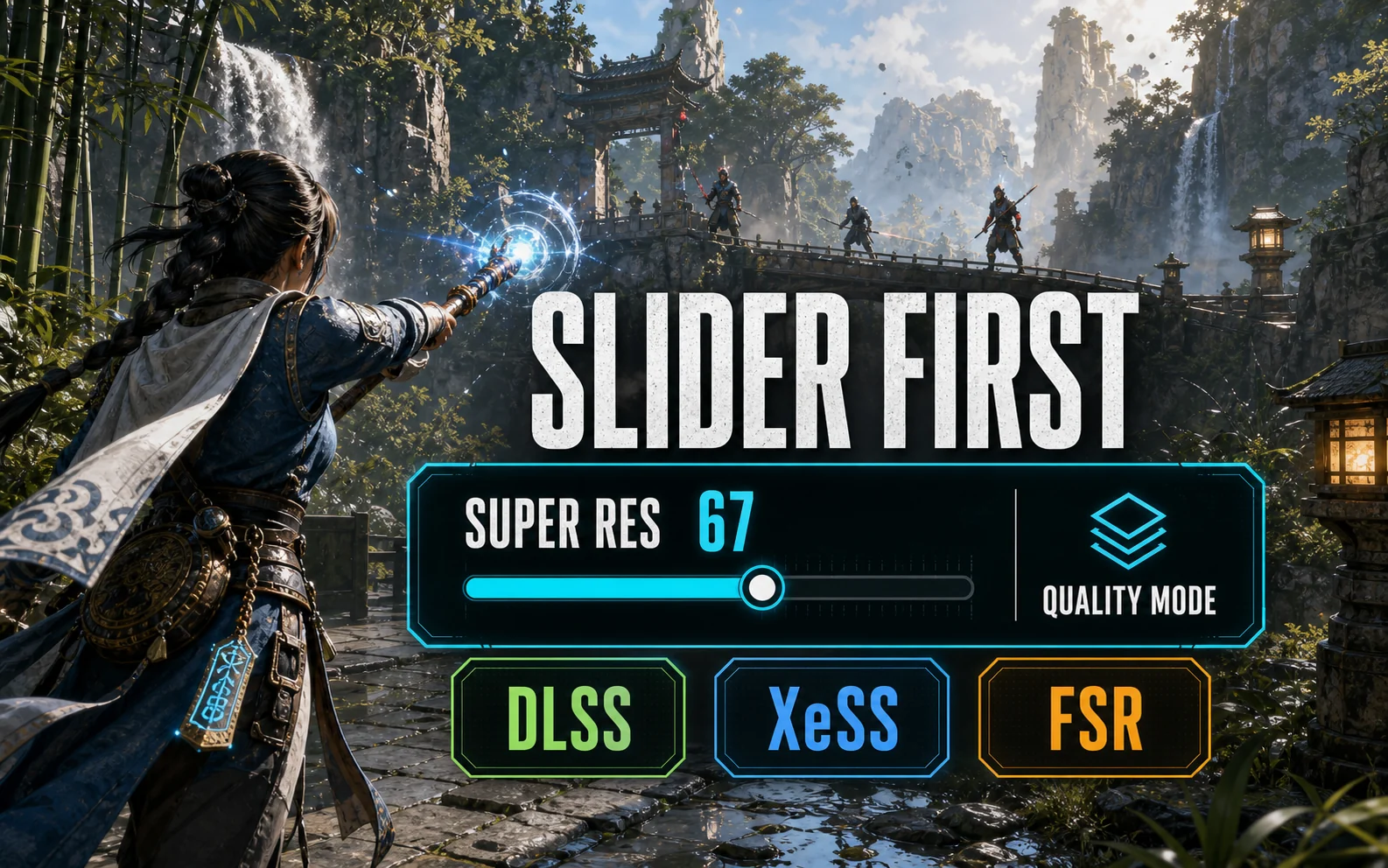
Wukong ships with its Super Resolution slider at 75 by default — meaning the game is already rendering below native and upscaling, whether you realized it or not. Don’t fight it; control it. Set the upscaler explicitly (DLSS on Nvidia, XeSS on Arc, FSR on Radeon) and treat 67 on the slider — the Quality-mode equivalent — as your 1080p baseline. It looks dramatically better than forcing 100 and drowning at 30 FPS.
Where UE5 Sends Your Frames
- Full Ray Tracing — the path-traced showcase mode. On a budget card it’s a slideshow generator. Off, no exceptions.
- Global Illumination — Lumen’s home. The single biggest lever in the menu; Medium keeps the look, High is for screenshots.
- Visual Effects — scales all the particle spectacle in boss fights, which is exactly when you need frames. Medium.
- Hair and Vegetation — the Monkey King’s fur is beautiful and expensive. Medium reads nearly identical in combat.
Per-Card Tuning for a Stable 60
| GPU | Settings & Resolution | Upscaling | What to Expect |
|---|---|---|---|
| RTX 4060 (8GB) | 1080p Cinematic-Medium mix, GI Medium, Full RT Off | DLSS Quality + Frame Gen | ~60–75 FPS, boss fights hold |
| RTX 3060 (12GB) | 1080p Medium, GI Medium, Full RT Off | DLSS Quality | ~50–60 FPS |
| RX 7600 (8GB) | 1080p Medium-High mix, GI Medium, Full RT Off | FSR Quality + Frame Gen | ~55–70 FPS |
| Arc B580 (12GB) | 1080p Medium-High mix, GI Medium, Full RT Off | XeSS Quality | ~55–65 FPS |
Treat these as honest ranges, not lab numbers — chapter-to-chapter load varies, and the late-game areas lean harder on effects.
Let the Free Benchmark Do the Arguing
Wukong has something most games don’t: a standalone benchmark tool on Steam, free even if you don’t own the game yet. Run it with our table above, check the result, then adjust one setting at a time. It’s the same measure-first habit we preach across the budget GPU settings hub — and here you don’t even have to load a save to do it.
The One-Screen Cheat Sheet
Every slider that matters, in menu order:
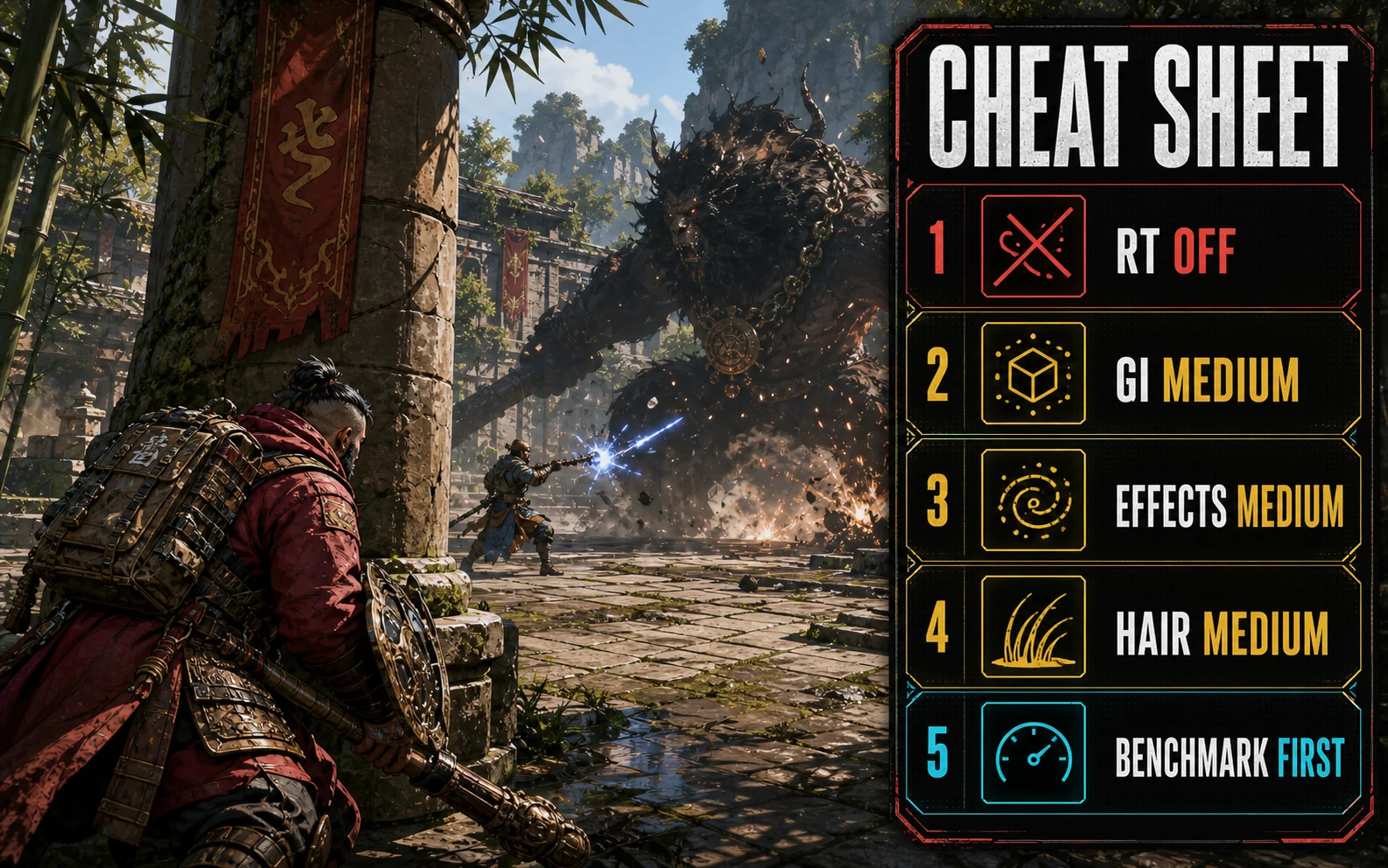
- Super Resolution: 67 (Quality-mode equivalent — don’t leave it on the default 75 blindly)
- Upscaler: DLSS (RTX cards) / XeSS (Arc) / FSR (Radeon)
- Frame Generation: On for the 4060 and 7600 once base FPS is stable
- Full Ray Tracing: Off
- Global Illumination: Medium — the big one
- Shadow Quality: Medium
- Visual Effects: Medium
- Hair Quality: Medium
- Vegetation Quality: Medium
- Texture Quality: High, max on the 12GB cards
- Motion Blur: Off — it ships On and hides frame drops instead of fixing them
Then run the free benchmark once. If your average clears 60 with 1% lows above 45, you’re tuned; if not, drop Visual Effects to Low first.
Straight Answers
Can the RTX 4060 run Black Myth: Wukong at 60 FPS? Yes — 1080p with GI on Medium, Full RT off and DLSS Quality holds ~60–75, and Frame Gen adds smoothness on top of an already-stable base.
Is Full Ray Tracing worth trying on any budget card? No. It’s built for GPUs three price tiers up. The standard Lumen lighting already looks exceptional.
Which upscaler looks best here? DLSS on Nvidia cards, then XeSS on Arc; FSR is serviceable on the RX 7600 at Quality mode but shimmer shows in fine fur and foliage.
Worth Every Slider Minute
Wukong is the rare showcase game that still respects a $200 GPU once you cut the two showcase settings. GI Medium, RT off, upscaler on Quality — then go lose to the same boss forty times knowing your frame rate wasn’t the problem. If your card is the problem, our current budget GPU rankings are the place to start.