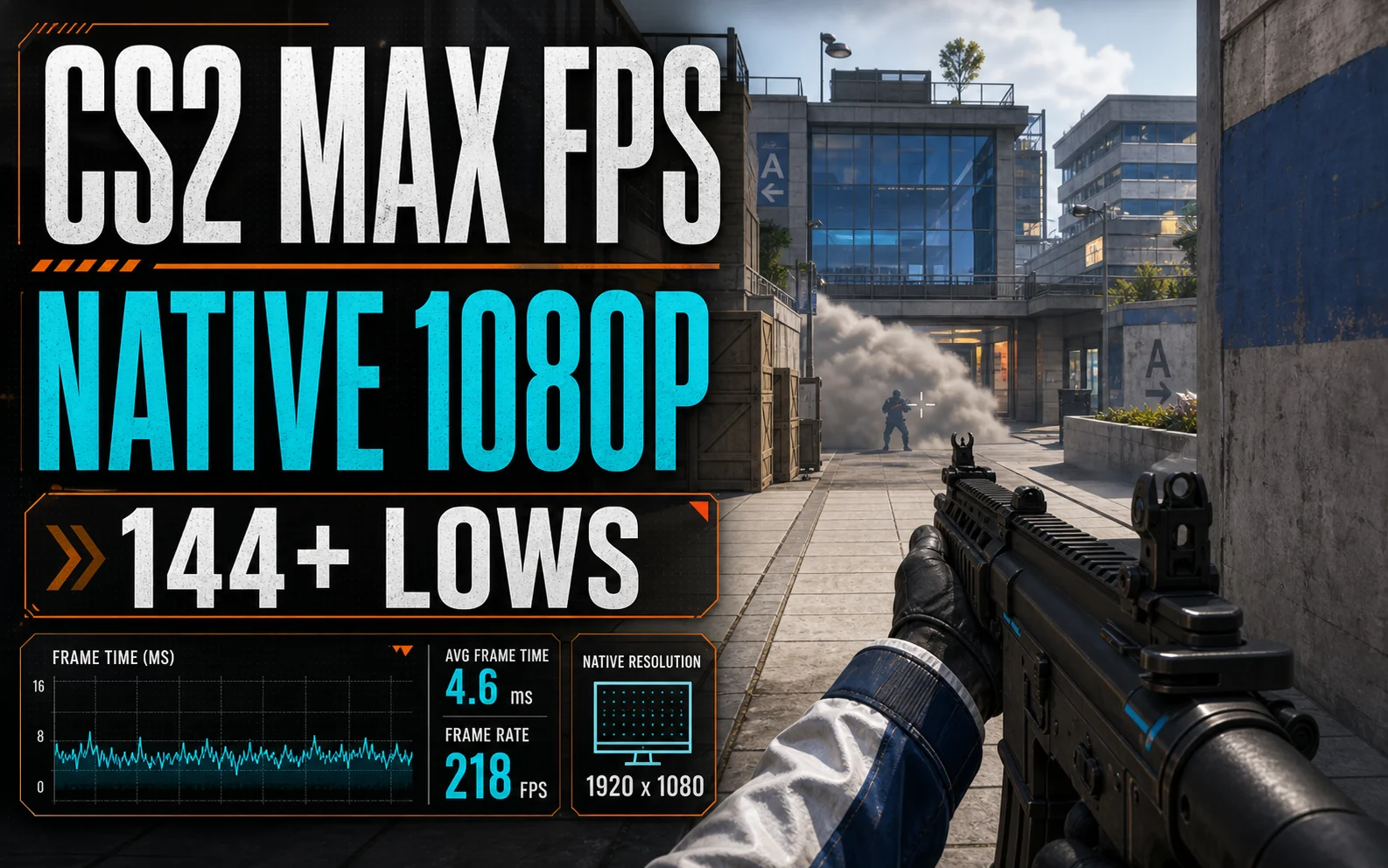
Competitive players don’t tune CS2 settings for beauty — they tune for a frame rate that never blinks. The target on a budget GPU isn’t 60, it’s a 1% low that stays above your monitor’s refresh. Every card we cover clears 144 at 1080p with the right menu; the trick is knowing which two settings to pay for and which to gut.
Your Processor Sets the Ceiling Here
Source 2 is CPU-hungry, especially in smokes and open retake fights. On a six-core chip like the Ryzen 5 5600 or i5-12400F, budget GPUs typically deliver averages well past 200 FPS at competitive settings — but your 1% lows live and die with the CPU. If your frame rate craters specifically in 5-man executes through smoke, the graphics menu isn’t the culprit.
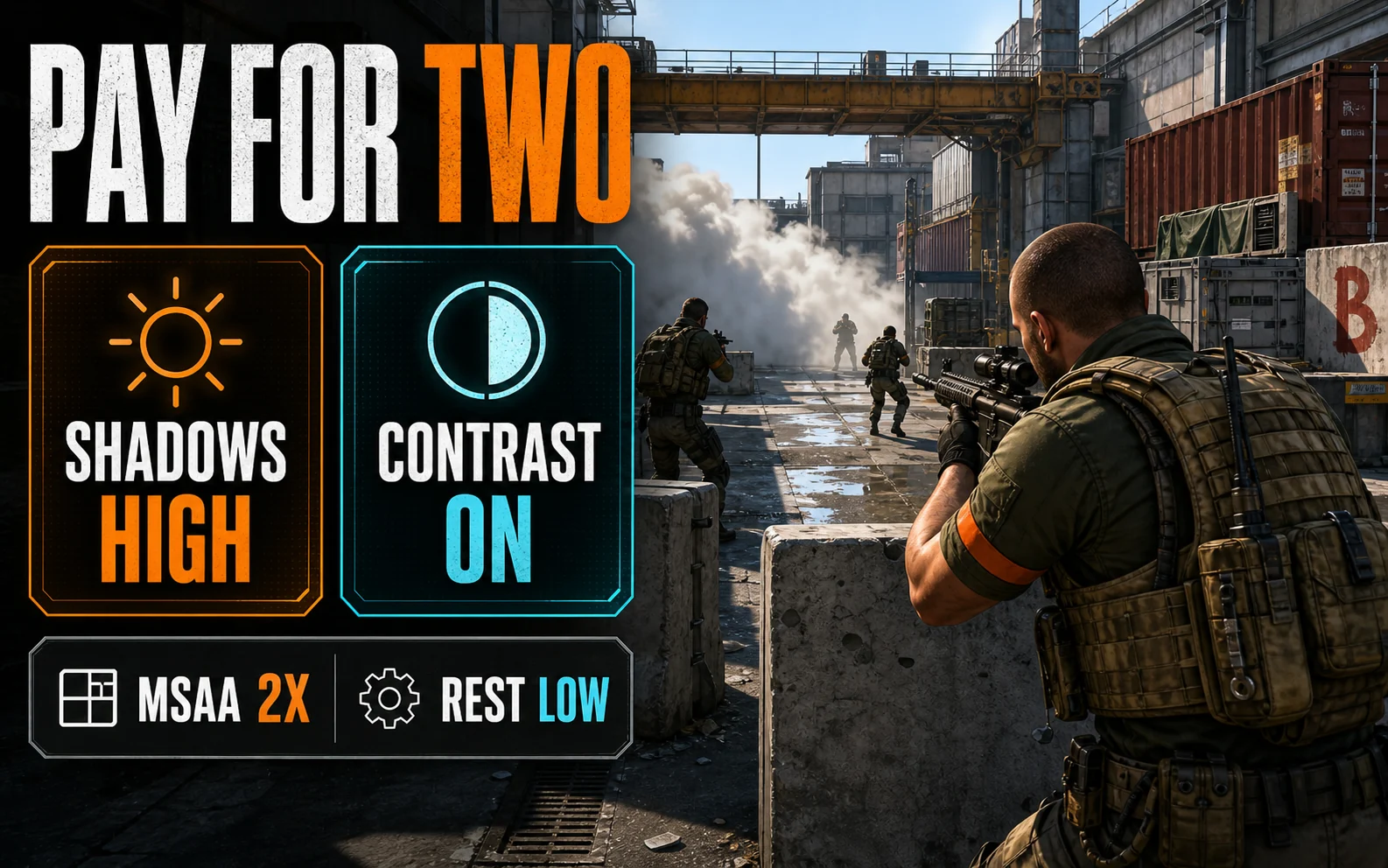
Pay for Two Settings, Gut the Rest
- Global Shadow Quality: High — the one setting worth its cost. Enemy shadows are information, and crisper shadows at distance win peeks.
- Boost Player Contrast: On — free visibility. Non-negotiable.
- MSAA: 2x — 4x is the biggest pure-GPU tax in the menu; 2x keeps edges clean at 1080p for far less.
- Model / Texture Detail, Particles, Ambient Occlusion: Low — zero competitive information in any of them.
- V-Sync: Off, Reflex: On — latency beats smoothness in this game, every time.
What Each Card Actually Delivers
| GPU | Settings & Resolution | Upscaling | What to Expect |
|---|---|---|---|
| RTX 4060 (8GB) | 1080p competitive mix above, MSAA 2x | None — native | 200+ FPS averages, 144+ lows with a 6-core CPU |
| RTX 3060 (12GB) | 1080p competitive mix, MSAA 2x | None — native | ~180–250 FPS averages |
| RX 7600 (8GB) | 1080p competitive mix, MSAA 2x | None — native | 200+ FPS averages |
| Arc B580 (12GB) | 1080p competitive mix, MSAA 2x | None — native | ~180–240 FPS averages |
Why the Upscaler Stays Off in This One Game
Everywhere else on the settings hub we lean on DLSS and FSR. Not here. At 1080p, upscaling softens exactly the long-distance pixels you’re trying to click on, and these cards don’t need the help — CS2 is the rare title where native resolution is both affordable and correct.
The fps_max Question, Settled
Leave fps_max 0 (uncapped) unless your frame rate swings wildly — then cap at roughly double your refresh (e.g. fps_max 288 on a 144Hz panel) for steadier frame pacing. Skip the launch-option folklore; Valve has deprecated most of it, and the official CS2 page is the only changelog that matters.
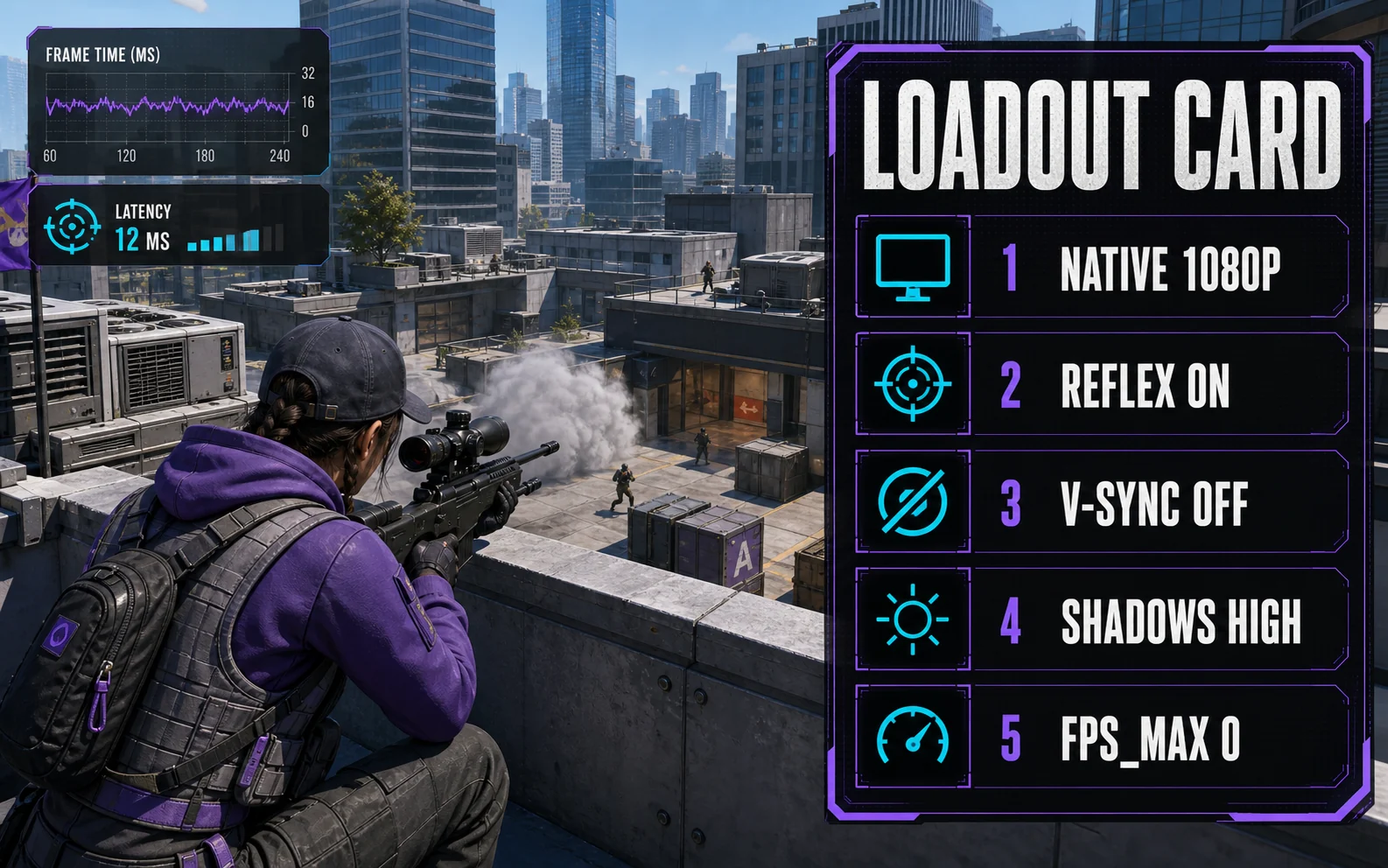
The Loadout Card
The whole video menu, ready to copy:
- Boost Player Contrast: Enabled
- V-Sync: Disabled
- NVIDIA Reflex: Enabled (Nvidia cards)
- Multisampling Anti-Aliasing: 2x MSAA
- Global Shadow Quality: High
- Dynamic Shadows: All — shadows are wallhacks you’re allowed to have
- Model / Texture Detail: Low
- Shader Detail: Low
- Particle Detail: Low
- Ambient Occlusion: Off / lowest available
- High Dynamic Range: Performance
- FidelityFX Super Resolution: Disabled — native only, as covered above
Console: fps_max 0 to start; switch to a cap at double your refresh only if frame-time swings bother you.
Lightning Round
Is 144 FPS enough for CS2? It’s the sensible floor for a 144Hz monitor. If your averages sit near 250, a 240Hz upgrade becomes worth considering — the GPU is already there.
Do I need more than 8GB of VRAM for CS2? No. CS2 is one of the least VRAM-hungry games we cover; every card here has headroom to spare.
Biggest single FPS win? Dropping MSAA from 4x to 2x, followed by turning off any recording/overlay software running in the background.
Frames Are a Skill Multiplier
A budget card at clean, native 1080p with High shadows is a genuinely pro-adjacent CS2 setup — this game is the best value proposition in the whole budget-GPU catalog. Spend the savings on a better mouse.