Most of the prebuilt advice you’ll read this year obsesses over the GPU and never mentions the memory. In June 2026, that’s backwards. The single biggest swing in a budget PC’s price right now isn’t the graphics card — it’s the RAM crammed next to it.
Which is what makes the Skytech Nebula such an odd little success story. It runs on DDR4, a memory standard everyone wrote off two years ago, and that single “outdated” choice is the reason it’s one of the cheaper machines to keep on a shelf this summer.
The config you’re actually buying
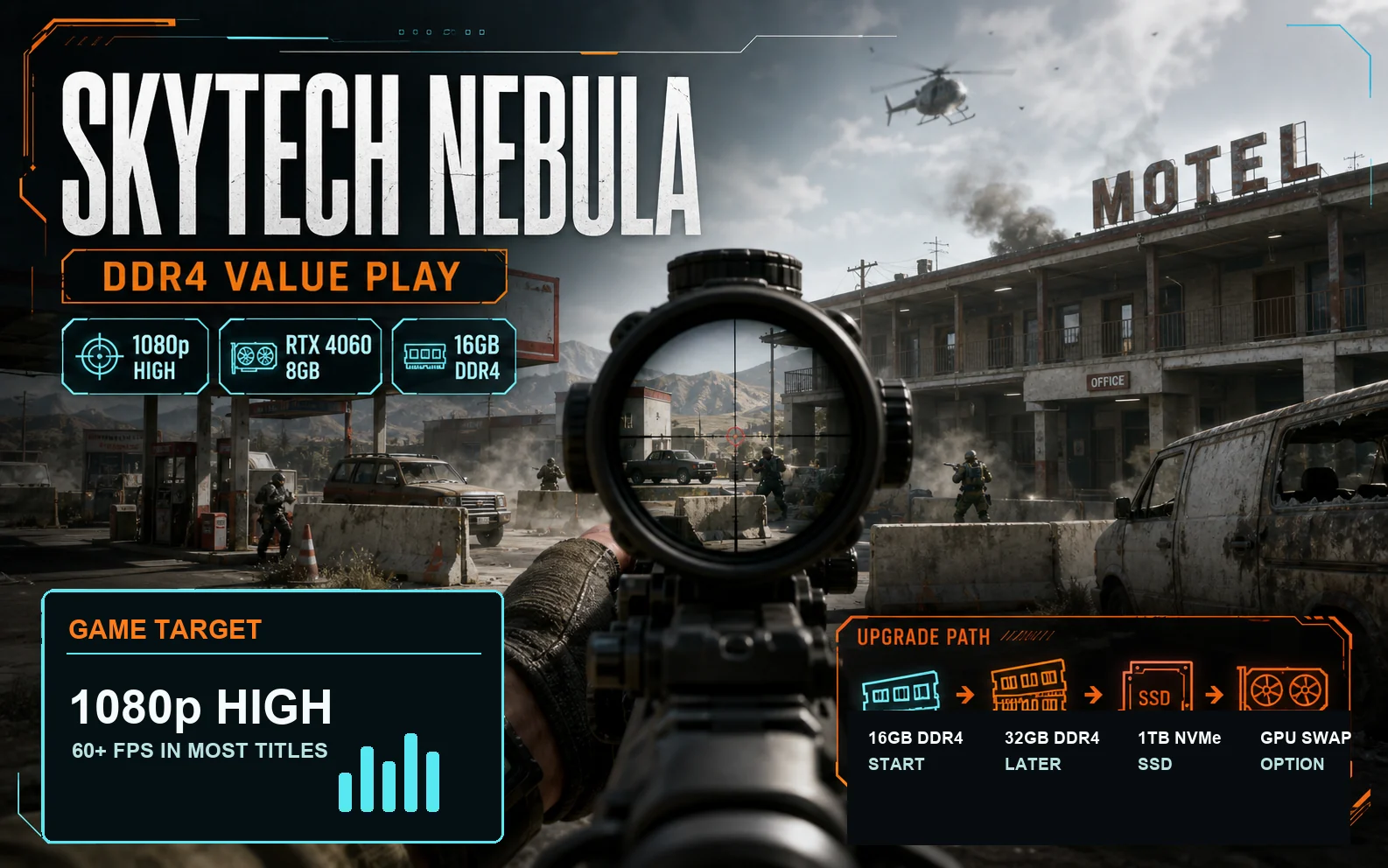
There isn’t one Nebula; Skytech sells a family of them. But the version that matters here is the entry tower: a Ryzen 5 5500 on an AM4 board, 16GB of DDR4-3200, an RTX 4060 8GB, a 1TB NVMe SSD, and a 650W 80+ Gold power supply. You’ll also see it sold with a Ryzen 5 5600X or an Intel Core i5-13400F instead, but the bones are the same: a DDR4 platform, not DDR5.
Price floats around $830 as of early June 2026 for the 5500 + RTX 4060 build, sometimes dipping under $800 on a sale and creeping past $850 when stock tightens. That number drifts week to week, so treat it as a target, not a promise.
On paper that’s a 1080p machine, full stop. The RTX 4060 lands you comfortably above 60fps at high settings in most current titles, and the Ryzen 5 5500 won’t bottleneck it at that resolution. If you want the deeper read on the 4060 itself, our RTX 5060 vs RTX 4060 breakdown covers where it sits in the stack today.

Why the “old” memory makes it cheaper to feed
Nobody planned this one. The 2026 RAM shortage hammered DDR5 far harder than DDR4. A 32GB DDR5 kit that cost under $100 in mid-2025 now runs $550 or more. A comparable 32GB DDR4 kit spiked too — it’s up to roughly $150–180 — but that’s a fraction of the DDR5 pain.
So a builder shipping a DDR4 box is feeding it with cheaper memory than the DDR5 competition, and that gap lands in your favor at checkout. The Nebula’s 16GB doesn’t sound generous, but 16GB is the sane budget target in 2026 anyway, and we walk through exactly why in how much RAM you actually need for 1080p. You’re not being shorted. You’re being matched to the moment.
And the upgrade math leans the same way. If you do want to push this thing to 32GB down the road, a second 16GB of DDR4 is cheap and easy to find. Try that on a DDR5 machine today and you’ll wince. The whole DDR4-versus-DDR5 question got rewritten by this shortage, and we untangle it in our DDR4 or DDR5 in 2026 guide.
Where it gives ground
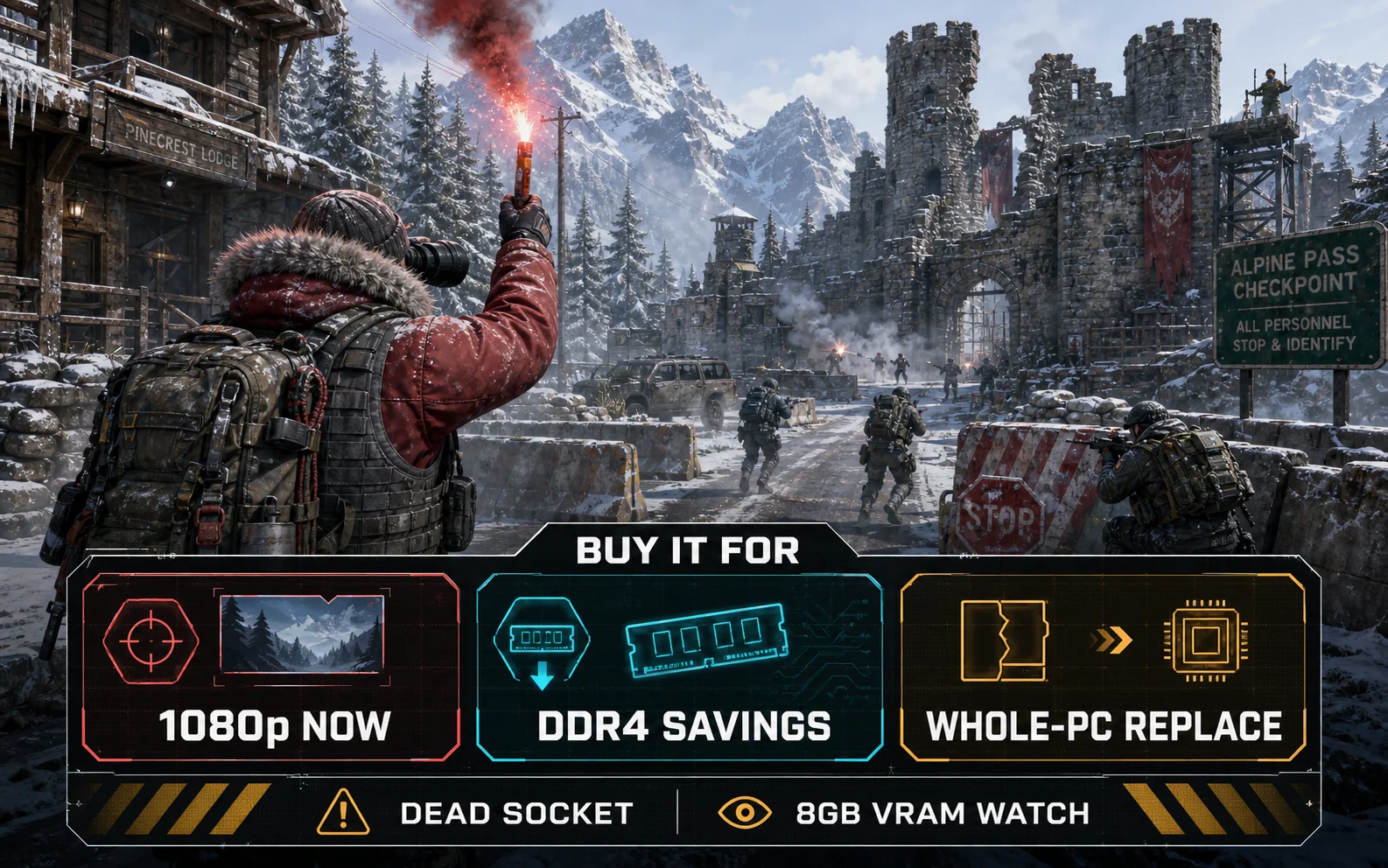
This is the trade. A DDR4 prebuilt is cheaper to live with today, but you’re buying onto platforms that are finished. Both the savings and the downside are real, so be clear-eyed about each.
- The socket is a dead end. AM4 is the last stop for that motherboard — the most you’ll ever drop in is a Ryzen 5800X3D, and that’s the ceiling. The Intel i5 variants sit on an older LGA1700 board that’s also near retirement. No future CPU generation is coming to either.
- Airflow is the usual prebuilt compromise. Stock Nebula cooling is adequate, not great, and the fan curve can get vocal under load. If your unit ships with a sealed glass front instead of mesh, that’s worth a look — front intake matters more than RGB.
- 8GB of VRAM is the real clock. The RTX 4060’s 8GB frame buffer, not the DDR4 system RAM, is what will age first. At 1080p with sensible textures it’s fine today; push 1440p or max textures in newer games and you’ll feel the limit.
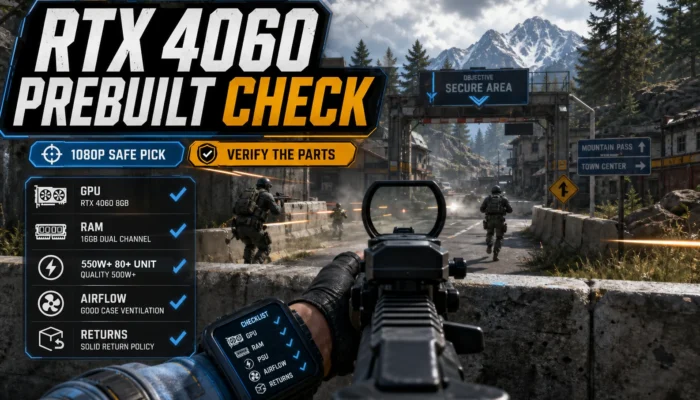
Notice the PSU isn’t on that list. A 650W 80+ Gold unit is genuinely fine here — enough headroom for the 4060 and a quieter, more efficient supply than the no-name 500W bricks some budget towers ship with. Credit where it’s due. Before you commit to any prebuilt, though, it’s worth running through our checklist for spotting a good budget prebuilt — PSU, dual-channel RAM, and case airflow are the three things that separate a deal from a regret.
Nebula vs a DDR5 box: who buys which
So who’s the Nebula actually for? The buyer who wants to game at 1080p this year, for the lowest realistic out-the-door price, and who isn’t planning a CPU swap two summers from now. That’s a big chunk of people. The dead socket genuinely doesn’t matter if your upgrade plan is “buy a whole new PC in four years anyway” — which, honestly, is most budget buyers.
Go DDR5 instead if you care about platform longevity. An AM5 machine takes new Ryzen chips through 2027 and beyond, so you can start with a Ryzen 5 7600 and drop in something faster later without a new board. You’ll pay more up front today because of the DDR5 premium, but you’re buying a runway. That’s a different purchase with a different goal.
If you’re cross-shopping, the Nebula belongs on the same list as the other machines in our best budget gaming prebuilts under $1,000 roundup. It won’t always be the outright winner, but in this exact memory market it’s far more competitive than its spec sheet suggests.
Where that leaves you
The Skytech Nebula isn’t exciting, and it isn’t trying to be. It’s a competent 1080p tower that happened to bet on the right memory at the right time. In a normal year, a DDR4 prebuilt with a dead socket would be a hard sell. In 2026, with DDR5 prices where they are, it’s quietly one of the easier sub-$850 recommendations to make, as long as you go in knowing the platform won’t grow with you.
Buy it to game now and replace it whole in a few years. Don’t buy it expecting to upgrade your way out of it. On those terms, it’s a smart use of a tight budget. And right now, that’s what counts.
Before you buy: FAQ
Is the Skytech Nebula good for gaming in 2026?
Yes, for 1080p gaming. The typical Ryzen 5 5500 plus RTX 4060 config holds above 60fps at high settings in most current titles. It’s a competent budget machine, not a 1440p or high-refresh powerhouse.
Why is the Nebula’s DDR4 RAM an advantage right now?
DDR4 prices spiked far less than DDR5 during the 2026 memory shortage. A DDR4 prebuilt is cheaper to ship and cheaper for you to upgrade later, so the Nebula’s older platform actually saves you money in this specific market.
Can you upgrade the Skytech Nebula later?
You can add RAM and swap the GPU, but the CPU socket is a dead end. On the AM4 versions the Ryzen 5800X3D is the realistic ceiling, and the Intel boards are near retirement too. There is no future CPU generation for either platform.
Should I buy the Nebula or a DDR5 prebuilt?
Buy the Nebula if you want the lowest price for 1080p gaming now and plan to replace the whole PC in a few years. Choose a DDR5 machine like an AM5 build if platform longevity and future CPU upgrades matter more to you.