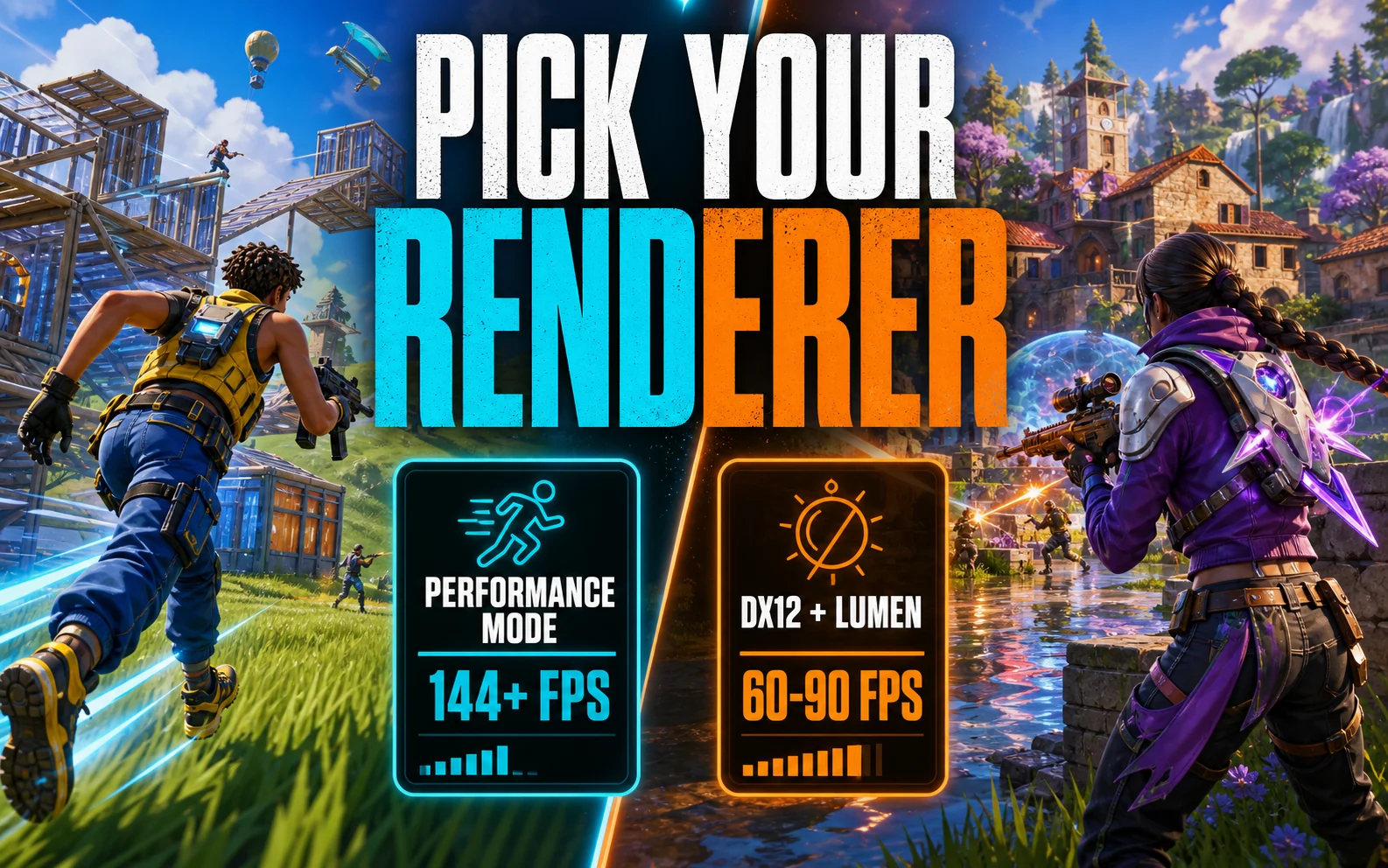
Fortnite is really two games, and your Fortnite settings should start with picking which one you’re playing. The competitive renderer and the cinematic renderer perform so differently on cheap cards that the “right settings” question splits in half — so that’s exactly how we’ll answer it.
Pick Your Renderer First, Tune Second
Performance Mode is Epic’s stripped-down rendering path, and on budget hardware it’s a different sport: on an RX 7600 or RTX 4060 at 1080p it comfortably pushes past 144 FPS, with plenty left over on lower-spec machines. DX12 mode unlocks Unreal Engine 5’s eye candy — Lumen lighting, Nanite geometry — and plays like a single-player showcase. Ranked grinders take Performance Mode; casual and creative players can afford pretty.
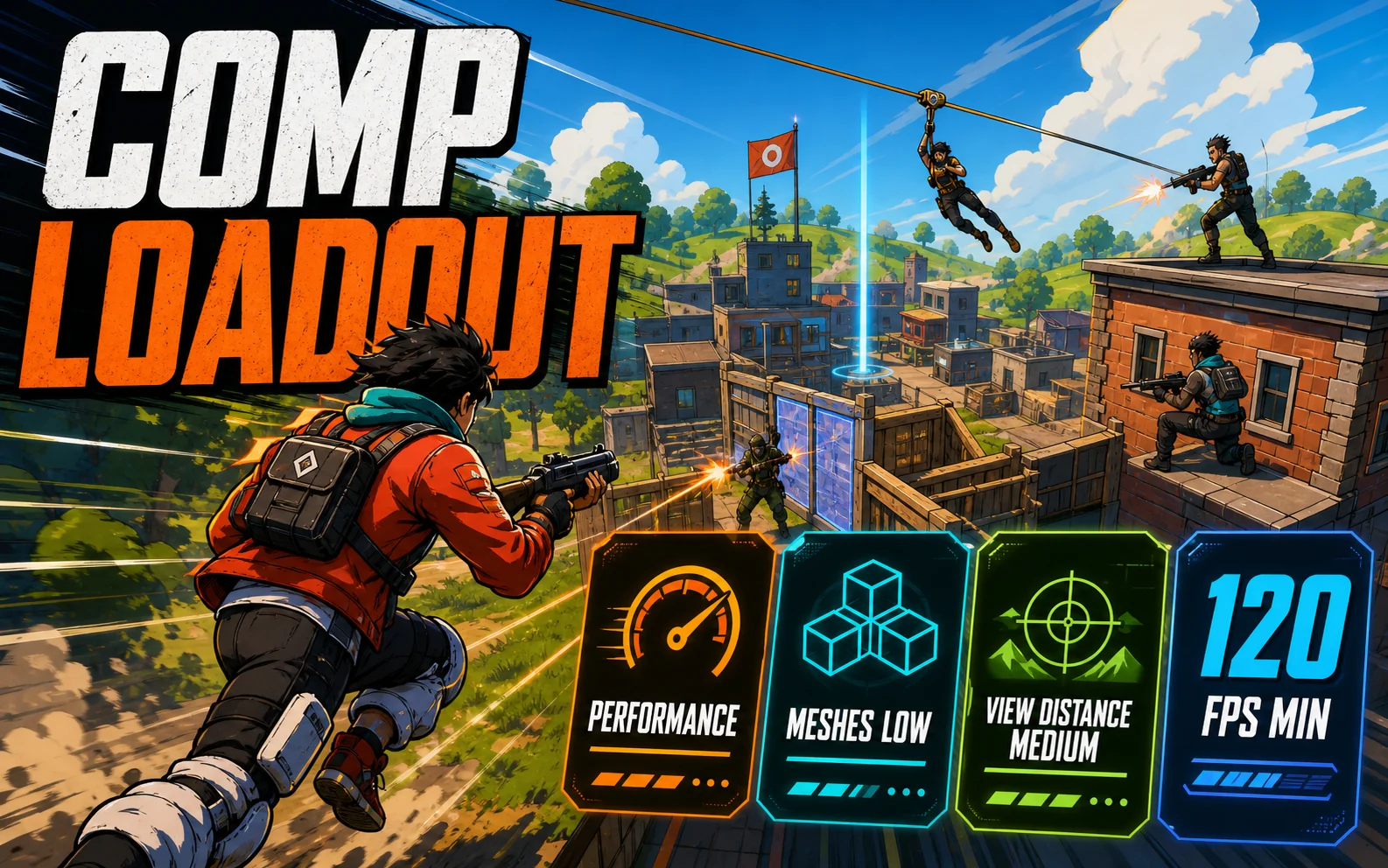
The Competitive Loadout (Performance Mode)
- Rendering Mode: Performance — the single biggest FPS decision in the menu.
- Meshes: Low — simplifies builds and terrain; this is the setting pros keep low for clarity, not just frames.
- View Distance: Medium — far enough to spot rotations, cheap enough to keep lows high.
- Shadows, effects, everything else: Off/Low — visual noise you’re better off without.
- 120 FPS minimum, cap at your refresh — steady beats spiky for tracking and edits.
The Cinematic Loadout (DX12 + Lumen)
Flip to DX12, set the preset to High, turn Nanite on and Lumen GI to Medium, then hand the bill to an upscaler — DLSS Quality on the Nvidia cards, FSR on the 7600, TSR as the neutral fallback. Expect roughly 60–90 FPS at 1080p on this tier depending on the card and the chaos on screen. Hardware ray tracing beyond Lumen stays off; it’s priced for cards this site doesn’t cover.
Realistic Targets, Card by Card
| GPU | Settings & Resolution | Upscaling | What to Expect |
|---|---|---|---|
| RTX 4060 (8GB) | Performance Mode, comp loadout | — | 144–240 FPS; DX12 High + DLSS: ~70–90 |
| RTX 3060 (12GB) | Performance Mode, comp loadout | — | 144+ FPS; DX12 High + DLSS: ~60–75 |
| RX 7600 (8GB) | Performance Mode, comp loadout | — | 144–240 FPS; DX12 High + FSR: ~65–85 |
| Arc B580 (12GB) | Performance Mode, comp loadout | — | 144+ FPS; DX12 High + XeSS/TSR: ~60–80 |
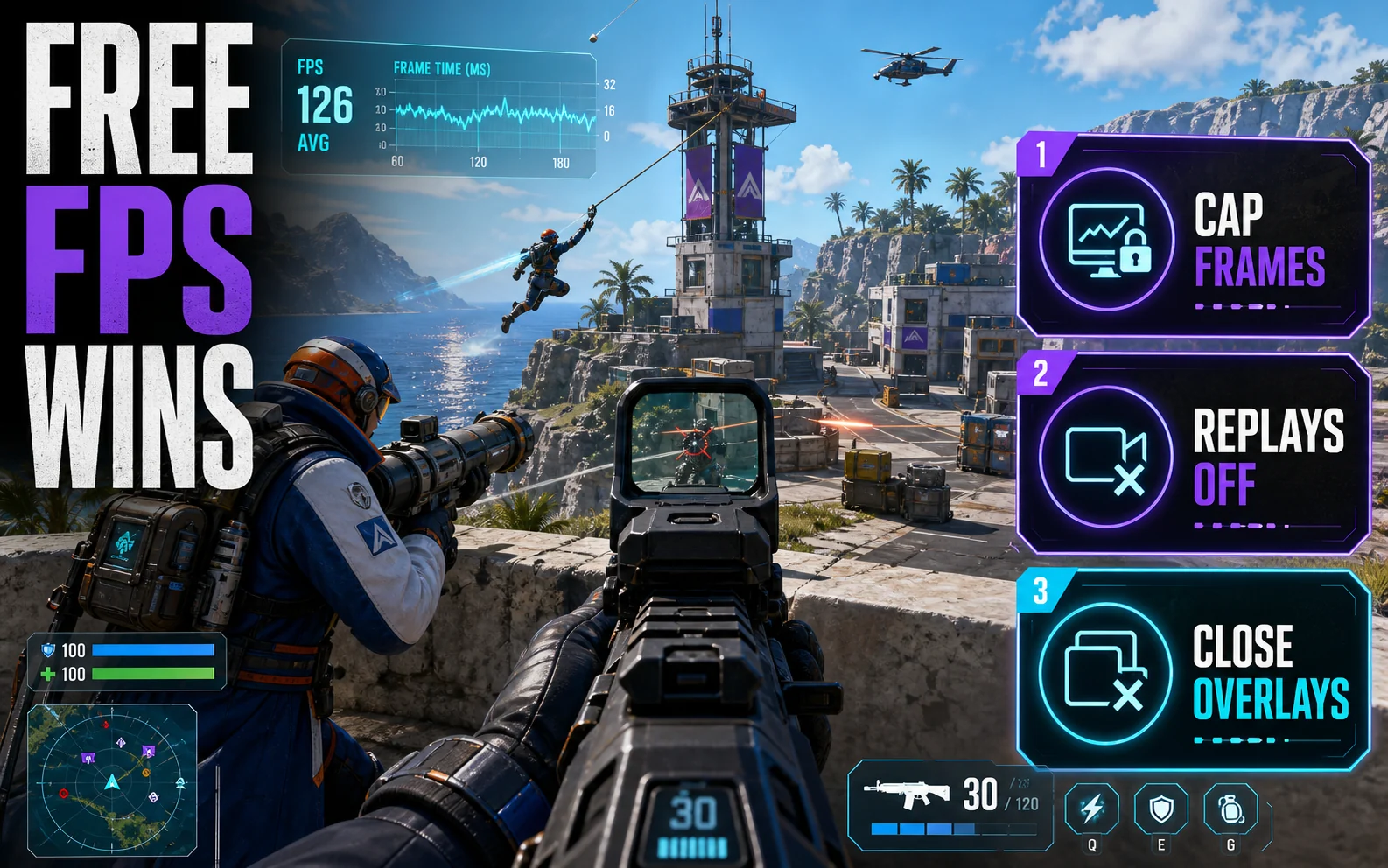
Zero-Cost Wins Most Players Skip
Cap your frame rate at your monitor’s refresh (or exactly double it) for cleaner frame pacing, turn off replay recording during ranked sessions, and close overlay apps — each one is a few free frames. If you’re building a machine specifically for this game, our budget Fortnite build at 1080p pairs parts to exactly these targets, and the settings hub covers the Windows-level tuning.
Set It and Forget It
The competitive column, in the order Fortnite lists it:
- Window Mode: Fullscreen
- Resolution: 1920×1080, frame cap at your refresh (or double it)
- Rendering Mode: Performance
- Meshes: Low
- View Distance: Medium
- Shadows: Off
- Anti-Aliasing: Off
- Textures: Low–Medium (either is fine on every card here)
- Effects: Low
- Post-Processing: Low
- Show FPS: On — you can’t tune what you don’t measure
Playing the pretty version instead? Same list, but Rendering Mode DX12, preset High, Lumen GI Medium, and your card’s upscaler on Quality — then accept 60–90 instead of 144+.
Fast Questions
Is Performance Mode banned or unfair? No — it’s an official Epic rendering mode, and a large share of competitive players use it by choice.
Why does my FPS drop in late-game circles? Player density and effects stack up — that’s why we tune for high 1% lows with Meshes Low and View Distance Medium instead of chasing lobby-screenshot averages.
Can these cards do 240Hz Fortnite? In Performance Mode at competitive settings, the 4060 and 7600 flirt with 240 in many fights — but a locked 165 is the more honest everyday description.
Build Fights Won in the Menu
One renderer choice and five settings are worth more FPS in Fortnite than a GPU upgrade — which is the entire thesis of this site. Set it once, then go practice your 90s.