Picking the best budget PSU for a gaming PC is the part most builders skip — and the part most likely to kill the whole system when it fails. People will obsess over GPU benchmarks, agonize over RAM timings, then drop a no-name $25 brick into a $700 build and wonder why their system crashes under load. The PSU is the one component that can take everything else down with it when it fails — and yet it’s almost always the first thing people skimp on.
The good news is that you don’t need to spend a fortune to get a safe, reliable unit. The best budget PSU for gaming PC builds in the RTX 4060 / RX 7600 / Arc B580 tier sits comfortably under $60. You just need to know what to look for and which brands to avoid.
Why a Cheap PSU Can Wreck Your Build
A power supply does one job: take dirty AC from your wall and convert it into clean, stable DC for your motherboard, GPU, and storage. When that conversion is sloppy, you get voltage ripple, transient spikes, and brownouts. Best case: your system reboots randomly. Worst case: the PSU dies and takes your GPU or motherboard with it. The cheapest no-name units have been known to literally catch fire — there are well-documented cases of Apevia, Diablotek, and Raidmax units melting under load.
A good PSU also keeps your performance consistent. Cheap units often can’t sustain their rated wattage when warm, which means your GPU starts hitting power limits and dropping frames during long gaming sessions. The crashes don’t always happen immediately — sometimes the damage shows up six months later as random freezes that you’ll blame on Windows updates.
80 Plus and Cybenetics Ratings, Decoded
The 80 Plus rating system measures how efficiently a PSU converts AC to DC at different load levels. Higher tiers waste less power as heat. Here’s the practical breakdown:
- 80 Plus White / Standard: Bare minimum. Skip it.
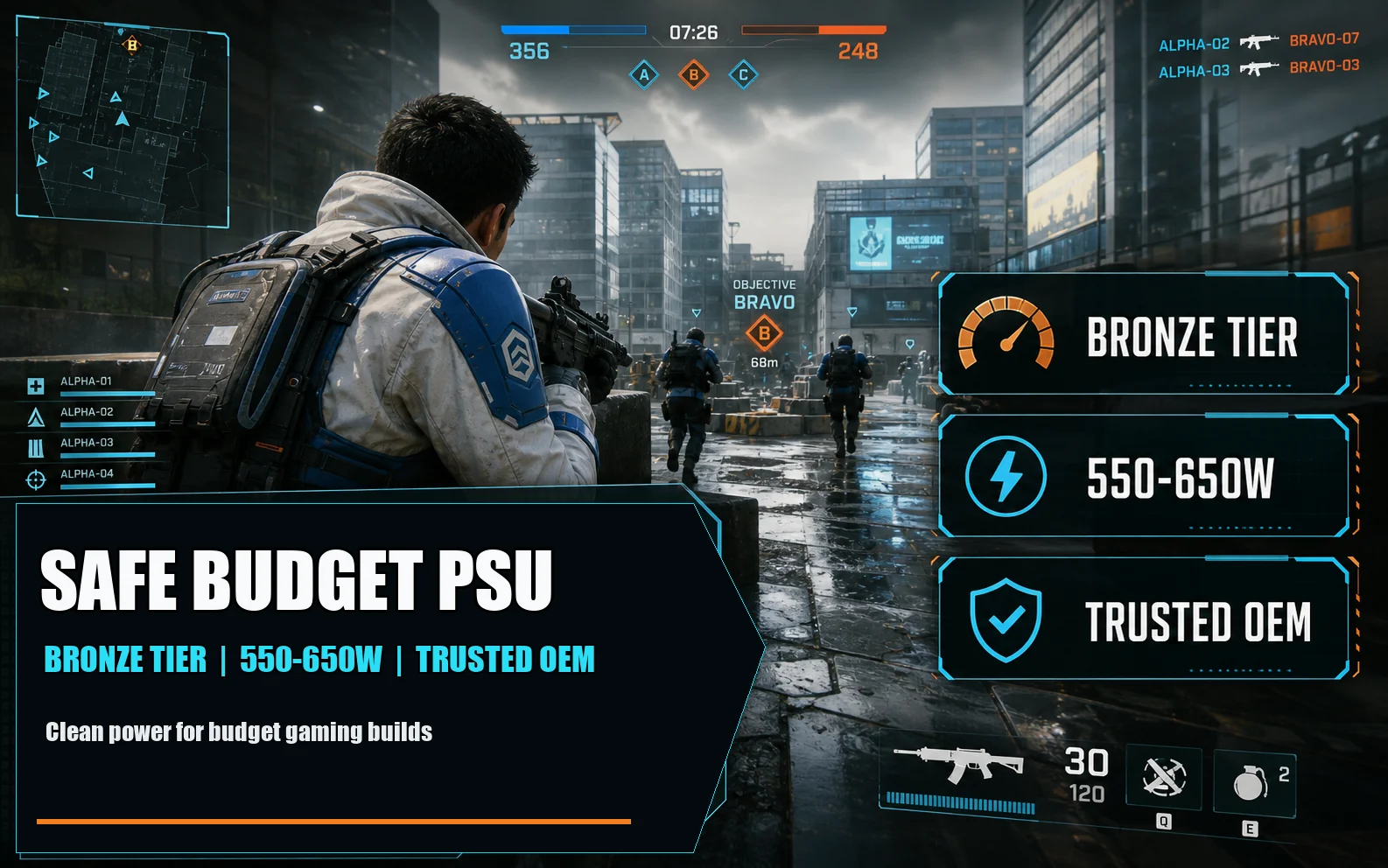
- 80 Plus Bronze: The sweet spot for budget builds. Around 82-85% efficient at typical loads. Perfectly fine for a 1080p gaming PC.
- 80 Plus Gold: Roughly 87-90% efficient. Nice to have, but you’re paying $20-30 more for a few watts of saved electricity per year.
- 80 Plus Platinum / Titanium: Diminishing returns. Don’t bother at this budget.
Cybenetics is a newer, stricter testing body that also rates noise levels. If you see a Cybenetics certification on a budget unit, that’s a good sign — it means the manufacturer paid for real third-party testing, not just slapped a sticker on. For under $60, Bronze is your target. Anything higher is marketing fluff at this price.
How Many Watts Do You Actually Need?
Here’s where people overspend. A modern budget gaming build — Ryzen 5 7600 or Core i5-12400F, paired with an RTX 4060, RX 7600, or Arc B580 — draws about 250-320W under full gaming load. Even a stress test maxing CPU and GPU at the same time will rarely break 400W.
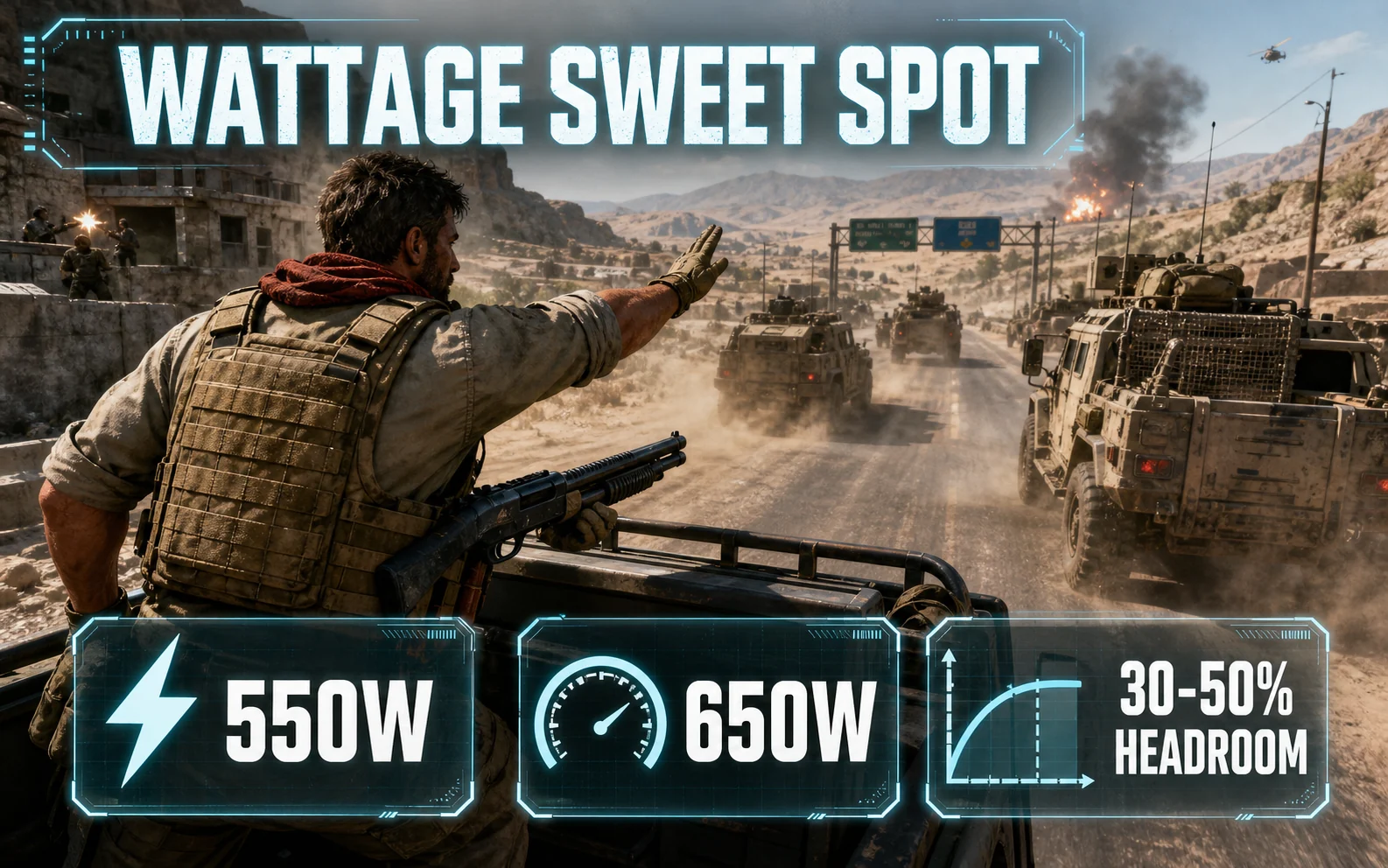
The rule of thumb is to leave 30-50% headroom above your expected peak draw. That puts you at 550W or 650W for almost any budget gaming PC. Going bigger doesn’t help — PSUs are most efficient around 50% load, so a 1000W unit running at 30% load is actually less efficient than a 550W unit running at 60%.
The only reason to size up is future-proofing. If you might drop in an RTX 5070 or 9070 XT next year, a 650W or 750W unit gives you room without needing a whole new PSU.
Modular, Semi-Modular, or Non-Modular?
Under $60, you’ll mostly see non-modular and semi-modular units. The difference matters for cable management:
- Non-modular: All cables permanently attached. Cheapest option, but you’ll have a bird’s nest of unused cables stuffed somewhere in your case.
- Semi-modular: Motherboard and CPU cables hardwired, GPU and SATA cables detachable. Best compromise at this price.
- Fully modular: Every cable detachable. Cleanest builds, but rare under $60 unless you catch a sale.
For a budget build in a basic mid-tower case, non-modular is fine. If you’re in a smaller case or care about looks, stretch for semi-modular.
ATX 3.0 and the 12V-2×6 Connector — Skip It
You’ll see newer PSUs advertising ATX 3.0 compliance and the 12V-2×6 (formerly 12VHPWR) connector. Both are real improvements for handling the transient power spikes of high-end RTX 40-series and 50-series cards. But here’s the thing: an RTX 4060 doesn’t need it. An RX 7600 doesn’t need it. An Arc B580 doesn’t need it. They all use the standard 8-pin PCIe connector.
Unless you’re planning to drop an RTX 4070 or higher into the build within the next year, don’t pay extra for ATX 3.0. A solid ATX 2.x Bronze unit will run your hardware perfectly.

Best Budget PSU Picks Under $60
These are the units worth your money in 2026. All are 80 Plus Bronze or better, from manufacturers that won’t ghost you when something breaks.
- Corsair CV450 / CV550 — $45-55. The CV series is Corsair’s entry-level line, built by Channel Well Technology (CWT), a reputable OEM. Non-modular, 3-year warranty. The 550W version is the right pick for a budget build. Cables are on the short side, so if you’re in a full tower you may struggle.
- EVGA 500 BR / 600 BR — $50-60. EVGA’s BR (Bronze) line is a longtime budget favorite. Non-modular, 3-year warranty, quiet under typical gaming loads. EVGA’s RMA process is one of the best in the industry.
- Thermaltake Smart 500W — $45. The cheapest unit I’d actually recommend. 80 Plus Bronze certified, 5-year warranty. The fan does get audible at full load, but for general gaming it’s fine.
- Cooler Master MWE 550 Bronze V2 — $55-65. Often the only semi-modular unit you can find at this price. Solid HEC-built platform, 5-year warranty, quiet fan curve. If you can grab it on sale at $55, it’s the best value in this list.
- MSI MAG A550BN — $55. A newer budget entry that’s been getting solid reviews. 80 Plus Bronze, 5-year warranty, decent build quality. Good option if the Corsair and EVGA picks are out of stock.
Brands to Avoid Entirely
If a 750W PSU costs $25, there is a reason. Stay far away from Apevia, Diablotek, Raidmax, Logisys, and any Amazon-only brand you’ve never heard of. These units routinely fail their own rated specs, lie about wattage, and have actual documented cases of catching fire. No amount of money saved is worth replacing a melted motherboard.
Why the OEM Matters
The name on the PSU box isn’t always the company that built it. Most brands buy units from a handful of original equipment manufacturers and slap their label on. The OEMs worth trusting are Channel Well Technology (CWT), Seasonic, HEC, Great Wall, and FSP. A “Corsair CV550” built by CWT is fundamentally a different product than a no-name 550W built by an unknown factory in the same warehouse district.
Reviews on sites like JonnyGuru (archived) and HardwareBusters will tell you who built a given unit. If a budget PSU’s OEM isn’t disclosed anywhere, that’s a yellow flag.
When You Should Spend More
The under-$60 bracket works for the GPU tier this guide targets. But there are situations where stretching to $80-100 is the smarter move:
- You’re putting in an RTX 5070, 5070 Ti, or anything with a 12V-2×6 connector.
- You plan to upgrade to a higher-tier GPU within a year.
- You’re building in a small form factor case where every watt of heat matters — Gold efficiency runs cooler.
- You want longer warranty coverage. Bronze units typically come with 3-5 year warranties; Gold units often have 7-10.
A cheap PSU gaming PC build can absolutely be reliable. You just have to pick from the right shortlist. Stick with Corsair, EVGA, Cooler Master, MSI, or Thermaltake in the Bronze tier, size it for 550-650W, and you’ve got a foundation that will outlast the rest of the parts inside it. The PSU is the one component you buy once and forget about for a decade — make sure the one you forget about is actually good.
Further Reading
- Cybenetics PSU efficiency and noise database
- HWBusters PSU reviews (detailed teardowns)
- Corsair PSU lineup (CV/CX series reference)