Asking how much RAM for 1080p gaming you need in 2026 gets you a different answer than it did two years ago. 16GB used to be plenty; now it’s the minimum, and the headroom is thinner than it used to be.
If you’re putting together a budget 1080p rig and wondering how much RAM for 1080p gaming you actually need this year, the short answer hasn’t changed dramatically: 16GB is still the right call for most builds. But the longer answer matters, because the gap between “enough” and “comfortable” has narrowed, and DDR5 is finally cheap enough that the conversation has shifted.
Here’s the practical breakdown.
How Much RAM for 1080p Gaming Most Players Actually Need
Most modern AAA titles at 1080p chew through roughly 10-14GB of system RAM once you factor in Windows, a browser tab or two in the background, Discord, and whatever launcher the game is tied to. A few of the heavier open-world releases push higher, especially when shaders are compiling or you’ve got the game minimized while Chrome keeps loading content.
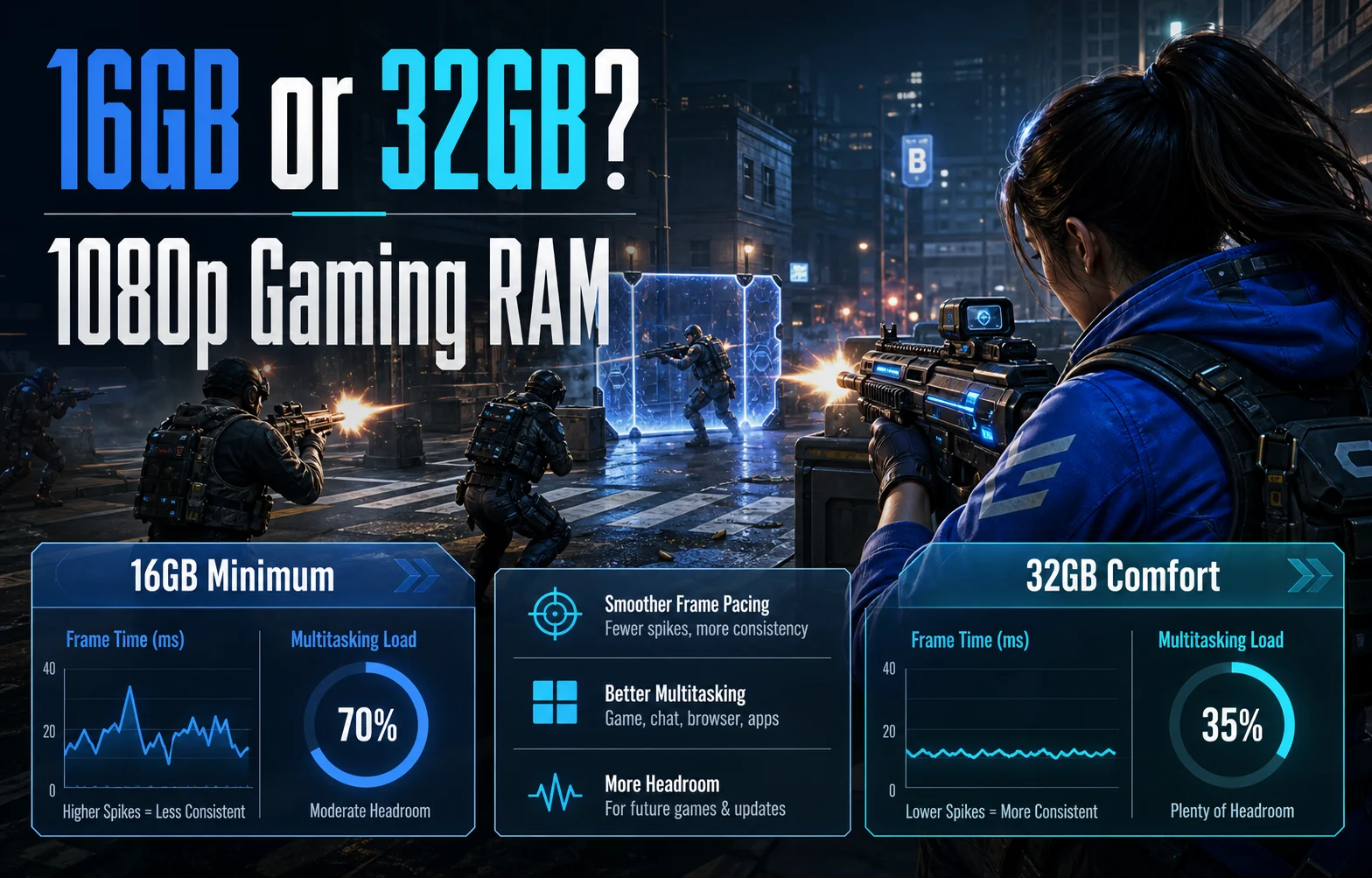
That leaves a 16GB system with very little breathing room. It still works. Frame-time stutter from RAM swapping isn’t common at 1080p with a fresh boot. But the days of opening 30 tabs while Cyberpunk runs in the background are over on a 16GB system.
Esports titles are a different story. Valorant, CS2, League, Rocket League — these still fit comfortably under 8GB of game memory, and they’ll happily run with a stack of background apps open.
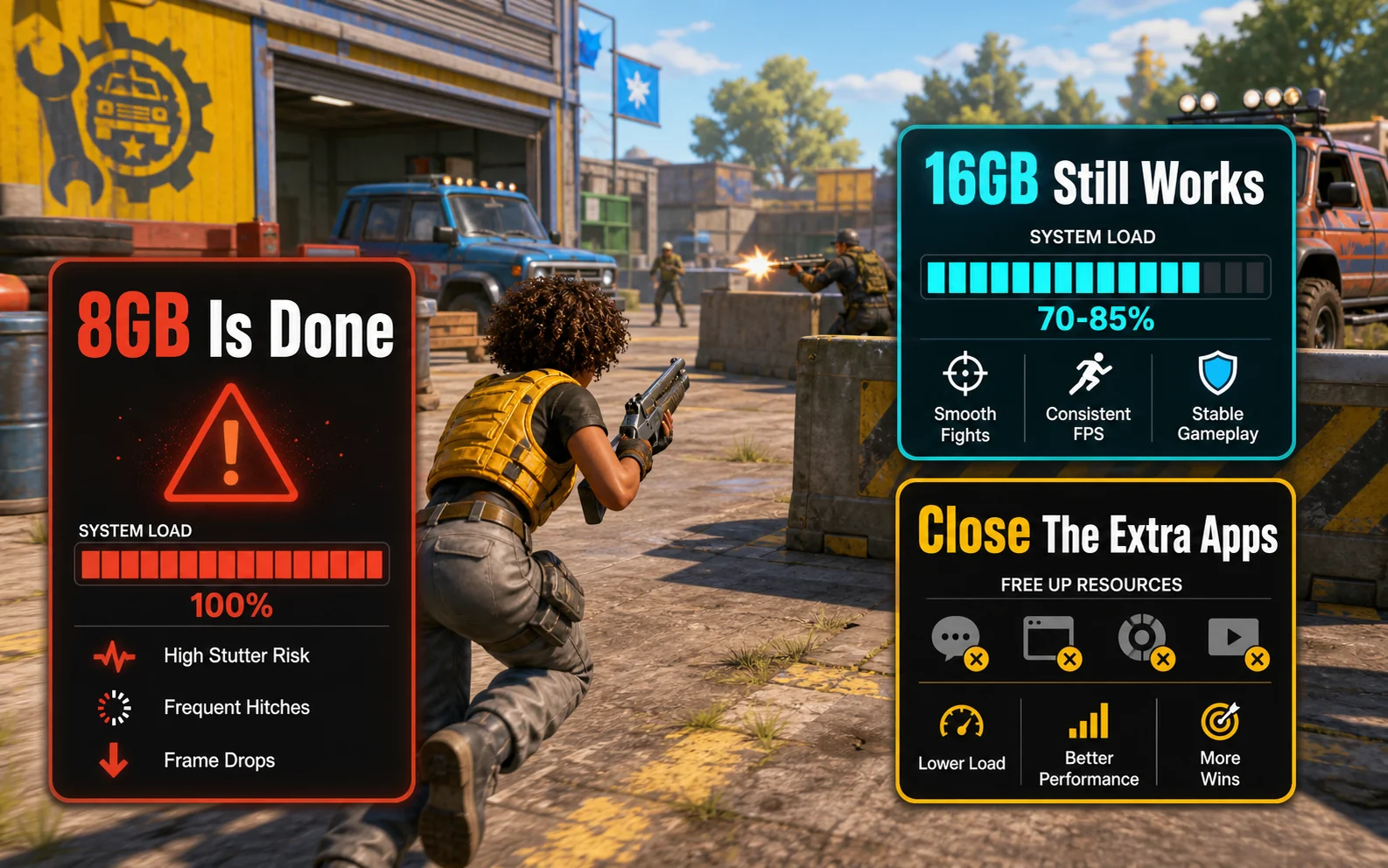
8GB Is Done. Stop Building With It.
This needs to be said plainly: do not build a new gaming PC with 8GB of RAM in 2026. Even a pure esports load — Valorant plus Discord plus a Chrome window with a Twitch stream — will exceed 8GB and start hitting the page file. You’ll feel it as random freezes, alt-tab lag, and occasional game crashes that look like driver issues but aren’t.
Used 8GB sticks are basically e-waste for gaming purposes. If you’re upgrading an old machine and 8GB is what’s in there, swap it before you spend money on anything else.
When 16GB Is Genuinely Fine
A 16GB kit still makes sense in a lot of scenarios. You’re not gimping yourself by choosing it on a budget build — you’re just choosing a tighter ceiling. It works if:
- You’re playing mostly esports titles or older AAA games
- You game on a single monitor with most background apps closed
- You’re not streaming, recording, or running anything heavy alongside the game
- Your AAA gaming sits at 1080p with no mods or heavy texture packs
- You’re willing to close Chrome before launching the new Call of Duty
For a sub-$700 build aimed at 1080p, 16GB is still the smart allocation of dollars. Spending another $50-70 on RAM is money that’s almost always better spent on a stronger GPU or a faster SSD.
When You Actually Want 32GB
32GB isn’t overkill anymore — for some workloads, it’s the new comfortable middle. Reach for it if any of these describe you:
- Streaming while gaming. OBS, browser sources, alerts, chat overlays — this stack alone wants 4-6GB, and that’s before the game loads.
- Modded games. Heavily modded Skyrim, Minecraft with shaders and a big modpack, or a Cities: Skylines save with hundreds of assets will absolutely eat 20GB+ on their own.
- Multi-monitor productivity stacks. If you’ve got Chrome with 40 tabs, Spotify, Slack, and a video editor open alongside your game, 16GB is going to fight you.
- 1440p or ultrawide AAA gaming. Higher-res textures push VRAM, but they also nudge system RAM usage up.
- Content creation alongside gaming. Editing in Premiere or DaVinci while a game compiles shaders in the background is genuinely a 32GB workflow.
And 64GB? Still overkill for pure gaming, even in 2026. If a builder or reviewer is pushing you toward 64GB and you’re not doing 4K video editing or running VMs, ignore them.
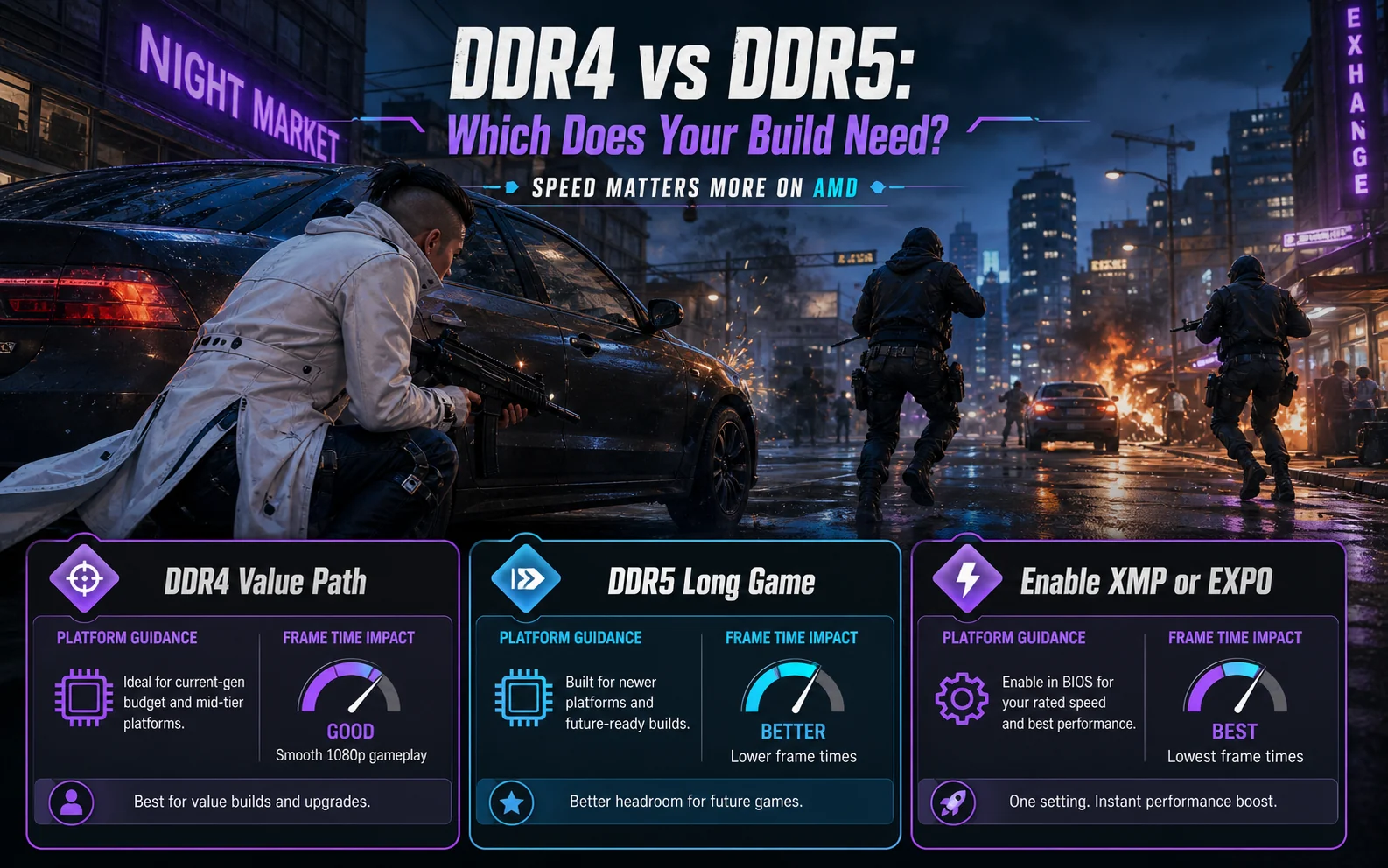
DDR4 vs DDR5: Which Does Your Build Need?
This depends entirely on your platform. The RAM type isn’t a choice — your motherboard makes it for you.
DDR4 (AM4, Intel 10th-11th gen, some 12th gen)
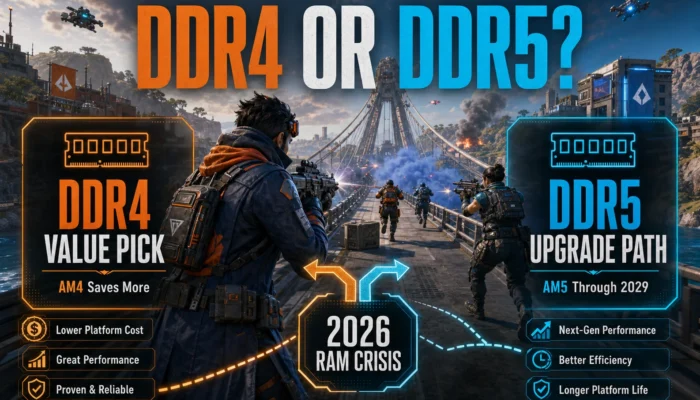
DDR4 is far from dead. AM4 builds based on the Ryzen 5 5600 or 5700X3D are still genuine value picks in 2026, and they need DDR4. A 16GB DDR4-3200 CL16 kit runs roughly $35-45. A 32GB kit lands around $65-80.
For Ryzen, aim for DDR4-3200 to DDR4-3600 with CL16 timings. The 5600/5700X3D scale noticeably with faster RAM, and 3600 CL16 is essentially free performance over 2666. Beyond 3600, you’re chasing diminishing returns and risking instability on cheaper boards.
DDR5 (AM5, Intel 12th gen and newer)
DDR5 prices have dropped significantly over the last 18 months. A 16GB DDR5-6000 CL30 kit now sits around $55-65, and 32GB DDR5-6000 kits run roughly $110-130. The gap to DDR4 is real but no longer the deal-breaker it was at launch.
For AM5 (Ryzen 7000 / 9000), DDR5-6000 CL30 is the well-documented sweet spot. The infinity fabric runs 1:1 at this speed, which matters for Ryzen latency. Going faster (6400, 6800) often forces a 1:2 ratio that actively hurts performance unless you really know what you’re doing.
For Intel 12th gen and newer, the platform is less sensitive to RAM tuning, but DDR5-5600 to DDR5-6400 will still help in CPU-bound titles. Intel is more forgiving of speed mismatches than AMD.
Speed Matters More on AMD
If you take one thing from this section, take this: Ryzen platforms gain more from fast RAM than Intel platforms do. The Ryzen memory controller and infinity fabric are sensitive to memory speed in a way Intel’s ring bus isn’t.
That doesn’t mean you should buy the fastest kit you can find. It means:
- For AM4: DDR4-3200 CL16 is the floor, DDR4-3600 CL16 is the ceiling worth paying for
- For AM5: DDR5-6000 CL30 is the target, full stop. Don’t overspend chasing 6400+
- For Intel: any sensibly-priced DDR4-3200 or DDR5-5600+ kit will do
Also — and this trips people up — your motherboard has to support the speed you’re buying, and you have to enable XMP (Intel) or EXPO (AMD) in BIOS. Out of the box, your RAM runs at the default JEDEC speed, which is usually 2133 or 4800. Enabling the profile is a one-click toggle in BIOS, but a lot of first-time builders forget and then wonder why their benchmarks look low.
The 16gb vs 32gb Gaming Decision, Simplified
If you’ve read this far and still want a single recommendation per scenario, here it is:
- Budget AM4 1080p gaming build (under $700): 16GB DDR4-3200 CL16. Spend the saved money on the GPU.
- Mid-range AM5 build ($900-1300): 32GB DDR5-6000 CL30. The platform is meant to last, and DDR5 prices justify it now.
- Streaming or modded-game build: 32GB minimum, regardless of platform.
- Pure esports machine on any budget: 16GB is enough, period.
What This Means for Your Build
The framing has shifted slightly for ram for gaming 2026: 16GB is no longer comfortable, but it’s still enough for the actual gaming part. 32GB has moved from “future-proofing” into “genuinely better for a lot of real-world workflows,” especially as DDR5 prices have come down.
Don’t overpay for a faster kit your CPU and board can’t use. Don’t get talked into 64GB unless you’ve got a workload that actually wants it. And don’t, under any circumstances, build a 2026 gaming PC with 8GB of RAM — the savings aren’t worth the headaches.
Match the kit to the platform, enable the XMP or EXPO profile in BIOS, and move on. RAM is one of the easier decisions in a budget build once you stop overthinking it.
Further Reading
- Crucial: How Much RAM Do I Need for Gaming?
- AMD Ryzen processor specifications (memory support)
- TechPowerUp reviews (RAM scaling benchmarks)