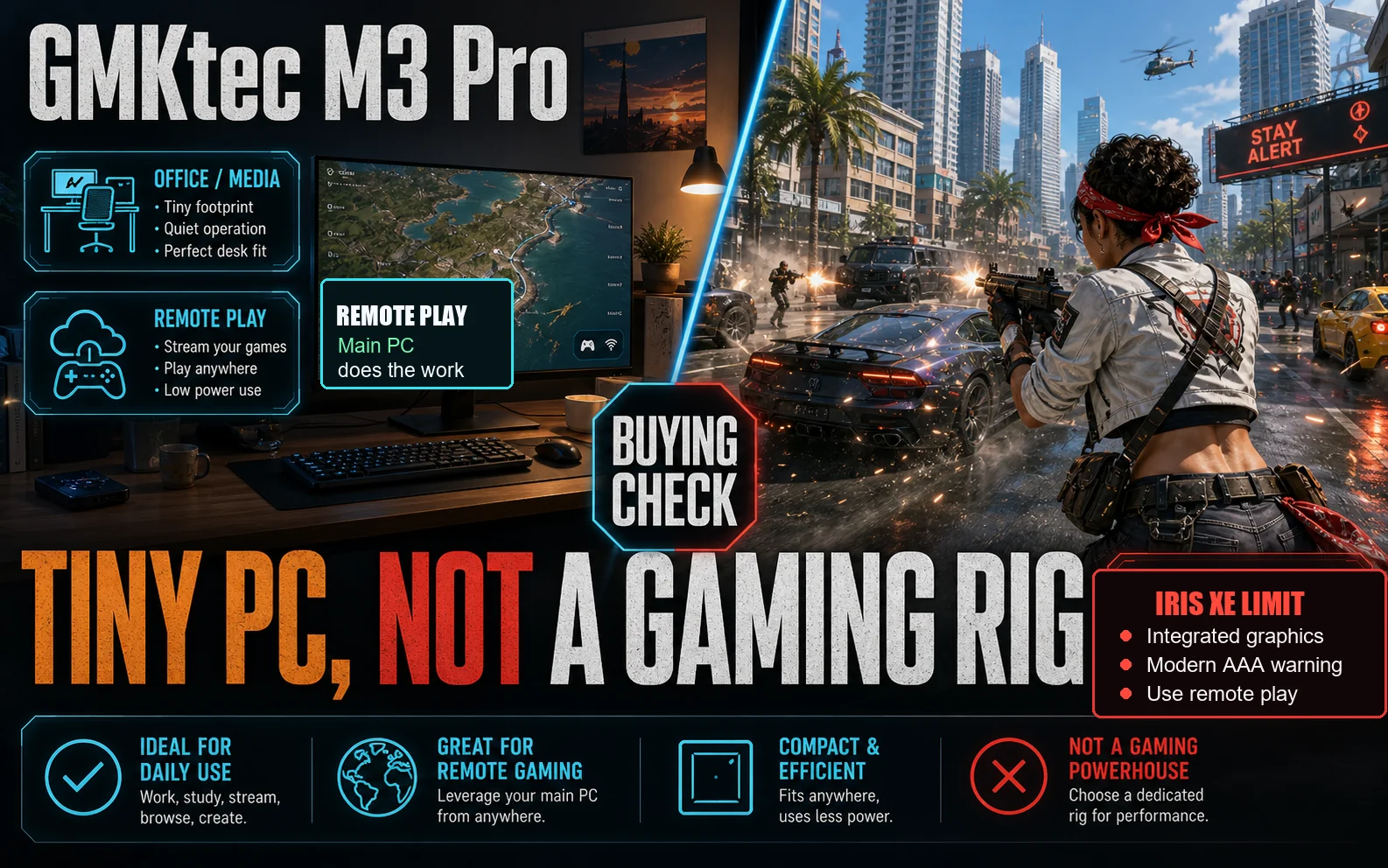
The GMKtec M3 Pro is not a gaming PC. It works best as a tiny Windows box behind a monitor, next to a TV, or on a cramped desk. The integrated Intel graphics keep the M3 Pro closer to a footprint play than an FPS play.
For local gaming, price out a small desktop with a discrete card instead. Check today’s price on Amazon first; I’d skip the loaded M3 Pro if it stays near the saved $949.99 check, because Iris Xe is still the graphics limit.
Still with me? Good. Here is the quick version.
Quick Call
I would only click through to Amazon for the M3 Pro if the barebone version comes back at a sensible price. You also need your own SO-DIMM kit and M.2 drive ready. Loaded bundles have to fight desktop gaming boxes, and this Intel graphics setup is not built for that fight.
| Buyer type | Call | Why |
|---|---|---|
| Office or media setup | Worth watching | Small chassis, three display outputs, and wired 2.5G networking |
| Local gaming | Skip it | Intel integrated graphics kill the FPS-per-dollar value |
| Parts-on-hand buyer | Barebone could work | Only if you already own SO-DIMM memory and an M.2 drive |
| Tiny gaming PC shopper | Check the K12 first | Better gaming specs, but the Amazon return warning matters |
| FPS-per-dollar buyer | Buy or build small desktop | A compact desktop with a real card is the better gaming spend |
Use the CheapFPS build guides before paying mini-PC money for this kind of integrated Intel setup.
What you are actually buying
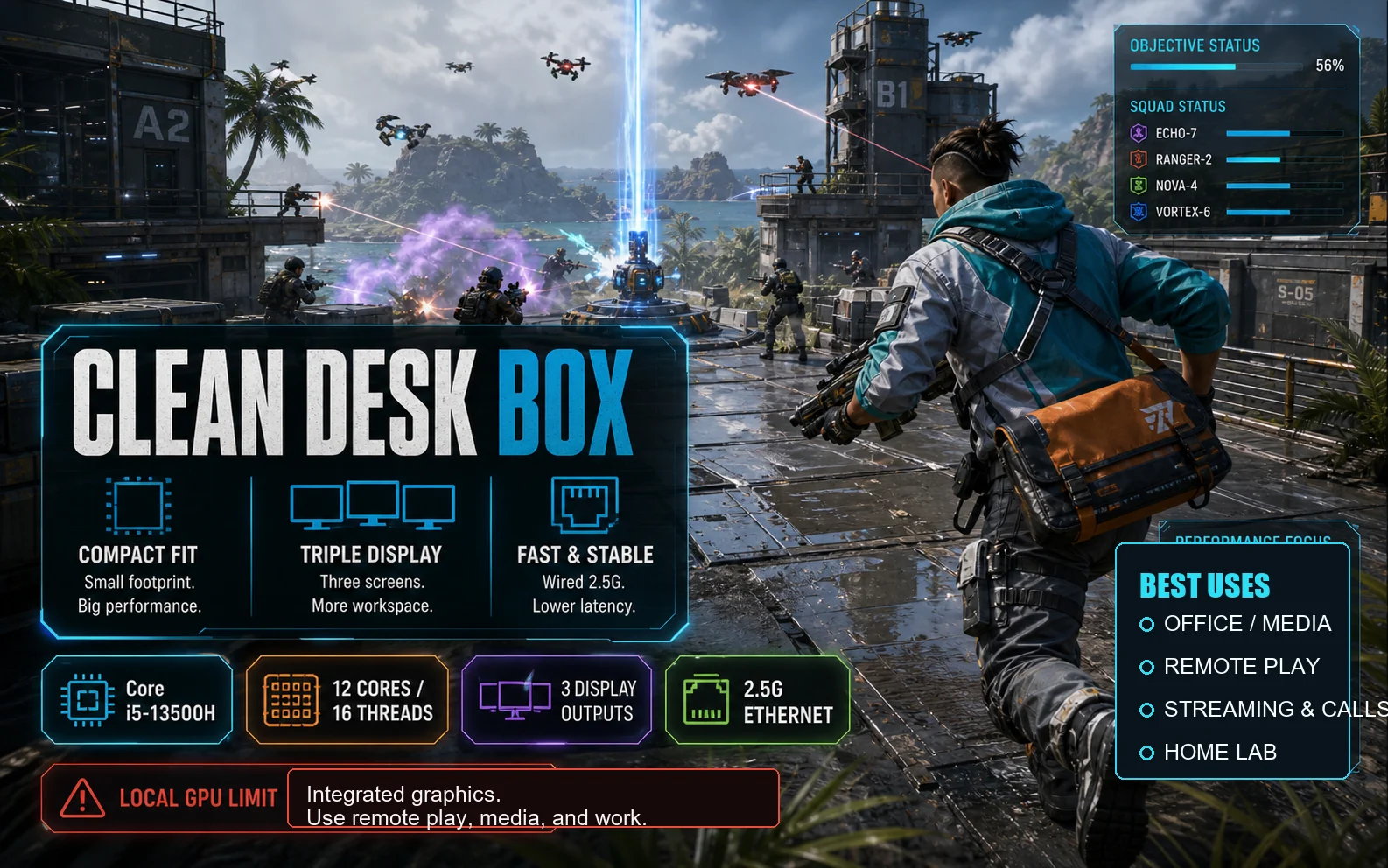
GMKtec lists the M3 Pro with a Core i5-13500H. The 12-core, 16-thread CPU is the reason this tiny box still works for an office desk, a dorm setup, or a remote-work station.
The box is closer to a squat streaming device than a tower. GMKtec’s listed 114 x 106 x 42.5mm chassis makes placement the selling point. The M3 Pro footprint helps when a small desk already has a monitor arm, speakers, and cables fighting for space.
Dual HDMI plus Type-C gives you three display outputs. The 2.5G Ethernet port also helps if you move files from a NAS, run a small home-lab setup, or stream games from another machine.
That is the clean-desk pitch. The gaming pitch is thinner. Local games still run on Intel integrated graphics, and there is no internal card slot to rescue the purchase later.
Pricing and which version makes sense
The barebone listing is the one I would watch first. For a US Amazon shopper, the useful question is simple. Are you mostly paying for the compact Intel PC, or are you paying extra for parts you could choose yourself?
Pick the barebone only if you can reuse a spare SO-DIMM kit and M.2 drive. A cheap drive such as a Kingston NV2 helps only if the total stays well below small gaming desktop money.
The saved Amazon check had the loaded page in small-desktop territory before the product page became unavailable. Near that level, compare against a small desktop before buying the M3 Pro for games.
Check current GMKtec M3 Pro results on Amazon before you do anything else, because mini-PC stock and marketplace listings move fast.
The K12 comparison
The GMKtec K12 is the mini-PC that actually tries to address the gaming problem. TechRadar’s K12 coverage points to the specs that matter here. Its stronger integrated graphics, OCuLink, USB4, and room for more drives all lean harder toward gaming than the M3 Pro does.
The catch: the Amazon K12 listing checked for this article carried a “frequently returned item” warning. If Amazon still shows that warning, the return risk is the deciding detail for K12 shoppers.
The external dock route also complicates things. K12 shoppers would need an external enclosure and more desk space, which weakens the mini-PC pitch.
Good Fits
- The M3 Pro barebone makes sense if your Kingston NV2 and SO-DIMM kit are already on the shelf.
- A clean multi-monitor office or media setup matters more than local FPS.
- Remote desktop, cloud gaming, or Steam Remote Play will do the heavy lifting.
- Your dorm desk or TV cabinet has no room for a tower.
If you are buying it for modern local games, the math turns ugly. For Steam Remote Play, the M3 Pro’s wired 2.5G Ethernet matters more than its local graphics power.
Final Call
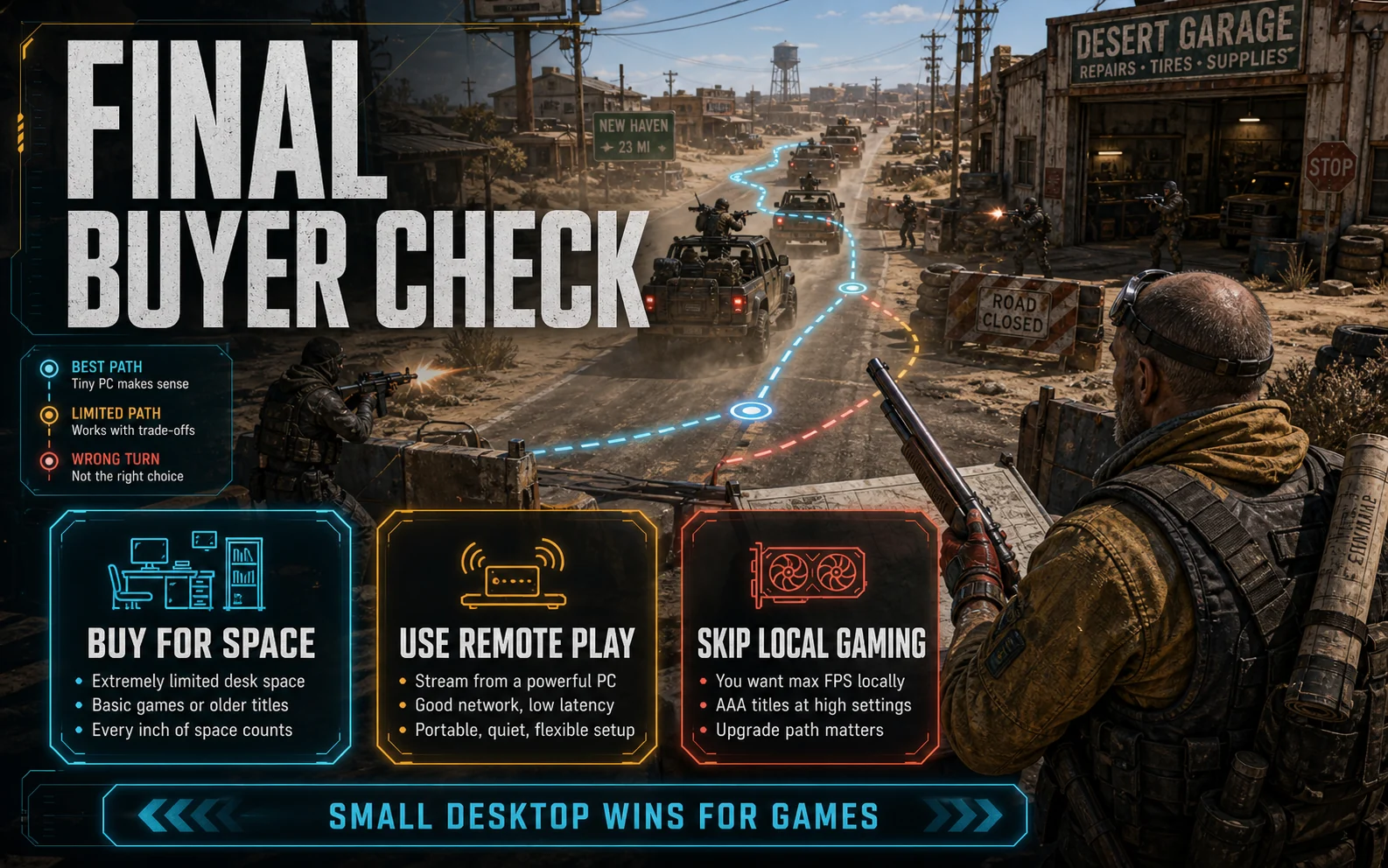
The GMKtec M3 Pro makes sense when the barebone Amazon listing is clearly cheaper than a small desktop, and the 2.5G Ethernet plus triple-display layout solve a real desk-space problem. With a compatible SO-DIMM kit already paid for, the barebone path avoids the loaded-bundle trap.
Do not buy it as a gaming PC. At loaded-bundle pricing, a small desktop with a discrete card gives you better day-one gaming performance and a real upgrade path.
Compare CheapFPS small gaming PC builds
Checked today
Prices and availability checked May 10, 2026. This page uses live price checks, GMKtec’s official product page, current Amazon search results, TechRadar’s K12 coverage, and saved Amazon notes from the article handoff. No local game benchmark was run here, so the call stays focused on price, hardware fit, and buyer risk.
The exact Amazon M3 Pro product page was unstable during this pass, so the Amazon links above point to current search results rather than a hardcoded product URL. The saved loaded-bundle note and the K12 return-warning note can change, so check the live listing before buying.
Affiliate disclosure: CheapFPS may earn from qualifying purchases through retailer links.