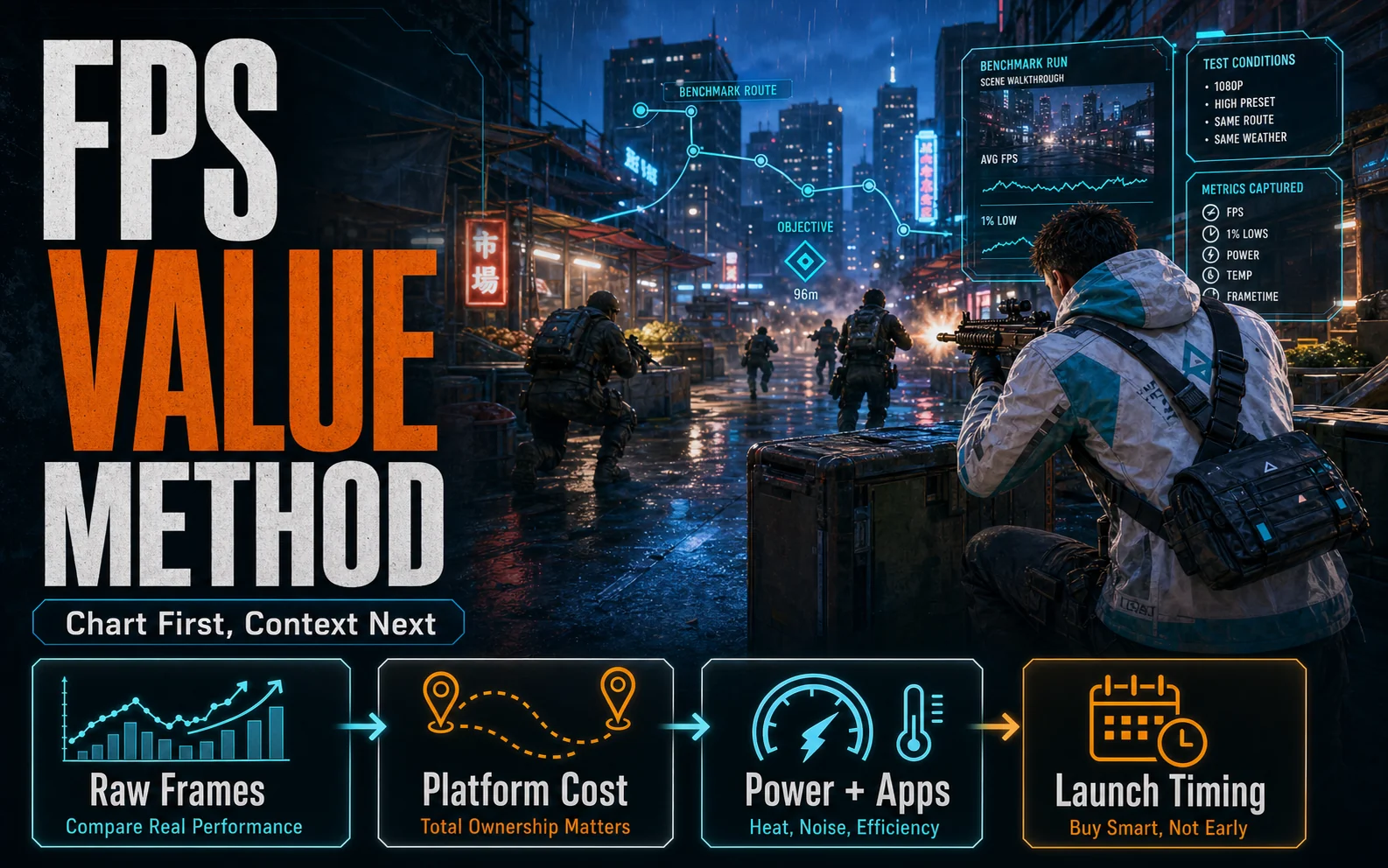

FPS per dollar is a useful first cut, not the final buy button. In our April 2026 checks, an RX 7600 at $279 beats an RTX 4060 at $339 on simple gaming value. However, the chart does not know your full build context. It ignores whether your case is cramped or your PSU is weak. It also misses whether your desktop spends real time streaming in OBS. The CPU side has the same problem. A Ryzen 5 5600 row can look cheaper than a Core i5-12400F row. But the motherboard total ultimately decides what the finished build has to cut.
This page is based on live retailer and tracker checks, vendor launch notes, and named third-party coverage, not CheapFPS hands-on lab testing. Affiliate disclosure: CheapFPS may earn a commission from some retailer links, but the recommendation logic stays tied to the price, platform, and spec rules below.
| Lane | CheapFPS call | Deal score | Best for | Skip if | What would change my mind | Source |
|---|---|---|---|---|---|---|
| Radeon 8GB card at $279 | pass | 7/10 | straight gaming builds where every $50 affects the rest of the parts list | your case, PSU, or streaming workload needs the cooler GeForce lane | a clean GeForce listing lands within $20 to $30, or newer launch-price cards become easy to buy | BestValueGPU and launch coverage |
| GeForce 8GB card at $339 | caution | 6/10 | OBS, NVENC, CUDA-side apps, and tighter cases | this is only a gaming box and the Radeon listing is clean | the premium drops under $30 or Nvidia software support is part of the job | BestValueGPU and Nvidia feature context |
| CPU-only value charts | skip as final proof | 3/10 | quick filtering before you price the board | the motherboard total is missing | the chart includes platform cost and the build part that money protects | Newegg CPU and board rows |
What FPS per dollar misses at checkout
| Live check | What the chart sees | What CheapFPS checks next | Buyer consequence | Source |
|---|---|---|---|---|
| RX 7600 at $279 against RTX 4060 at $339 | lower price, similar 3DMark-class score, better raw value | 165W versus 115W, plus Nvidia-side encoder and app support | the cheaper card can still be the wrong fit in a small, warm, or streaming-heavy desktop | BestValueGPU comparison |
| Ryzen 5 5600 plus an AMD board against Core i5-12400F plus an Intel DDR4 board | the AM4 chip starts cheaper on the CPU line | Newegg showed AMD-board examples from $79.99 to $119.99 and a named Intel DDR4 board at $119.99 | the platform spread can decide whether the build keeps the stronger graphics card or a better SSD | Newegg listing checks |
| launch-price replacement pressure | older cards can still look familiar in stale ratio tables | Nvidia lists RTX 5060 at a launch price that matches the old GeForce MSRP; Ars Technica reported RX 9060 XT at the same entry price or $349 by memory size | a chart made before the shelf changed can flatter old-stock pricing | Nvidia and Ars Technica launch coverage |
The GPU example: cheaper frames can still cost comfort
The Radeon card is still the better gaming-first value. This holds true if your desktop has normal airflow and a decent PSU. It is also the best choice if you have no serious side workloads after the game closes. BestValueGPU’s comparison shows the AMD card slightly ahead in raw scores. It also costs less at retail. This is exactly the kind of result a value chart should catch.
The same comparison lists 115W board power for Nvidia’s card and 165W for AMD’s card. In a compact case, that 50W gap can turn into higher fan speed after an hour of gaming. On a budget power supply, it also leaves less headroom for CPU boost and case fans.
OBS and NVENC also change the answer for a mixed-use machine. Does your PC record gameplay, stream, or run CUDA-friendly apps? If you run these often, the higher Nvidia sticker price has a real job. Is your system only a 1080p gaming box? If so, the cheaper AMD listing is smarter. It keeps more of the budget available for a stronger GPU tier or a higher-quality case fan setup.

The CPU example: platform total changes the build
The AM4 example is not better because the processor name sounds cheaper in a chart. It works because the visible Newegg rows kept the chip around $129 to $144. AMD boards also had several usable examples below or around $120. That combination leaves more budget room. It protects the graphics card, the case, or the storage choice that affects the owner every day.
Newegg showed the Alder Lake processor around $157.47 to $159.99, and the MSI PRO B760M-P DDR4 listing was $119.99 when checked. The Intel-board route works only when the cart still keeps the same graphics card. It stops being a value win when the board premium pushes the build into a cheaper case or a smaller SSD.
A CPU chart that ignores a $119 board can overstate Intel-side value. What happens if that extra board cost forces you to buy a cheaper GPU? The faster-looking processor choice has already lost the gaming build.
| Checkout check | What CheapFPS does with it | Source |
|---|---|---|
| Board cost | Put the AMD-board or Intel-board price in the same row as the processor before calling the CPU cheaper. | Newegg platform checks |
| Board power | A 50W GPU gap can raise fan speed in a tight case and leave less PSU headroom under load. | BestValueGPU power figures |
| Side-use workload | Recording, streaming, and CUDA-friendly apps can justify the GeForce premium when gaming charts do not. | Nvidia feature context |
| Replacement shelf | New launch-price cards can make yesterday’s fair older-card price look stale. | Nvidia and Ars Technica launch coverage |
The regret buy is the part that won a ratio chart but made the finished PC worse. This includes a hotter graphics card in a small case. It also includes a CPU platform that ate the graphics budget, or an older card bought at replacement-era pricing. A useful chart is different. It sends you to the right checkout questions before the money leaves your pocket. It protects your graphics card, storage drive, and cooling budget.
Checked today and what would make this page change
- Checked today: GPU and platform examples came from the tracker and retailer rows named above. The spread matters because it can change SSD capacity or pay for a better case fan setup.
- MSRP and street read: the older Radeon example sat slightly above launch MSRP. The older GeForce example sat farther above launch MSRP, while newer launch-price cards set a tougher same-money reference.
- Sources checked: BestValueGPU for GPU tracker and power figures; Newegg for processor and motherboard listing checks, including the named Intel DDR4 example; Nvidia and Ars Technica for launch-price context on newer cards.
- Freshness note: Prices and availability checked April 26, 2026.
- Stock caveat: tracker and search-result pages can include marketplace rows, seller changes, shipping changes, and stock movement, so verify the exact seller before checkout.
- Update trigger: this page changes if the GeForce premium falls below $30, the Radeon lane rises above the current launch-price tier, AMD-board or Intel-board pricing changes the platform spread, or newer launch-price cards become regularly available from major retail listings instead of launch context.