There’s a quiet trick to building a cheap gaming PC that punches way above its price: build it for the games you actually grind. If your hours go into Counter-Strike 2, Valorant, Marvel Rivals, Fortnite, or Apex, you don’t need a graphics card that can path-trace Cyberpunk. You need a machine that pins a high frame rate to a fast monitor and never stutters in a clutch. That kind of build is shockingly affordable in 2026, even with the memory shortage making everything else painful.
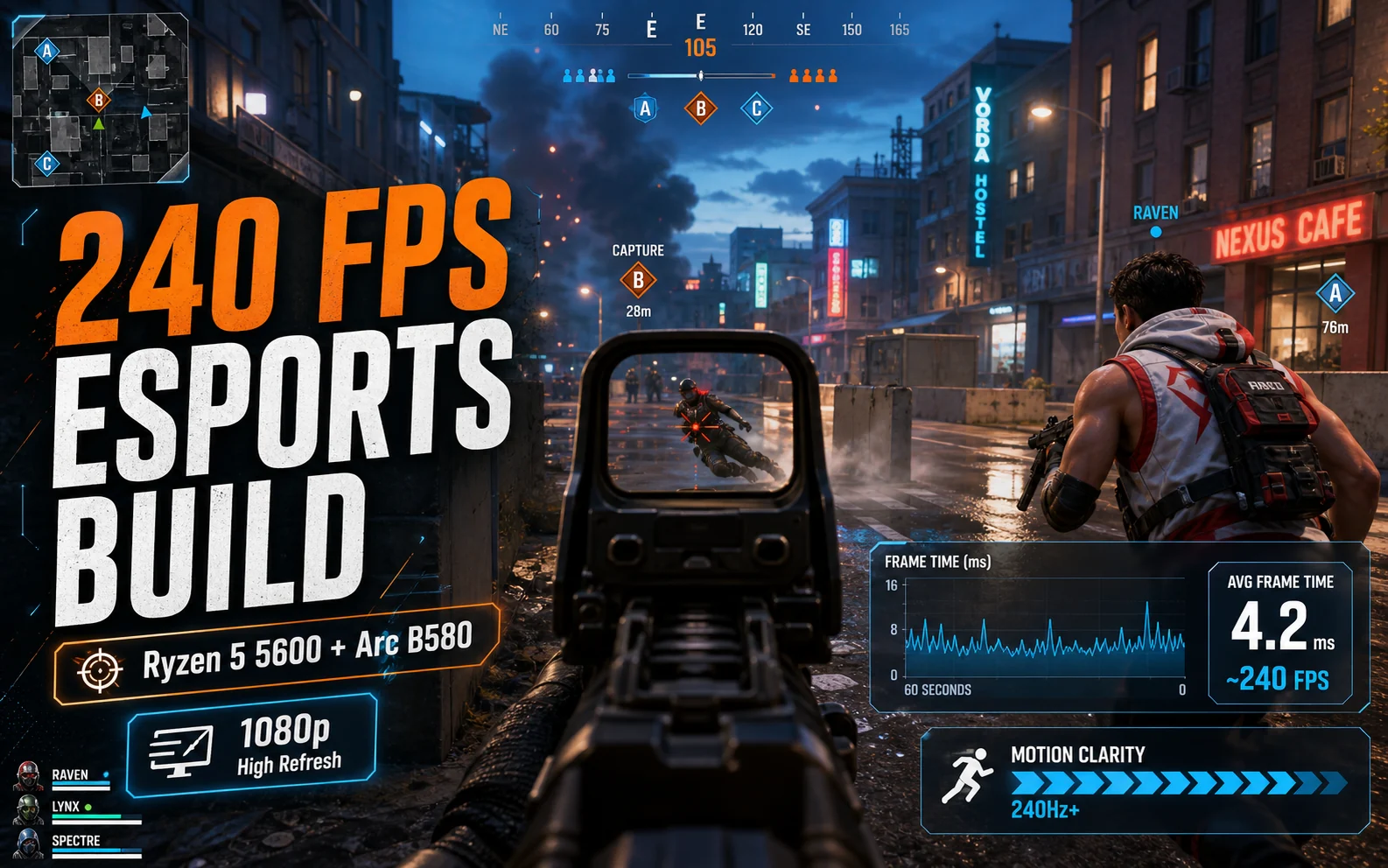
This is the build for the competitive crowd — the one chasing 240fps on a 240Hz panel, not 4K screenshots.
Esports hardware breaks the usual rules
Competitive games are built to run on almost anything, because the developers want the largest possible player base. Valorant will run on a potato. CS2 hits triple-digit frame rates on modest hardware. Marvel Rivals, the heaviest of the bunch, asks for a mid-range GPU and 16GB of RAM and calls it a day. That changes how you spend your money: instead of pouring it all into the GPU, you balance a capable card with a strong-enough CPU and — this is the part people skip — a genuinely fast display.
High refresh is where the felt experience lives. The jump from 60Hz to 144Hz is night and day; 144Hz to 240Hz is the icing for twitch shooters. And the frame rate that feeds it leans as much on your CPU and memory as your GPU in these titles.
The build
| Part | Pick | Price |
|---|---|---|
| CPU | Ryzen 5 5600 | ~$130 |
| Motherboard | B550M | ~$90 |
| RAM | 16GB DDR4-3600 CL16 | ~$70 |
| GPU | Intel Arc B580 12GB | ~$250 |
| SSD | 1TB Gen4 NVMe | ~$120 |
| PSU | 550–650W 80+ Gold | ~$60 |
| Case | Mesh mid-tower | ~$65 |
| Tower total | ~$785 | |
This tower clears 240fps in CS2 and Valorant with tuned settings, holds well past 144fps in Fortnite and Apex, and still has the muscle (and the 12GB of VRAM on the B580) to play a normal AAA game on the weekend. You’re not buying a one-trick pony — you’re buying a competitive machine that happens to moonlight.
The CPU is your frame-rate engine here
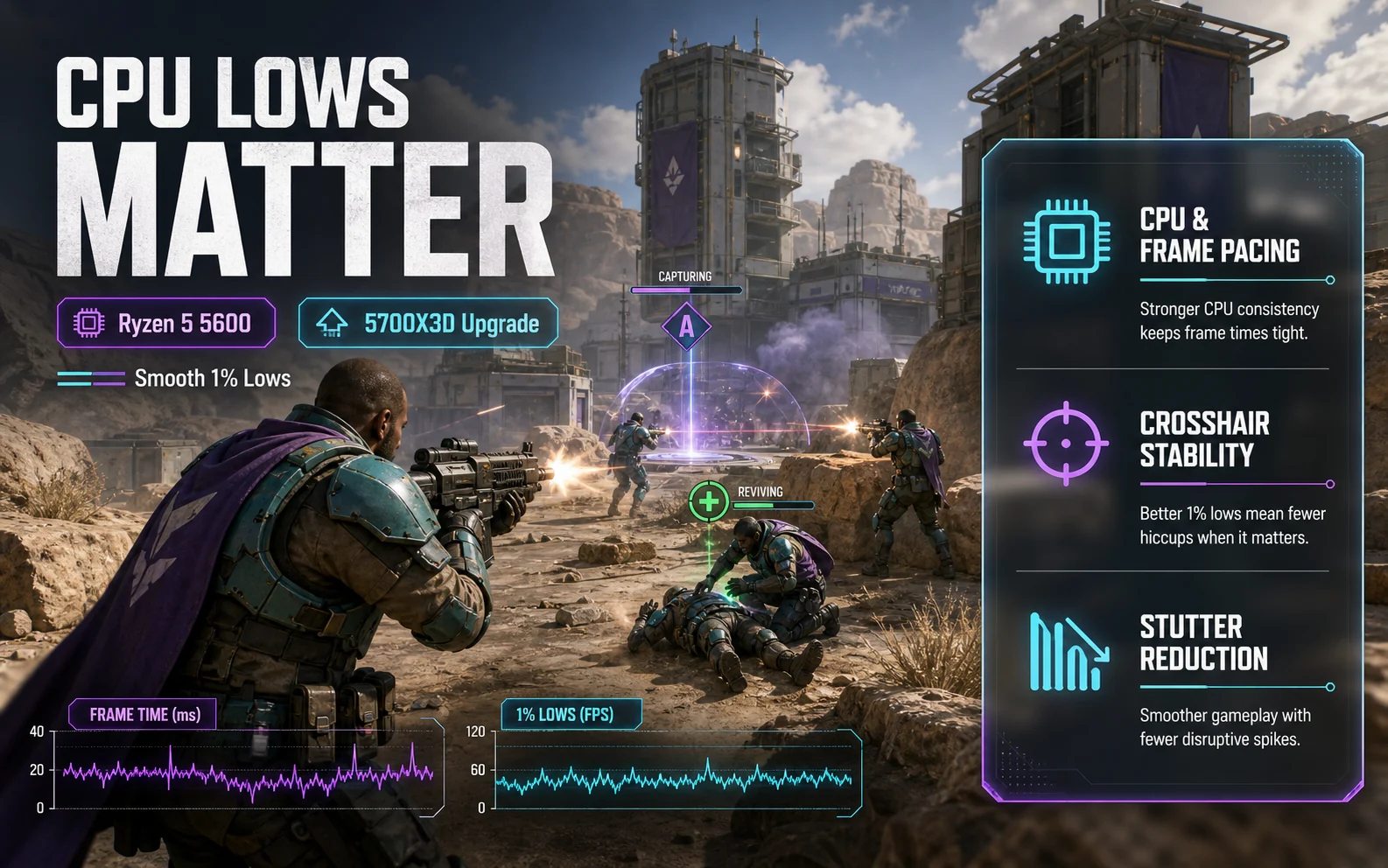
In GPU-bound games, the processor barely matters. In esports, it’s half the battle — these games run at such high frame rates that the CPU often becomes the limiter, especially for the 1% lows that show up as micro-stutters mid-fight. The Ryzen 5 5600 is plenty for 240fps in most titles. But if Counter-Strike 2 is your life, the one upgrade worth considering is a Ryzen 7 5700X3D (~$240–280). Its 3D V-Cache is tailor-made for CS2’s engine and noticeably smooths out the lows. It’s a luxury, not a requirement — but it’s the right luxury for this build.
Spend the monitor money. Seriously.
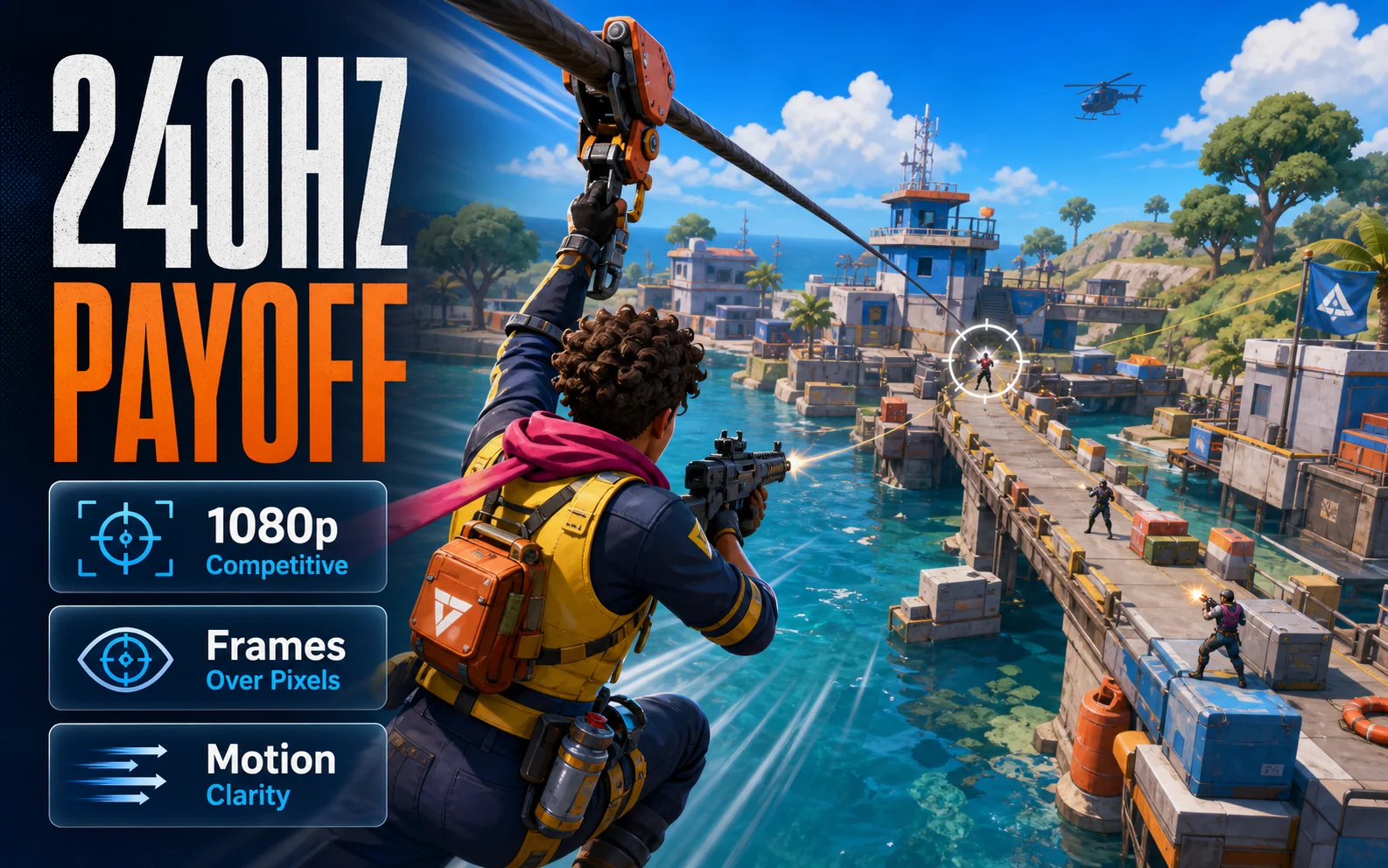
The most common mistake competitive players make is bolting a 240fps tower to a 60Hz screen and wondering why it doesn’t feel different. Your monitor is not an afterthought on an esports build — it’s the payoff. A 1080p 240Hz panel now sells in the $150–200 range, and that’s the upgrade you’ll feel every single match. If 240Hz is out of budget, a 1080p 165Hz screen still transforms the experience for around $120. Resolution stays at 1080p on purpose: it’s easier to drive at extreme frame rates, and competitive players overwhelmingly prefer the frames over the pixels.
Where the memory crisis does and doesn’t hurt
Esports builds dodge the worst of 2026’s pricing mess, which is part of why they’re such good value right now. You’re on DDR4, which is far cheaper than DDR5; you don’t need 32GB, so the RAM bill stays low; and you’re not buying an expensive GPU, so the GPU price inflation barely touches you. The shortage is real, but this is the corner of the market least exposed to it. If you want the full picture on memory pricing before you buy, our RAM guide for 1080p gaming breaks down where 16GB is fine and where it isn’t.
Rapid fire
How much does a 240fps esports PC cost in 2026?
Around $785 for the tower with a Ryzen 5 5600 and Intel Arc B580, plus $150–200 for a 1080p 240Hz monitor. That setup pushes 240fps in CS2 and Valorant and well past 144fps in Fortnite and Apex.
Do I need an expensive GPU for esports?
No. Competitive games are deliberately light, so a $250 Arc B580 is more than enough. Your money is better spent on a strong CPU and a fast monitor, which matter far more for the high-frame-rate feel.
Is the Ryzen 5 5600 good enough for 240Hz?
For most esports titles, yes. If Counter-Strike 2 specifically is your main game, a Ryzen 7 5700X3D improves the 1% lows thanks to its 3D V-Cache, but it’s an optional upgrade rather than a necessity.
Should I game at 1080p or 1440p for competitive play?
1080p. It’s easier to drive at very high frame rates, and the overwhelming majority of competitive players choose frames over resolution. Save the higher resolution for a different kind of build.
The smart money
An esports build is the best-kept value secret of 2026. While everyone else fights the memory shortage to scrape together a 4K rig, you can spend $785 on a tower that does the one thing competitive players care about — buttery, high-refresh frame rates — and another $180 on the monitor that makes it sing. Put the Ryzen 5 5600 and Arc B580 at the core, throw a 240Hz panel in front of it, and bank the rest. For the games most people actually log the most hours in, this is more PC than the price suggests.