The best budget gaming mouse no longer costs $80. The sub-$30 tier has quietly become one of the most competitive segments in PC peripherals, and the gap between a $25 mouse and a $150 one has narrowed in ways that matter for actual gameplay. Sensors that were premium-only five years ago now ship in entry-level products, and lightweight shells have trickled down from boutique brands to mainstream manufacturers.
That said, the budget tier is also where corner-cutting happens. Cheap switches die early. Wireless on a tight budget often means battery hassle and laggy 2.4GHz dongles. The trick is knowing which compromises hurt your aim and which ones you’ll never notice. This roundup covers five mice that genuinely punch above their price for competitive FPS, plus where each one falls short so you can pick without regret.
What Makes the Best Budget Gaming Mouse Under $30
Before naming names, it’s worth being clear about which specs move the needle and which are marketing noise at this price point.
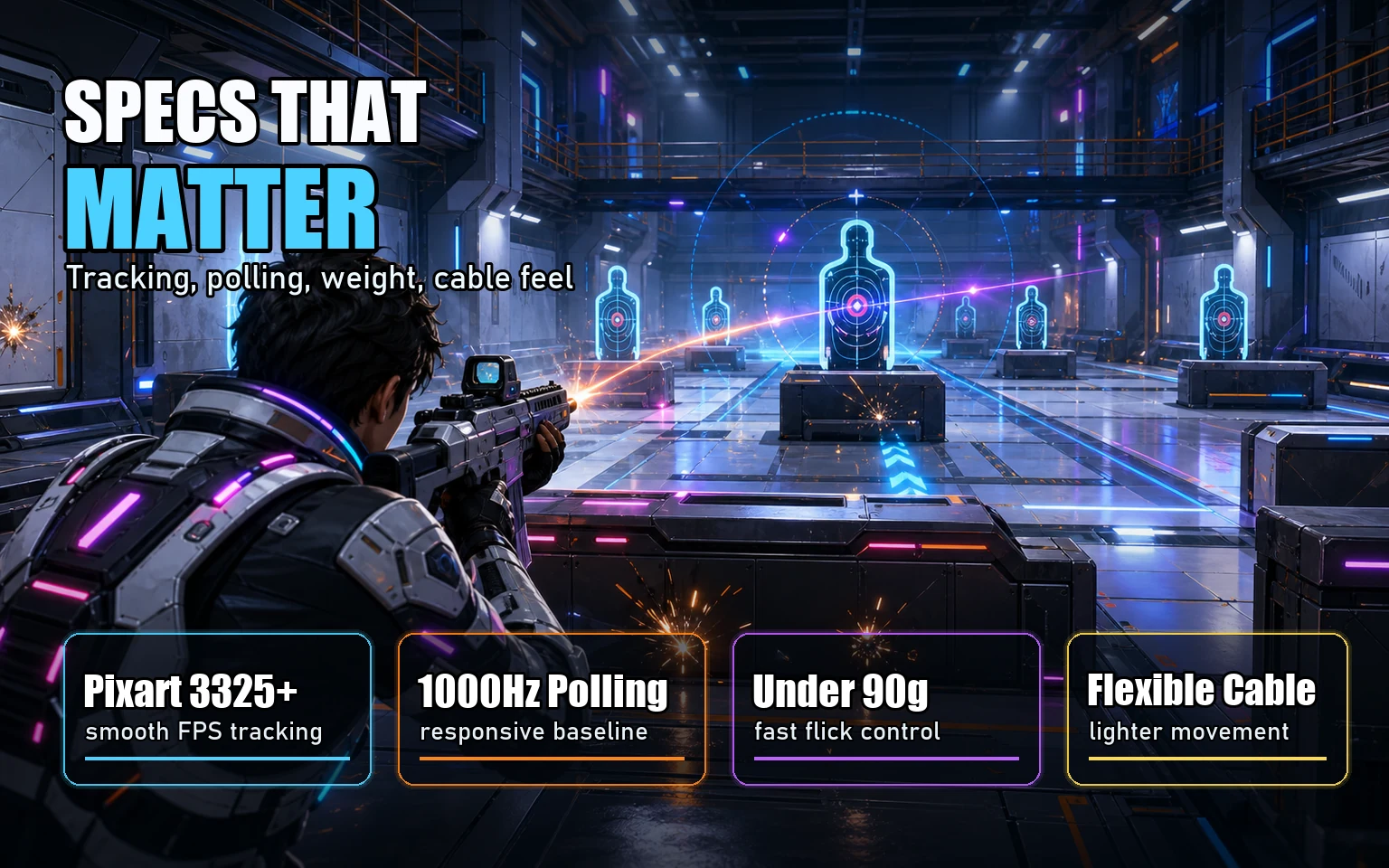
- Sensor: A Pixart PMW3325, 3327, or 3360 derivative is fine. All three track accurately at the speeds and DPI ranges human hands actually use (400-1600 DPI for FPS). Anything above 8000 DPI is a number on a box, not a feature.
- Polling rate: 1000Hz is the floor. Most picks here hit it. Skip anything advertising only 500Hz.
- Weight: Under 90g is the modern target for FPS. Sub-80g is better. Anything over 110g feels sluggish in fast flicks, especially at low DPI.
- Shape and grip: A mouse that fights your hand will tank your aim regardless of sensor quality. Claw, palm, and fingertip grips each want different shells.
- Cable: A stiff rubber cable acts like a hidden weight. Paracord or flexible braided cables are worth paying attention to.
Switch durability, software bloat, and RGB are afterthoughts here. If a mouse hits the marks above, it can compete with hardware costing four times more.
Logitech G203 Lightsync
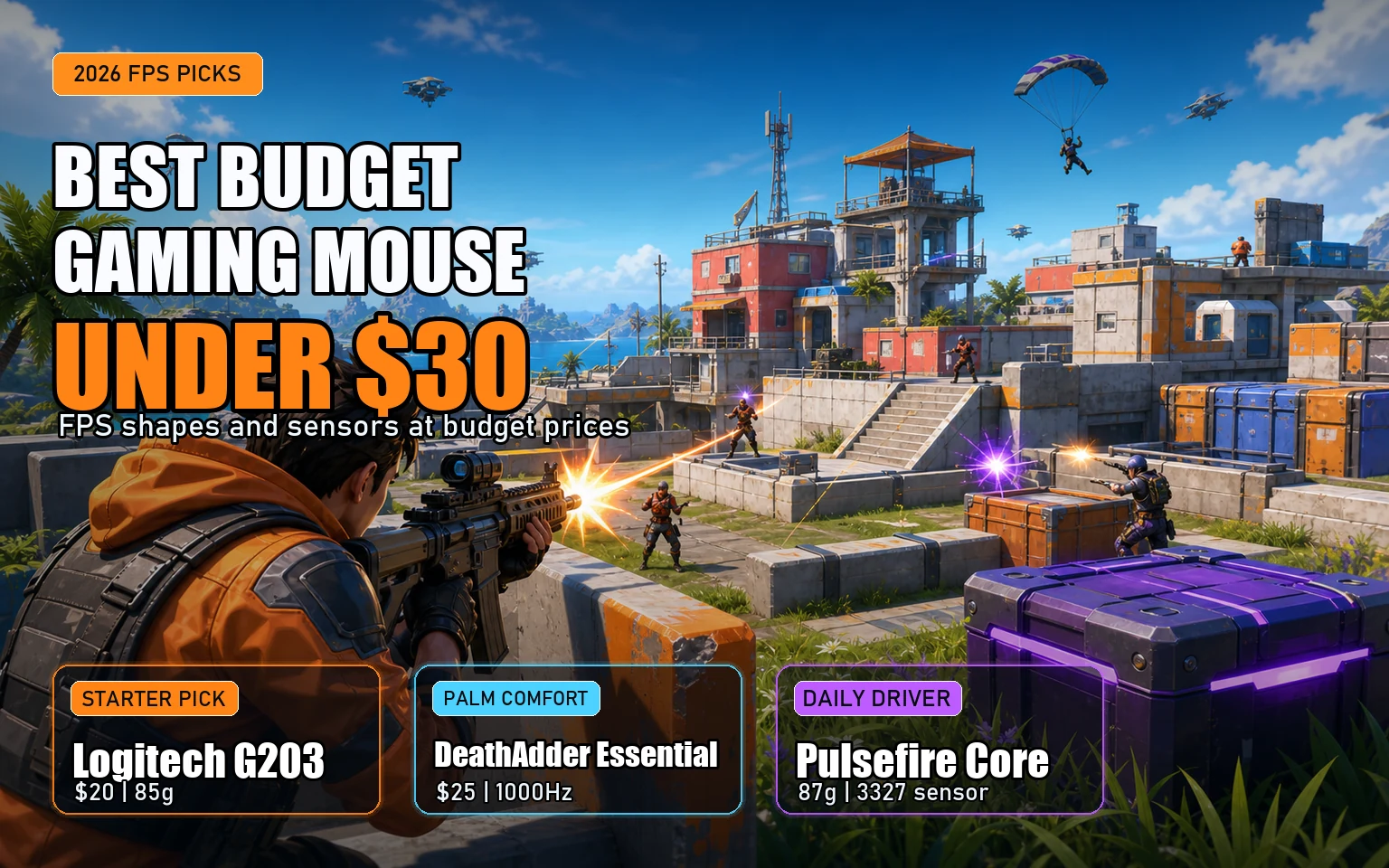
The G203 sits around $20 and is probably the most-recommended budget gaming mouse for a reason. It’s small-to-medium, weighs about 85g, and uses a Mercury sensor that’s a tuned Pixart variant. It’s not the flagship HERO sensor, but in practice you won’t see the difference at 800 DPI.
The shape is symmetrical and works for claw and fingertip grippers with small to medium hands. Palm grippers with hands over 19cm long will find it cramped. The cable is mediocre rubber. Logitech G HUB software is bloated but you can configure DPI and lighting and then close it.
Where it falls short: side buttons are only on the left, so left-handed users are out, and the scroll wheel feels cheap compared to anything above $40. For a first-time FPS mouse or a backup, it’s hard to beat.
Razer DeathAdder Essential
If your hand is bigger than average, the DeathAdder Essential at $25 is the obvious pick. It’s a stripped-down version of Razer’s flagship ergonomic shape that’s been around since 2006, so the form factor has been iterated to death. The right-handed ergo shell suits palm grippers up to about 20cm comfortably.
The sensor is a Pixart 3320 variant rated to 6400 DPI. That’s lower than the box stickers on pricier Razers but still well past what any FPS player uses. Polling is 1000Hz, weight is around 96g — heavier than the G203 but distributed in a way that doesn’t feel front-loaded.
The Essential drops the optical switches and RGB found on the regular DeathAdder, keeping mechanical Omron-style switches that still feel crisp. The downside is the cable, which is stiff rubber that wants to drag. A cheap mouse bungee fixes that for under $10.
Redragon M711 Cobra
At $15 shipped on most days, the M711 Cobra is the value outlier of the bunch. Redragon gets dismissed as a no-name brand, but the Cobra has a Pixart 3325 sensor, 1000Hz polling, and seven programmable buttons. Weight is about 105g, which is the main knock against it for serious FPS.
The shape is a vaguely ergonomic right-handed shell that suits palm and claw grippers with medium hands. RGB is aggressive out of the box but can be disabled. Build quality is acceptable rather than impressive — the plastic creaks under hard squeezes, and the side buttons have noticeable pre-travel.
This is the mouse to buy when budget is the hard constraint, not aspiration. It’s also the right pick for a younger sibling’s first gaming rig or a LAN spare. At half the price of the G203, the gap in feel is real but smaller than the price difference suggests.
HyperX Pulsefire Core
The Pulsefire Core hits around $25 and is the comfort pick of the lineup. Weight is 87g, the shape is a mild right-handed ergo, and the sensor is a Pixart 3327 rated at 6200 DPI with 1000Hz polling. None of those numbers are class-leading, but the execution is consistent.
What stands out is the build. The plastic feels denser than the G203’s, the scroll wheel has well-defined steps, and the side buttons click without mush. HyperX’s Ngenuity software is lighter than G HUB or Synapse, which matters if you hate background processes.
Where it loses ground: no wireless option at this price, and the cable is rubber rather than paracord. For a daily-driver FPS mouse that doesn’t ask much and doesn’t break, it’s a quiet overachiever.
Glorious Model O- (refurbished or used)
The Model O- is the wildcard. New, it’s just above $30, but refurbished units and lightly used examples from r/MouseMarket regularly land at $25-28. At 58g with the honeycomb shell, it’s lighter than anything else here by a wide margin.
The sensor is a Pixart 3360 — a genuine flagship-tier sensor that ships in mice costing three times more. The paracord cable is excellent, the shape is a symmetrical small-to-medium shell that suits claw and fingertip grippers, and the side buttons are crisp on both sides (it’s ambidextrous in shape, though only the left side has buttons).
The catch is the honeycomb. Dust and crumbs get inside, and if you’re squeamish about debris in your peripherals, this isn’t the mouse for you. The other catch is buying used — battery isn’t a concern since it’s wired, but check the switches for double-clicking, which is the failure mode that takes down older units.
Wired vs Wireless at This Price
Honest answer: skip wireless under $30. The cheap 2.4GHz wireless mice in this range typically use older sensors, heavier batteries, and dongles with inconsistent polling. The Logitech G305 sometimes drops to $35 on sale and is the only wireless option worth considering near this bracket — but at full price it’s outside the budget.
A good paracord cable on a wired mouse, paired with a bungee, gets within a hair of wireless feel for half the cost. The competitive advantage of wireless at this tier is essentially zero.
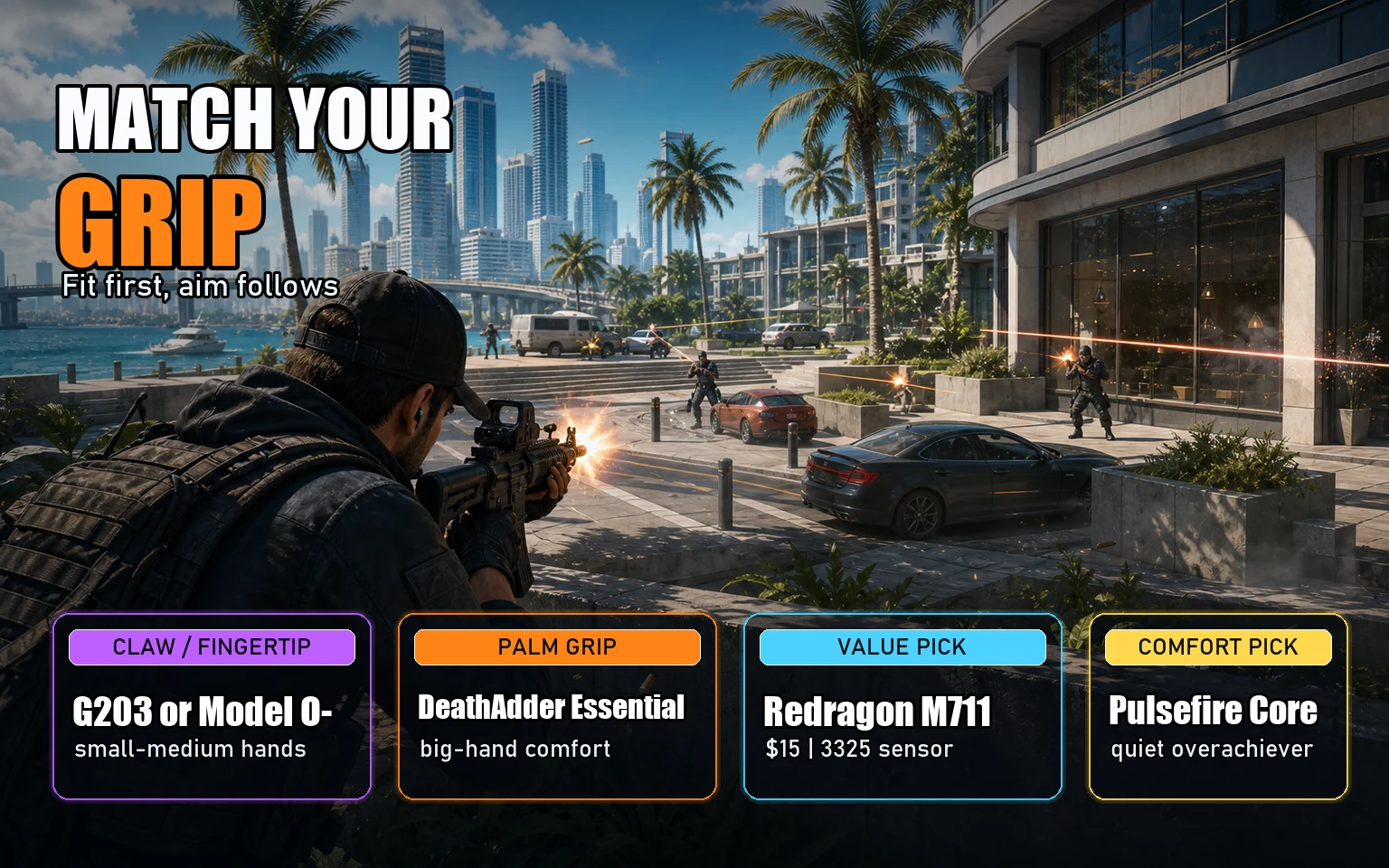
Picking the Right One for Your Grip
- FPS shooters, small to medium hands, claw or fingertip grip: Glorious Model O- if you can find one used, otherwise Logitech G203.
- Large hands, palm grip: Razer DeathAdder Essential. Nothing else in this price bracket has the length.
- Lowest price that still works: Redragon M711 Cobra. Compromises are real but it gets the basics right.
- Daily driver that won’t annoy you: HyperX Pulsefire Core. Boring in the best way.
- Wireless on a budget: Wait for a G305 sale or save another $20. Truly cheap wireless isn’t there yet.
Where the Money Actually Shows Up
Spending more gets you three real upgrades over the $30 tier: a flagship sensor with cleaner low-DPI tracking, dramatically lower weight (sub-60g shells), and reliable wireless with sub-1ms latency. None of those are deal-breakers for ranking up in a tactical shooter — they’re marginal gains that mostly matter at the top of competitive ladders.
For most players, a $25 mouse with a Pixart 3325 or 3327, 1000Hz polling, and a shape that fits your hand will outperform whatever stock mouse came with the PC by a margin that’s impossible to ignore. The best budget gaming mouse 2026 has on offer isn’t a single product — it’s a category that’s genuinely good now, and the picks above prove the price floor for serviceable FPS gear has dropped further than most buyers realize.
Further Reading
- RTINGS.com mouse reviews and ratings
- Logitech G203 official product page
- Razer DeathAdder Essential official page